
The Hidden Cost of Slow APIs: Why Your Users are Leaving
Imagine this scenario. You build a beautiful, modern cloud application. You spend weeks designing the perfect user interface.
But when a user clicks a button, nothing happens for three long seconds. A small, grey loading wheel spins and spins.
In our busy digital age, those three seconds feel like an eternity. Your user gets frustrated, closes the tab, and goes to your competitor.
Slow API response times are the silent killers of online businesses. They destroy the hard work you put into your design and marketing.
When your backend APIs crawl, your entire application feels broken and outdated.
Why Finding the Right Speed Fix Feels So Hard
Many developers try to fix this issue but end up feeling completely stuck. Here is why the search for speed often fails:
- Throwing money at the cloud: Many people just upgrade their cloud servers to more expensive plans. This makes your monthly bills spike but rarely fixes the actual code bottleneck.
- Outdated online tutorials: Much of the online advice is old and does not work for modern serverless or microservice setups.
- Over-complicating the system: Developers often try to rebuild their entire database from scratch. In reality, a few simple, smart adjustments could solve the lag.
- Misleading monitoring tools: Sometimes your local tests look fast, but real-world users across the ocean experience painful delays.
The Mental Toll of a Lagging System
This constant struggle does more than just hurt your web traffic. It takes a heavy toll on your peace of mind.
- Doubt in your skills: Watching users drop off your app can make you feel like you are not a good enough developer.
- Late-night emergency alerts: Constant server slowdowns mean you are always waking up to fix bugs instead of resting.
- Loss of business trust: When clients complain about speed, you lose your confidence and your professional reputation suffers.
Let us look at this problem honestly. A slow API is not just a technical bug; it is a direct leak in your business revenue.
Every extra millisecond your database takes to answer a request costs you money.
The good news is that you do not need a million-dollar budget to fix this. By understanding how data travels through the cloud, you can make your systems incredibly fast. Let us explore the exact, practical steps you can take today to speed up your cloud APIs.
Your Step-by-Step Guide to Lightning-Fast APIs
To fix the speed issue, we must look at how your system handles data.
Here are the first three practical steps to optimize your cloud-based web applications.
1. Optimize Your Database Queries and Structure
The most common reason for a slow API is a struggling database.
Every time your API is called, it usually has to ask the database for information. If your database is not organized, your API has to wait.
Add Smart Database Indexes
Think of your database like a massive library with millions of books.
If there is no index, the librarian must look at every single page of every book to find one name.
An index in a database works like an alphabetical search list at the back of a book. It tells the server exactly where to look.
-- Example of adding an index to a user email search
CREATE INDEX idx_user_email ON users(email);
By adding indexes to the columns you search most often, you can cut query times from seconds to milliseconds.
Stop the N+1 Query Problem
This is a very common coding mistake that slows down APIs.
Imagine you want to display a list of ten blog posts, along with the author's name for each post.
A poorly written API will make one query to get the ten posts. Then, it will make ten separate queries to get the author for each post.
That is eleven database trips in total! Instead, use a SQL Join to get all the information in one single trip.
-- Get posts and authors in one single database trip
SELECT posts.title, authors.name
FROM posts
INNER JOIN authors ON posts.author_id = authors.id;
This simple change keeps your database calm and your API moving quickly.
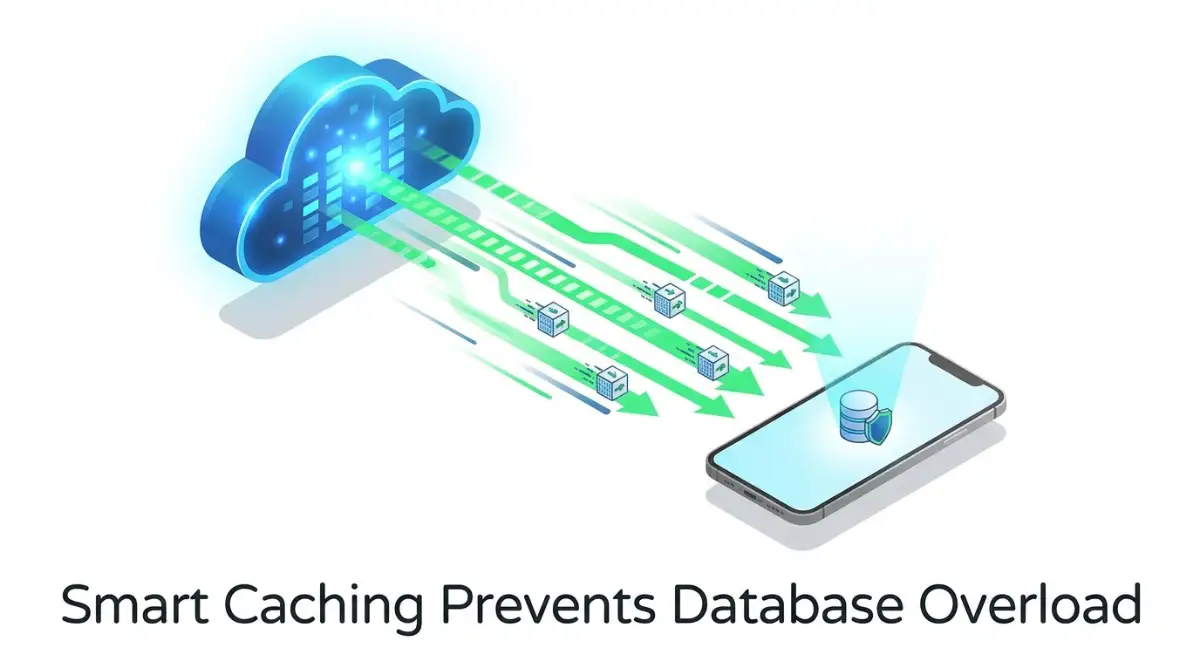
2. Set Up Smart Caching Strategies
Why make your database do the same work over and over again?
If a thousand users ask for the same homepage data, you should not query your database a thousand times.
Use Memory Caching with Redis
Redis is an open-source, in-memory data store.
It is incredibly fast because it keeps data in the server's RAM instead of on a slow hard drive.
Think of caching like keeping your house keys on a small table near the front door. You do not lock them in a heavy safe upstairs every night.
When a user asks for data, check your Redis cache first.
If the data is there, send it back immediately. If it is not, fetch it from the database, save a copy in the cache, and then send it to the user.
[User Request] ---> [Check Redis Cache] --(Found!)--> [Return Fast Response]
                           |
                     (Not Found)
                           |
                           v
                  [Query Database] ---> [Save to Cache] ---> [Return Response]
This simple setup can reduce your API response time from 500 milliseconds to under 20 milliseconds.
Use Edge Caching and CDNs
Sometimes, the physical distance between your user and your server causes lag.
If your server is in New York and your user is in Tokyo, the data has to travel across the ocean.
A Content Delivery Network (CDN) solves this. It keeps copies of your API responses on servers all over the world.
When a user in Tokyo makes a request, the nearest local CDN server answers them. The data does not have to travel all the way to New York.
3. Reduce Network Payload Size and Compress Data
Sometimes, the API logic is fast, but the physical size of the data being sent over the internet is too large. If your API sends heavy files, mobile users on slow data plans will experience terrible lag.
Strip Away Unused Data Fields
Look closely at the data your API returns.
Are you sending a user's entire profile, including their password hash and history, just to show their username?
Only send the exact fields that the frontend needs to display.
This keeps your JSON files tiny and speeds up transmission over mobile networks.
Turn on Gzip or Brotli Compression
You can think of this like sending a zipped folder instead of a giant pile of loose papers.
Most modern cloud servers can automatically compress API responses before sending them.
The user's web browser then decompresses the data instantly.
Using Brotli compression can shrink your API payload sizes by up to 80 percent. This is a simple setting you can toggle in your cloud provider's dashboard or your web server configuration.
Let Us Look at a Real-World Example
To understand how these three steps work together, let us look at a real-world scenario.
Imagine you run a popular online food delivery application.
During the lunch rush, thousands of hungry users open your app to look at nearby restaurants.
- Without optimization: Every single user scroll causes your API to search millions of database rows, fetching food images and reviews slowly. Your servers overheat, response times hit 4 seconds, and users close the app because they are hungry.
- With optimization: You index the restaurant location column. You cache the restaurant menus in Redis for 10 minutes. You compress the search results using Brotli.
Suddenly, your response times drop to 80 milliseconds. Your cloud bill goes down because your main database is barely working.
Your hungry users get their food quickly, and your business grows.
Simple Habits for Ongoing API Success
Optimizing your cloud API is not a one-time chore. It is a habit of writing clean code and keeping things simple.
Always test your API speeds with real-world network conditions, not just on your fast office Wi-Fi.
By keeping your databases indexed, caching common requests, and keeping your payloads small, you will build applications that users love to use.
Start with just one of these steps today, and watch your cloud application speed fly!
Advanced Methods to Fine-Tune Your Cloud Systems
Building a fast API requires more than just basic caching. As your user base grows, you need to think about how your servers handle heavy tasks and database traffic under pressure.
To make this work well, we can look at the rules of HTTP caching on MDN Web Docs to see how browsers store content[1]. Using these standards helps you save server bandwidth and keep your cloud bills low.
If you are upgrading an older application, you might also want to look at step-by-step AI integration for old software systems to keep your entire setup modern. Modernizing your backend code goes hand-in-hand with database tuning.
When setting up these cloud instances, following AWS caching best practices helps keep your data close to the end user[2]. Let us look at two advanced steps that will keep your APIs running fast, even during peak traffic hours.
4. Move Heavy Tasks to Background Queues
When a user triggers a heavy task, your API should not make them wait for the task to finish. Heavy tasks include things like generating a PDF invoice, sending a welcome email, or resizing an uploaded profile picture.
If your backend code tries to do all of this during the active API call, the response time will crawl. The user will be stuck staring at a blank screen while your server processes the file.
The best solution is to use asynchronous background processing. When the user requests a heavy task, your API should instantly save the request to a queue and return a success message.
[User] ---> (Click Upload) ---> [API Server] ---> (Saves Task to Queue) ---> [Returns Fast "Processing" Code]
                                                      |
                                                      v
                                            [Background Worker] ---> (Processes Heavy Image in Secret)
A separate background service, called a worker, will then pick up the task from the queue and process it quietly. This keeps your API response times incredibly low because the user gets an instant confirmation while the hard work happens in the background.
To understand this, think of a busy fast-food restaurant. When you place an order, the cashier does not make you stand at the register for ten minutes while they cook your food.
Instead, they hand you a receipt with an order number and ask you to sit down. You get an instant response, and the kitchen cooks your meal in the background.
You can use reliable message brokers like RabbitMQ or Amazon SQS to manage these queues. This separation of tasks keeps your system responsive and prevents server crashes during busy hours.
5. Use Database Connection Pooling
Every time your API needs to talk to your database, it has to open a connection. Opening a new database connection requires a digital handshake that takes time and uses up CPU power.
If your API opens and closes a new connection for every single request, your system will quickly run out of memory. This issue gets much worse when thousands of users access your app at the same moment.
To solve this, you should set up connection pooling. A connection pool keeps a set of active database connections open and ready at all times.
When a new API request comes in, it borrows an open connection from the pool, uses it, and immediately returns it. This removes the slow setup time and keeps your database traffic organized.
Managing database nodes across different cloud zones is a lot like managing complex international rules, such as understanding crypto taxes in US vs Europe. You need a clear, centralized strategy to ensure everything runs smoothly without conflicts.
How to Keep Your Cloud APIs Fast for the Long Term
Optimizing your system once is great, but keeping it fast over time requires active planning. As your app gains more users, your database will grow, and old code bottlenecks will begin to show.
You should set up automated performance monitoring tools to track your API response times daily. Look for the average response time, but also pay close attention to the slowest requests.
Running regular load tests is also a smart habit. This helps you simulate high-traffic events before they actually happen in real life.
Think of your cloud application like a family car. You do not wait for the engine to fail on the highway before you check the oil.
Regular maintenance, query reviews, and system checks will save you from emergency server failures. This simple routine protects your peace of mind and keeps your users happy.

Traps and Missteps: What to Avoid on Your Speed Journey
When developers start tuning their APIs for speed, it is easy to make mistakes that actually hurt performance. Let us examine the five most common traps and how you can avoid them.
1. Caching Everything Without an Expiration Plan
Caching is a powerful tool, but caching too much data can create massive headaches. If you do not set a proper Time to Live (TTL) for your cached data, your users will end up seeing old information.
For example, a customer might update their shipping address but still see their old address on the checkout page because of a stubborn cache. Always design a clear cache invalidation plan so that your system updates the cache whenever the main data changes.
2. Relying on Outdated Network Protocols
If your cloud server is still using old HTTP/1.1 protocols, your APIs will struggle with speed. Old protocols force the browser to open multiple connections to download files, which causes network congestion.
Make sure your cloud load balancers are updated to use HTTP/2 or HTTP/3. These newer protocols allow your API to send multiple data packets over a single connection, which instantly drops latency.
3. Creating Too Many Database Indexes
We mentioned that database indexes are great for speeding up search queries. However, having too many indexes will slow down your database writes.
Every time you insert, update, or delete a row, the database has to update all of its index files as well. Only index the columns that you search most frequently, and avoid indexing columns that change every few seconds.
4. Ignoring Security While Chasing Speed
Sometimes developers bypass security checks, token validations, or rate limits just to save a few milliseconds of response time. This is a highly dangerous practice that opens your database to hackers.
Always keep your security layers active and fast by using lightweight token systems like JSON Web Tokens (JWT). When you ignore basic system safety, your risk profile climbs, which is like trying to protect a house without knowing how to choose home insurance in the US and Canada easily.
5. Over-Engineering Your Backend Code Too Early
It is tempting to build a complex system of microservices and global queues for a small web application. But this premature optimization usually introduces more network lag and makes debugging very difficult.
Start with a simple, clean monolithic backend first, and only add complex tools when your traffic truly demands it. Trying to build a massive system before you need it is like taking out a huge high-interest loan to open a tiny lemonade stand.
You might end up struggling under the weight of your own setup, much like trying to get a personal loan with poor credit. Keep your architecture as simple as possible for as long as possible.
Your Roadmap to a Snappy Cloud Future
A fast API is the foundation of a great digital experience. When your web application responds instantly, users feel confident, conversion rates go up, and your cloud hosting costs stay manageable.
We have explored how simple database indexes, smart caching, compressed data, and background queues can transform your system. You do not need to apply all of these changes at the same time to see a difference.
Start by identifying your single slowest API endpoint today and apply one small fix. As you clear out the bottlenecks, you will build a clean, scalable application that can easily handle future growth.


