The Hidden Cost of Managing Your Calendar Manually
Do you know that feeling when you finally sit down on the couch after a 10-hour workday, only to realize you still have to reply to five different clients asking for your availability? For the longest time, I thought running my own business meant I had to be on call 24/7. I was completely burned out from playing my own secretary. If you are tired of typing "does Tuesday at 3 PM work for you?" over and over again, I am going to show you exactly how to stop this stressful cycle today.
Imagine this exact scenario. It is 10:30 PM on a Friday night, and you are finally sitting down on your couch with a hot cup of tea. You just want to watch a single episode of your favorite show and relax.
Suddenly, your phone buzzes. A client is messaging you on Instagram asking if you have any open slots next Tuesday. You try to ignore it, but then a WhatsApp message pops up from another client asking to reschedule their Wednesday appointment.
Before you know it, your relaxing evening is completely gone. You are opening your planner, cross-referencing your digital notes, and typing out long messages trying to find a time that works for everyone.
As a solo service provider, this is a heavy burden to carry. Whether you are a freelance photographer, a private tutor, a fitness coach, or a massage therapist, your core job is providing an amazing service. But somehow, you end up spending hours every single week acting as your own full-time secretary.
Worse yet, manual scheduling directly hurts your personal boundaries. When clients expect you to reply to booking requests late at night, you never truly clock out of your business. Your friends and family notice that your mind is always somewhere else, worrying about tomorrow's schedule.
There has to be a better way to run your business without sacrificing your peace of mind. The good news is that you can completely fix this problem. By removing yourself from the scheduling process, you can finally focus on what you do best.
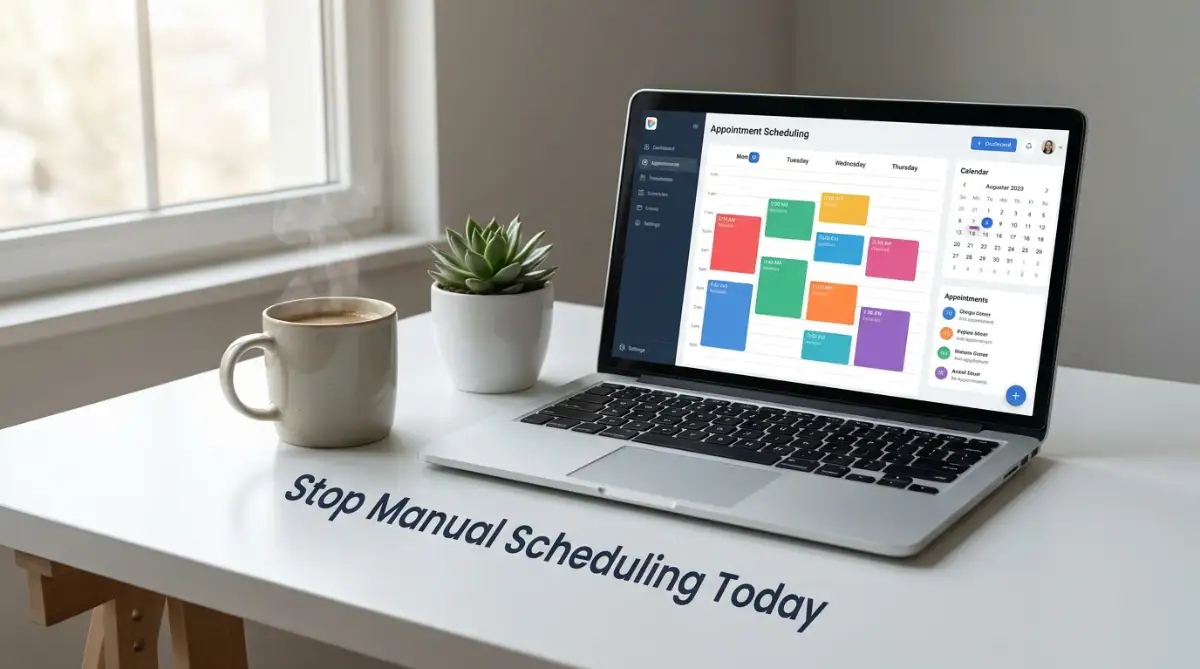
What You Will Learn In This Guide:
- Why opening your calendar for the whole week actually hurts your business.
- How to automatically block out travel time and lunch breaks.
- The easiest way to stop clients from missing their appointments.
- How to smoothly move your older, texting clients to an online link.
Designing a Business That Books Itself
Setting up an automated system might sound like a highly technical job meant for giant corporations. But the truth is, modern tools are built specifically for everyday people who simply want to organize their working hours.
You do not need to know a single line of code to make this work. You just need a clear understanding of how you want your business to operate on a daily basis. Let us break down the exact actions you can take today to build a smooth, hands-off scheduling machine.
Step One: Auditing Your Real Availability
Before you even touch a software program, you have to decide when you actually want to work. Many solo providers make the mistake of opening up their calendar from 9 AM to 6 PM, Monday through Friday.
This is a terrible idea for your mental health. If you are doing client work for eight hours straight, when do you eat? When do you handle your accounting, reply to emails, or simply take a breath?
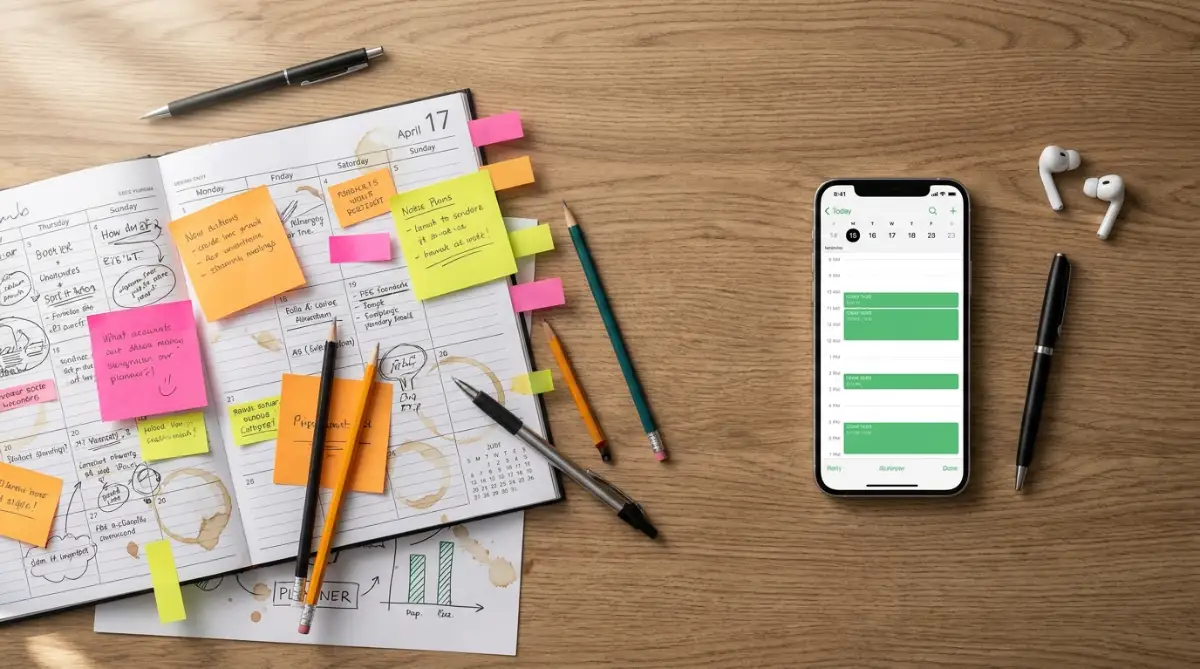
You need to establish strong boundaries. Block out specific days or hours just for administrative tasks. For example, you might decide that Monday mornings are strictly for planning and answering emails.
Pro Tip: Never offer your entire open week to a client. Having too many options can actually overwhelm people. Offering carefully selected time blocks makes your services look more exclusive and helps you group your meetings together.
I actually made the huge mistake of leaving my calendar wide open from Monday to Friday when I first started using an automated booking link. I ended up with five back-to-back meetings with zero time to eat lunch, which left me completely burned out by Wednesday afternoon. Now, I always block out a mandatory one-hour lunch break and two short breathing windows every single day to protect my energy.
If you are wondering exactly how these modern booking tools look and work in real life, check out this quick video tutorial below. Once you see how incredibly easy it is to set up, keep reading to find out the exact steps you need to take to build your own hands-off scheduling machine!
Step Two: Defining Your Service Durations and Buffers
Every appointment is longer than the time you spend directly with the client. You must account for the preparation and the cleanup.
If you are a mobile makeup artist, a one-hour session actually requires travel time, setting up your kit, and packing it all away. If you book back-to-back clients without breaks, you will quickly fall behind schedule. Being late makes you look unprofessional, even if your actual service is amazing.
Always add buffer times into your automated setup. A good scheduling tool will let you automatically block off 15 or 30 minutes before and after every appointment.
This gives you a moment to drink some water, stretch your legs, and mentally prepare for the next person. Your clients will only see the time slots you are truly ready for.
Step Three: Picking the Right Digital Hub
Now that you know your true availability, you need a central place to host your schedule. The market is full of great options, and most of them offer free versions for solo professionals.
When choosing a platform, look for three very specific features. First, it must automatically sync with your personal phone calendar. If you add a dentist appointment to your personal Google Calendar, your business booking page should instantly block that time out.
Second, it needs to handle time zones automatically. If you offer online coaching, you might be in Dhaka while your client is in London.
Trying to calculate the time difference manually is a nightmare. A good tool will automatically show your availability in the client’s local time zone, completely eliminating any confusion.
Quick Q&A: Wait, How Does Time Zone Sync Actually Work?
- You: Let's say you live in Dhaka. You set your working hours from 2 PM to 6 PM.
- Your Client: They live in London. When they click your booking link, the app instantly reads their internet location. They will see your free slots perfectly converted to their local morning time. You do not have to do any math or send confusing follow-up emails!
Third, the platform must be easy for your clients to navigate on their mobile phones. Most people will try to book you while they are sitting on a bus or waiting in line for coffee. If the booking page is difficult to read on a small screen, they will simply give up and leave.
My Top 2 Favorite Booking Tools (Free to Start):
- Calendly: Best for everyday people. It has a super clean look, and the free version lets you connect one personal calendar easily.
- Acuity Scheduling: Best if you want clients to pay a deposit upfront. It is slightly more detailed to set up but gives you maximum control over your schedule
Myth vs. Reality in Solo Business Automation
Myth: "If I use a booking link, my clients will think I am being cold and robotic. They prefer talking to me directly."
Reality: People actually love the convenience of self-service. Think about how you prefer to book a movie ticket or a restaurant table. You want to see the options clearly and click a button. Your clients feel the exact same way. They respect your professionalism when you provide a smooth, organized system.
Step Four: Capturing Information Upfront
How many times have you arrived at an appointment only to realize you do not have all the details you need? When you automate your scheduling, you can also automate your data collection.
Instead of just asking for a name and an email, attach a short intake form to your booking process. Ask the right questions before the meeting even begins.
If you are a brand designer, ask them to drop a link to their current website. If you are a therapist, ask them to briefly describe their main goal for the session.
This simple addition changes everything. You walk into every single appointment fully prepared. The client feels heard and understood from the very first minute, which dramatically increases their trust in you.
Step Five: Eliminating the No-Show Problem
There is nothing more frustrating than preparing for a client, waiting for them to arrive, and realizing they are not going to show up. As a solo worker, a missed appointment means you lose money that you cannot get back.
Automated scheduling allows you to easily implement two highly effective solutions to this problem. The first solution is upfront payments or deposits.
By connecting a simple payment gateway to your booking page, you can require a small deposit to secure the time slot. When people pay even a tiny amount of money, their commitment level skyrockets. They are highly unlikely to forget the appointment.

Step Six: Setting Up Automatic Nudges
The second solution to stopping no-shows is automated communication. People are busy, and they simply forget things.
Instead of manually typing out reminder texts the night before, let your system do the heavy lifting. You can easily set up a flow where the client receives a polite email confirmation immediately after booking.
Then, 24 hours before the appointment, the system automatically sends them a friendly text message reminder. You can even include a link allowing them to reschedule on their own if an emergency happens.
This keeps your calendar accurate without you ever having to lift a finger. You go to sleep, and your software acts as your personal assistant, making sure tomorrow’s schedule is rock solid.
Quick Comparison: Manual vs. Smart Scheduling
Daily Activity Manual Method Automated Method Booking a Client5 to 10 messages over several hours1 single click on your custom link Sending Reminders Typing out texts the night before System sends SMS automatically Handling Reschedules Frustrating calendar checking Client picks a new time themselves Collecting Payments Chasing invoices after the fact Paid instantly during booking
Step Seven: Training Your Existing Clients
One of the biggest worries solo providers have is how to transition their older, long-term clients to this new system. You might have clients who have been texting you for months and are used to the old way.
The trick is to make the transition feel like an upgrade to your service. Frame it as a positive change designed to help them.
You can send a friendly message saying, "Hi there! To make booking easier and faster for you, I have just launched a brand new online schedule. You can now grab your preferred time instantly right here!"
If an older client still texts you asking for a spot, do not get angry. Simply reply with a warm tone, "I would love to see you! My calendar is filling up quickly, so please grab the best time for you through this link." After doing this once or twice, even your least tech-savvy clients will realize how much easier the new link is. They will appreciate not having to wait for your reply.
Step Eight: Creating VIP Exceptions Safely
Sometimes, you have a high-paying or extremely loyal client who desperately needs a last-minute slot. When you automate your entire system, you might worry that you lose the flexibility to help these special cases.
This is simply not true. You are always in control of your own business.
If a VIP client reaches out with an emergency request, you can easily log into your backend system and manually override your own rules. You can squeeze them in, send them a private confirmation, and keep everyone happy.
The difference is that you are now making these exceptions by choice, not out of daily panic. Your automated system handles 95% of the regular traffic, leaving you with plenty of mental energy to deal with the 5% that requires a personal touch.
The Real Impact on Your Daily Life
Once you have this framework running smoothly, the changes in your daily routine are incredible. You will wake up in the morning, check your phone, and see new appointments booked while you were sleeping.
You no longer have to apologize for replying late to a direct message. You no longer have to experience the cold sweat of realizing you booked two people at the exact same hour on a Tuesday.
By reclaiming those lost hours, you finally have the freedom to grow your solo business. You can use that extra time to learn a new skill, market your services better, or honestly, just take a well-deserved nap.
Moving Beyond the Basics with Smart Automation
Setting up a basic booking link is a great first step, but you can do so much more to optimize your daily workflow. Once you understand the basic mechanics, you can start exploring advanced settings that make you look incredibly professional.
Most solo business owners stop at just sharing a simple calendar link. However, you can deeply customize the experience so your clients feel like they are interacting with a high-end agency.
One of the smartest things you can do is match your booking page to your brand identity. Add your business logo, use your exact brand colors, and write a warm welcome message at the top of the page.
When a client clicks your link, they should immediately feel safe and in the right place. A blank, generic booking page can sometimes look like a spam link, which might cause hesitant clients to click away.
Automating the Post-Appointment Experience
Your scheduling software can continue working for you long after the actual appointment is over. This is where the real magic of automation happens.
Think about what happens after you finish a successful project or consultation. Usually, you are too tired to send a follow-up email, so you just move on to the next task.
Instead, you can set your software to automatically send a "Thank You" email exactly 24 hours after a session ends. In this automatic email, you can kindly ask the client to leave a Google review or follow your social media pages.
This single advanced tweak can completely transform your online reputation. You will start gathering positive reviews effortlessly while you are busy sleeping or working on other things.
Implementing Conditional Logic for Better Screening
Not every client is a good fit for your business, and that is perfectly okay. You can use your booking system to gently screen people before they even get on your calendar.
Using conditional logic in your intake form allows you to ask specific questions based on their previous answers. If you are a personal trainer and a client selects "Beginner" on the form, the next question can ask if they have any old injuries.
If they select "Advanced," the system skips the injury question and asks about their current heavy lifting records. This makes the form feel highly personalized and shows the client that you care about their specific situation.
Protecting Your Mental Bandwidth
Constantly switching between doing actual work and checking your schedule is exhausting. The American Psychological Association's research on multitasking shows that constantly shifting your focus dramatically reduces your brain's efficiency.
Every time you stop what you are doing to reply to a booking text, it takes your brain nearly twenty minutes to fully regain focus on your original task. This is a massive waste of your daily energy.
By pushing everyone to your automated link, you protect your mental bandwidth. You only look at your calendar once in the morning and once in the evening.
You must prepare your business for unpredictable times, just like you would prepare a vehicle for bad weather. Similar to understanding the truth about charging your electric car in freezing temps, building a strong automated foundation keeps your business running when your personal energy is completely drained.
Expert Insight: The Power of Hidden Calendars
Here is a highly effective secret that many successful consultants use. You do not have to put all of your available services on one single public page. You can create private booking links that are completely hidden from the public eye. You can send these secret links only to your most loyal, returning clients.
This allows you to offer special discounted rates or longer session times to your favorite people without advertising it to the whole internet. It makes your best clients feel like VIPs while keeping your public calendar completely standard.

The Hidden Traps That Can Ruin Your Schedule
Even the best software in the world cannot save you if you set it up poorly. Many solopreneurs get so excited about automating their life that they accidentally create a completely horrible experience for their customers.
Automation should make things easier for the client, not just for you. If you become too rigid or robotic, you will quickly start losing the personal charm that makes your small business special. Let us explore some of the most damaging traps you might fall into and exactly how you can easily avoid them.
Trap One: The Interrogation Form
We talked earlier about the benefit of asking questions before an appointment. However, there is a very fine line between being prepared and being annoying.
Some service providers ask twenty different mandatory questions on their booking page. They ask for home addresses, secondary phone numbers, and long paragraph answers before the client has even met them.
If your booking form feels like a school exam, people will simply close the window. They will abandon the booking completely.
Keep your intake form down to three or four highly relevant questions. You can always gather more detailed information during your actual meeting once you have built a little bit of trust.
Trap Two: Sounding Like a Corporate Robot
When you set up your automated confirmation emails and text messages, the software usually provides a default template. These default messages are incredibly boring and cold.
They usually say something like, "Your appointment is confirmed for Date and Time. Do not be late." This completely destroys the friendly connection you have worked so hard to build.
You must take ten minutes to rewrite these automatic templates in your own voice. Use exclamation points, warm greetings, and friendly language.
Make the automatic message sound exactly like a text you would send to a friend. People know it is an automated message, but they still appreciate a warm and polite tone.
Many people believe that using software will instantly kill their personal touch. This is a complete myth, much like the old nutritional myth that eating good fats won't give you a heart attack; using smart tools will actually make your customer relationships much healthier.
Trap Three: The Abandoned Calendar Disaster
An automated system only works if it knows your true availability. The software cannot read your mind.
If you decide to take a random Friday off to go to the beach, you must physically block that day out on your connected digital calendar. If you forget to do this, clients will continue booking slots while you are out enjoying the sun.
You will eventually have to call them, apologize profusely, and reschedule, which completely defeats the purpose of automation. You must treat your digital calendar as the absolute boss of your working life.
Failing to maintain your administrative backend is a silent killer for small businesses. Just like what really happens when your domain name expires, ignoring the basic upkeep of your digital tools will eventually cause everything to crash down around you.
A Quick Do's and Don'ts Checklist
- Do test your booking process on a mobile phone before launching it to the public.
- Don't hide your contact information entirely; always leave an email address for true emergencies.
- Do set a limit on how far in advance people can book (e.g., only open your calendar for the next 30 days).
- Don't allow clients to book a session that starts in less than 12 hours without your direct permission.
Following these simple rules will keep you in total control. The U.S. Small Business Administration guidelines on managing business operations strongly advise owners to regularly audit their digital workflows to ensure they remain user-friendly over time.
Your Next Steps Toward a Stress-Free Schedule
You did not start your own business so you could spend your evenings arguing with strangers over time slots. You started this journey because you have a unique skill that genuinely helps people.
Every minute you spend typing out manual schedule updates is a minute stolen from your true craft. It is also time stolen from your family, your hobbies, and your own physical rest.
Making the switch to an automated system might feel a little scary at first. You might worry about losing control or frustrating your older customers. But once you cross that bridge, you will never want to go back to the old way. Gaining total control over your daily routine gives you a deep psychological reset.
It feels very similar to the profound mental clarity you get when you step out of your comfort zone. Just like why your first solo trip changes everything, taking full ownership of your time completely transforms how you view your own potential.
Action Plan for Tomorrow Morning
You do not need to build a massive, complicated system overnight. In fact, trying to do too much at once will only cause you unnecessary frustration.
Tomorrow morning, simply choose one free scheduling platform and create an account. Spend just twenty minutes connecting it to your personal calendar and setting up your basic working hours.
Share that single link with just one new client and watch what happens. Seeing that first notification pop up on your phone—knowing you did absolutely zero manual work for it—is an incredible feeling.
As you get more comfortable, you can slowly start adding intake forms, automatic text reminders, and payment gateways. You hold the steering wheel, and you can drive at whatever speed feels safe for you.
You deserve to run a business that supports your life, not a business that consumes it entirely. Set up your digital assistant today, close your laptop early tonight, and finally get some well-deserved rest.
Taking that very first step to automate my calendar was honestly the best thing I ever did for my mental health and my overall business growth. You do not have to figure it all out today, but I promise that setting up just a basic booking link will feel like a massive weight has been lifted off your shoulders. Give it a try right now, and finally claim your free time back!
Disclaimer: The information provided in this article is for educational and informational purposes only. It does not constitute professional financial, legal, or business advice. Every solo business is unique, and you should always research and choose software tools that best fit your specific industry requirements and local privacy laws.