The Day I Almost Handed Over My Life Savings
Be honest—how many times did you look at a weird email this morning and wonder, "Wait, did I actually buy that?" Scammers are getting so smart that even tech experts are falling for their fake Amazon receipts and banking alerts. You don't need a computer science degree to spot a liar. I am going to show you a few dead-simple tricks to lock down your inbox so you never have to second-guess a strange link again. Let's make your email a safe place.
That single moment of panic completely changed how I look at my inbox. We often think that hackers are technical geniuses breaking through heavy firewalls in dark rooms. But the truth is much simpler and far more terrifying.
Hackers do not need to break into your computer if they can simply trick you into opening the front door for them. This is the exact reality of modern phishing emails. They are designed to look like normal, everyday messages from companies you already know and trust.
Average people face a daily war zone inside their own email accounts. You wake up, grab your morning coffee, and find your inbox flooded with fake Amazon receipts, fake Netflix suspension notices, and fake tracking numbers from the post office. It is incredibly exhausting to constantly question if a simple message is real or a dangerous trap.
By learning a few simple, everyday habits, you can completely turn the tables on these scammers. You can transform your inbox from a place of stress into a secure, safe environment. Let me show you exactly how to take back control.
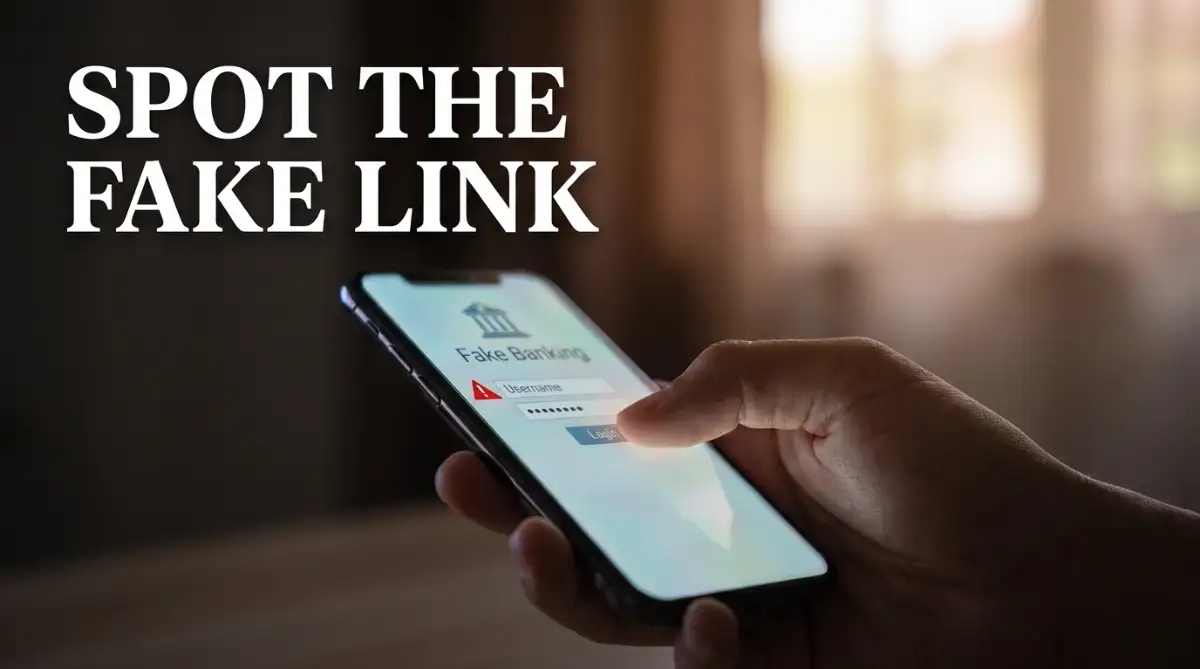
Your 30-Second Inbox Armor Checklist:
- Never trust the display name: Always click to see the hidden, actual email address.
- Hover before you click: Let your mouse rest on a link to reveal the true website URL before you tap it.
- Ignore artificial urgency: If an email says "Act now or lose your account!", it is almost certainly a scam trying to make you panic.
- Use a password manager: Let an app remember your complex passwords so a fake website cannot trick you into typing them.
Looking Behind the Curtain of Psychological Manipulation
To defeat an enemy, you must first understand exactly how they think. Scammers do not use complex computer coding to steal your passwords; they use basic human psychology. They understand that when a human brain feels rushed or scared, it completely stops thinking logically.
Think about how you react when you see a message that says, "Your account will be suspended in 24 hours." Your brain instantly enters a state of panic. You want to fix the problem immediately, so you completely ignore all the obvious warning signs and click the link.
This psychological trick is exactly how sophisticated phishing campaigns operate. They rely on strong emotions to bypass your natural common sense. If you want to protect your privacy, you have to train yourself to pause every time an email makes you feel anxious, excited, or rushed.
The Myth of the Perfect Spelling
Years ago, recognizing a fake email was incredibly easy. Scammers from foreign countries would send messages filled with terrible spelling mistakes and weird grammar. You could spot a scam from a mile away just by reading the first sentence.
Today, the game has completely changed. Scammers now use advanced artificial intelligence programs to write highly professional, perfectly formatted emails. You can no longer rely on typos to keep you safe.
Instead, you have to look for hidden structural clues inside the email itself. We are going to build a solid, step-by-step mental checklist that you can use every single time you open a new message.
Investigating the True Sender of the Message
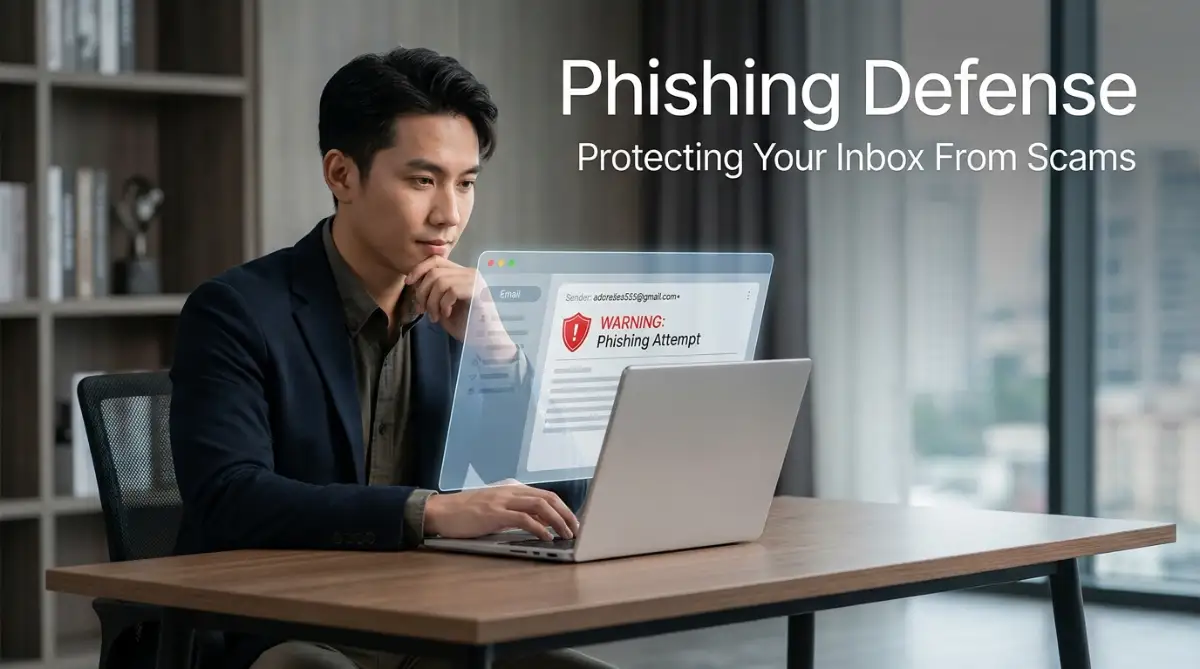
The absolute most important skill you can learn is how to verify the actual sender of an email. Scammers are very good at changing the "Display Name" of an email to match a famous company. For example, the bold name at the top of the message might clearly say "PayPal Security Team."
However, the display name is just a costume. You must look at the actual email address hiding directly behind that name. This is where the scammers always reveal their true identity.
To do this, you simply click on the sender's name at the top of your screen to expand the details. You might see that the display name is "Apple Support," but the hidden email address is actually "support@apple-recovery-update.com."
That is a fake domain. Real companies always use their exact, short website name for their official emails. Apple will only ever send you messages from an address ending in "@apple.com".
Scammers buy cheap web domains that look very similar to the real thing, hoping you will read it too quickly to notice the difference. They might swap a capital "I" for a lowercase "L", or add extra words like "service" or "update" to the end of the web address.
My Personal Pro Tip: I almost lost my social media account last month because the sender address was spelled "instargram.com" instead of Instagram. My brain completely skipped over that extra 'r' in the middle of the word. Now, I forcefully slow down and read the sender's address out loud, letter by letter, whenever an email asks me for personal information.

Disarming the Trap of Fake Hyperlinks
Once a scammer gets you to open the email, their next goal is to make you click a dangerous link. These links usually lead to a fake website designed to steal your passwords or silently download bad software onto your computer.
Scammers easily hide these dangerous web addresses behind friendly-looking blue text. The text might say "Click here to view your invoice," but the hidden destination is a hacker's private server.
You should never click a link blindly. Instead, you need to use a technique called "Hovering." If you are on a computer, simply move your mouse pointer over the link and leave it there for two seconds without clicking.
A small white box will pop up near your mouse, showing you the exact web address that the link will actually take you to. If the email claims to be from your bank, but the hidden link points to a random string of numbers or a strange foreign website, it is a guaranteed trap.
If you are using a smartphone or a tablet, you cannot hover with a mouse. Instead, you firmly press and hold your finger on the link for a few seconds. A menu will slide up from the bottom of your screen displaying the true destination URL.
This simple hovering trick is your best defense against modern scams. Watch this quick, helpful video to see exactly how to reveal hidden links on both your computer and your smartphone.
Quick Q&A: What if I accidentally clicked?
- Q: I panicked and clicked a weird link. Am I hacked?
- A: Not necessarily! Just clicking a link rarely installs a virus on modern phones or browsers. The real danger happens if you type your password on that fake page or download a file. If you just looked and quickly closed the tab, you are almost always safe.
The Danger of Link Sharpeners
Sometimes, scammers try to hide their dangerous websites by using a link shortening service. You might see a link that looks like "bit.ly" or "tinyurl.com" inside a professional email.
Legitimate banks, government agencies, and major retailers almost never use these short links in their official communications. If an organization has a real message for you, they will proudly display their full, branded web address.
If you receive an unexpected short link, simply ignore it. There is absolutely no reason to risk your privacy just to see where a mystery link goes.
Handling Unexpected Email Attachments
While fake links are bad, dangerous email attachments are often much worse. Clicking a bad link usually requires you to manually type in your password to get hacked. Opening a bad attachment can infect your computer with a virus instantly.
Scammers love to send fake invoices, shipping documents, or legal notices as attached files. They know that human curiosity is a very powerful force. If you receive a document titled "Overdue Payment Notice," you will naturally want to open it to prove they made a mistake.
You must train yourself to stop and think before downloading any file. The file extension—the little letters at the end of the file name—will often tell you everything you need to know about the danger level.
Never, ever open an attachment that ends in .exe, .scr, or .zip if you were not expecting it. These specific file types are designed to run hidden programs the second you click on them.
Even normal-looking Microsoft Word documents (.doc or .docx) can be highly dangerous. Scammers hide tiny, malicious scripts inside these documents called macros. If you open a Word document from a stranger and it asks you to "Enable Content" or "Enable Macros," close the file immediately and delete the email.
Real-Life Scenarios You Must Watch Out For
To truly protect yourself, it helps to understand the specific storylines that scammers use every day. They follow the exact same scripts over and over again because these specific scenarios consistently trick normal people. Let us walk through a few common situations you will likely face this week.
The Urgent Subscription Renewal
You get an email claiming your antivirus software, your streaming service, or your computer protection plan is about to automatically renew for a massive amount of money. The email kindly provides a phone number or a link you can click to cancel the expensive charge.
This is entirely fake. The scammers want you to panic about the money. When you call the fake customer service number, a real person answers and tricks you into giving them access to your computer to process the "refund."
If you ever get an email about a strange charge, never use the contact information provided in that message. Open a brand new web browser, type in the company's real website address yourself, and check your account status from there.
The Fake Package Delivery
Online shopping is more popular than ever, which means we all have packages arriving constantly. Scammers send millions of emails pretending to be from FedEx, UPS, or the local postal service. The message usually says your package could not be delivered due to an unpaid shipping fee of just one or two dollars.
They ask you to click a link and pay the tiny fee with your credit card. They do not care about the one dollar. They want you to type your credit card number into their fake website so they can steal it and make massive purchases later.
Real delivery companies will never ask you to pay unexpected fees through a random email link to release a package. If you are worried about a delivery, go to the official shipping website and type in the tracking number manually.
The Boss Needs a Favor (CEO Fraud)
This specific scam targets people while they are at work. You receive an email that looks exactly like it came from the owner of your company or your direct manager. The email is usually very short and urgent.
Your "boss" might ask you to quickly buy several digital gift cards for a client presentation, or they might ask you to urgently wire money to a new vendor. They will often add a line saying, "I am in a meeting right now and cannot talk on the phone, just handle this quickly."
Because you want to do a good job and please your boss, you rush to complete the task. This scam costs businesses millions of dollars every single year.
If a manager ever asks you to spend money or send sensitive files via an unexpected email, you must verify the request through a different channel. Stand up and walk to their office, send them a private message on your company chat system, or call their actual phone number. A good boss will always appreciate you being extra careful with company resources.
Upgrading Your Defenses: Advanced Tactics for Complete Inbox Safety
Once you master the basic habit of checking sender addresses and hovering over hidden links, you are already safer than most internet users. But if you want to completely bulletproof your digital life, we need to add a few advanced layers of protection. You do not need to be a computer expert to use these tools.
Think of your email account as the master key to your entire life. If a scammer gets into your inbox, they can easily reset the passwords for your bank, your social media, and your shopping accounts. Protecting this master key requires a proactive approach.
Let me share some of the most powerful, professional-level secrets that cybersecurity experts use to keep their own families safe online. These simple lifestyle changes will run quietly in the background and give you total peace of mind.
The Magic of Email Aliasing (Hiding Your True Address)
One of the smartest things you can do is stop giving out your real email address to everyone. Every time you sign up for a new newsletter, buy a pair of shoes online, or create a free account, you put your primary email address at risk. When those random websites get hacked, your email address ends up on a scammer's target list.
To fix this, you should start using email aliases. An alias is essentially a fake, temporary email address that automatically forwards messages to your real inbox. Companies like Apple and Firefox now offer free services that generate a unique, random email address for every single website you use.
If a scammer ever sends a fake invoice to one of those random alias addresses, you will instantly know it is a scam. You can simply delete that specific alias with one click, completely cutting off the scammer's connection to you. This strategy perfectly aligns with understanding the best way to keep your information secure every single day because it removes the risk before the threat even reaches your main account.
Automating Your Defense with Password Managers
We all know we are supposed to use different passwords for every single website. But human memory is limited, and trying to remember fifty different complicated passwords is just impossible. This usually leads to people writing their passwords on sticky notes, which is incredibly dangerous.
You need to use a dedicated Password Manager. This is a secure digital vault that remembers all of your passwords for you. You only have to remember one single master password to unlock the vault.
But here is the real secret: password managers actually protect you from phishing scams automatically. When you visit your real banking website, the manager automatically fills in your password. If you accidentally click a link to a fake phishing website, the password manager will refuse to fill in your details because the hidden web address does not match.
This creates an amazing, automatic safety net. Even if a scammer manages to trick your brain, they cannot trick your password manager.
Free Browser Vaults vs. Paid Password Managers
- Built-in Browser Managers (Free): Okay for basic stuff, but if someone steals your laptop while it is unlocked, they have access to everything.
- Dedicated Vaults (Paid/Freemium): Apps like Bitwarden or 1Password are much safer. They lock themselves automatically and sync securely across all your devices without tying you to just one browser.
Physical Security Keys (The Ultimate Lock)
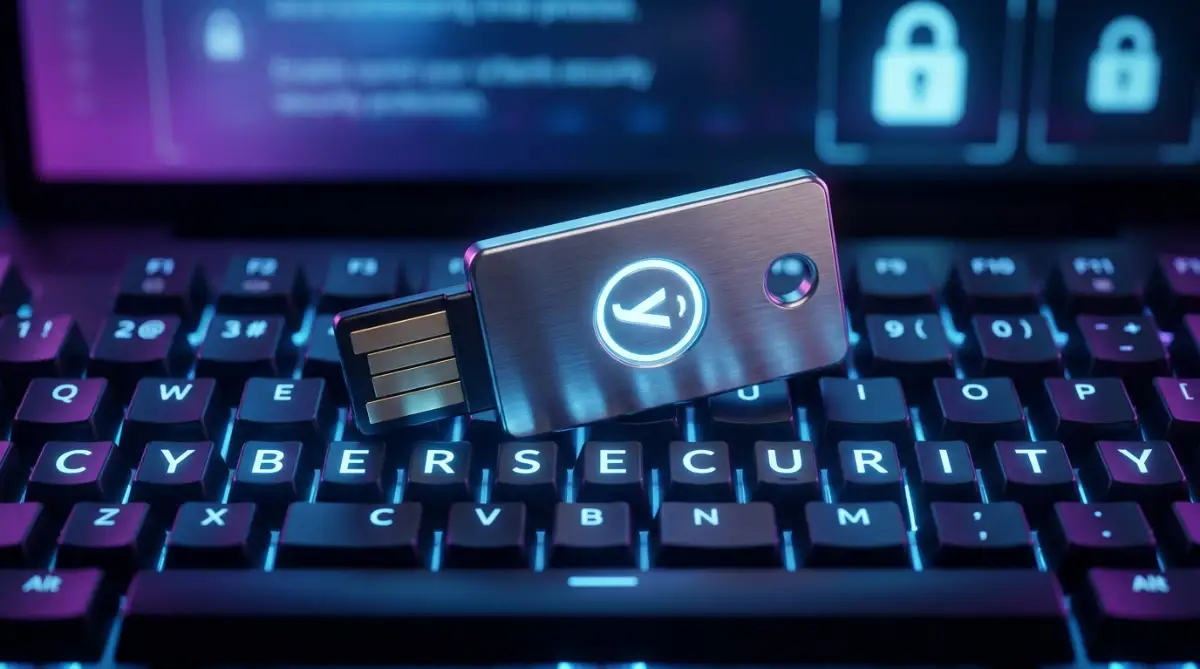
If you want the absolute highest level of security available today, you need to move beyond standard text message codes. Scammers can easily intercept a text message code sent to your phone. Instead, you should invest in a physical hardware security key, like a YubiKey.
This is a small device that looks like a regular USB thumb drive. You plug it into your computer or tap it against your phone when you want to log into your email. Without this exact physical key in your hand, nobody can access your account, even if they have your perfect password.
According to the official guidelines on implementing strong multi-factor authentication by the Cybersecurity & Infrastructure Security Agency, physical keys completely eliminate the threat of remote phishing attacks. A hacker in a foreign country cannot physically touch the key sitting on your desk.
Do's and Don'ts for Long-Term Inbox Cleanliness
To keep your digital environment safe over the years, you need to build a few simple rules for your daily routine. Here is a quick guide to keeping your inbox clean and secure:
- Do set aside ten minutes every month to review your account security settings.
- Don't use your primary business or banking email address to sign up for random online sweepstakes.
- Do check if your email has been exposed in previous data breaches using a trusted public database.
- Don't trust a message just because it includes your correct home address; scammers buy this public information cheaply.
By applying these advanced tips, you stop playing defense and start taking total control of your online presence. You will notice a massive drop in the amount of junk mail you receive, making it much easier to spot the dangerous messages that do slip through.

The Hidden Traps That Destroy Your Digital Peace
Even with the best tools installed on your computer, human error is always the weakest link in the chain. Scammers are master manipulators who know exactly how to press our emotional buttons. They want to make you act quickly without thinking about the consequences.
Over the years, I have seen incredibly smart, highly educated professionals lose thousands of dollars because they fell for a simple emotional trap. Understanding these common mistakes will help you stay grounded when you receive a terrifying message. Let us explore the biggest pitfalls you must actively avoid.
The Domino Effect of Password Re-use
The absolute worst mistake you can make is using the exact same password for your email account that you use for everything else. People often use their favorite pet's name or their anniversary year for their bank, their social media, and their favorite pizza delivery app. They do this because it feels easy and convenient.
However, this creates a massive, catastrophic vulnerability. If that small pizza delivery app gets hacked, the scammers now have your favorite password. They immediately take that password and try it on your primary email account, your bank, and your Amazon account.
Once a hacker gets into your main email inbox, the game is completely over. They can request password resets for every single service you use, effectively locking you out of your entire digital life in just minutes. If you want to master smart home security how to lock down your devices from hackers, you absolutely must start by giving your main email account a completely unique, highly complex password.
The Danger of Panic Clicking
Scammers heavily rely on a psychological concept called artificial urgency. They will send you an email claiming that your tax return is overdue and you are going to be arrested, or that a huge purchase was just made on your credit card. They deliberately trigger your natural fight-or-flight response.
When your brain enters panic mode, logic shuts down completely. You stop checking the sender's address. You forget to hover over the links. You just click blindly, desperate to fix the scary problem right in front of you.
You must train yourself to completely ignore artificial urgency. Legitimate companies and government agencies will never demand immediate action through a random email without prior notice. If a message makes you feel scared, anxious, or rushed, that is your biggest warning sign to slow down and close the message immediately.
If you travel often, this panic can be even worse. Imagine sitting in a busy terminal, trying to fix a scary bank error on a public network. You are incredibly vulnerable in that state. This is exactly why learning how to stay safe on public wi-fi essential habits for remote workers is so deeply tied to your emotional control. Always handle sensitive account issues from the safety of a secure, private network.
The "Unsubscribe" Trap
Here is a brilliant trap that catches almost everyone off guard. You receive a clearly fake spam email for a product you never bought. At the very bottom of the email, there is a helpful little button that says "Click here to unsubscribe and stop receiving these messages."
Because you are annoyed by the spam, you naturally click the button to make it go away. Do not ever do this.
When you click the unsubscribe link in a phishing email, you are actually sending a secret signal back to the scammer. You are confirming that your email address is active, and more importantly, that a real human being is reading the messages.
Once a scammer knows your account is active, they will sell your email address to hundreds of other criminal groups. Your inbox will suddenly be flooded with ten times more spam than before. The safest thing to do with a suspicious email is to simply delete it or use the built-in "Report Spam" button in your email application.
Blindly Trusting Familiar Logos
It is incredibly easy for a scammer to copy a company logo from the internet and paste it into a fake email. They can make an email look exactly like an official message from PayPal, complete with the correct colors, fonts, and legal text at the bottom.
Our brains are naturally lazy. When we see a familiar blue logo, we automatically assume the message is safe and trustworthy. We let our guard down completely.
This visual manipulation is getting worse because scammers now use advanced design software to create perfect replicas of real websites. You can read more about how automated tools are changing the internet by exploring the hidden dangers of adding ai tools to your website.
You must actively train yourself to ignore the pretty pictures and corporate logos. A logo guarantees absolutely nothing. Always look at the raw data: the hidden sender address and the true destination of the hidden links.
Assuming You Are Too Smart to Get Fooled
The most dangerous mindset you can have is believing that you are completely immune to scams. People often think, "I am highly educated; I would never fall for a silly internet trick." This arrogant attitude actually makes you the perfect target.
When you believe you cannot be fooled, you stop paying attention to the small details. Scammers do not care about your education level. They care about finding the one moment in your day when you are tired, distracted, or emotionally vulnerable.
For example, how long term digital nomads can escape loneliness is a huge topic because isolated people are naturally more trusting of friendly-sounding messages. Scammers often pretend to be friendly recruiters or potential business partners to exploit that exact loneliness. Always remain humble and treat every unexpected email with a healthy dose of suspicion.
Common Questions About Email Safety
Can my computer get a virus just by opening an email?
Generally, simply clicking on an email to read the text is safe on modern email platforms like Gmail or Outlook. The real danger comes when you click a link inside the message or download an attached file. However, it is always a smart habit to delete highly suspicious messages without opening them at all.
What should I do if I accidentally clicked a dangerous link?
Do not panic. Disconnect your computer from the internet immediately to stop any hidden downloads. Run a full system scan using a trusted antivirus program. Finally, use a completely different device, like your smartphone, to quickly change the passwords for your most important accounts.
Why is my email spam filter missing these dangerous messages?
Scammers constantly change their tactics to sneak past automated filters. They use fresh, random email addresses and avoid using common spam words in their subject lines. No spam filter is perfect, which is why your own human judgment is always the most powerful defense.
How do scammers know my real name and home address?
Unfortunately, our personal information is constantly exposed in massive corporate data breaches. Scammers buy massive lists of leaked customer data on the dark web for pennies. They use this public information to personalize their emails and make their scams look incredibly convincing.
Should I report phishing emails or just silently delete them?
If you have the time, reporting them is incredibly helpful for the entire internet community. You can forward dangerous scams to the official Anti-Phishing Working Group reporting center, which helps global security agencies track down and shut down the criminal networks behind these attacks.
Your Personal Blueprint for a Secure Digital Life
Protecting your online privacy is not a one-time event; it is a simple, ongoing lifestyle choice. You now have the knowledge to see right through the psychological tricks that scammers use every single day. You know how to verify the true sender, reveal hidden links, and manage your passwords safely.
Remember, taking a five-second pause before clicking a link is the most powerful habit you can build. That tiny pause gives your logical brain time to catch up and spot the obvious red flags. Share these techniques with your older family members, and help them build their own digital confidence.
Your Action Plan for Tomorrow
You do not need to fix everything today. Tomorrow morning, take just ten minutes to implement one strong security measure.
Start by finding a highly rated password manager and installing it on your main browser. Next week, you can focus on changing the password for your primary email account to something completely unique. By taking small, consistent steps, you will slowly build an unbreakable fortress around your personal data.
A Final Word From Me: I used to feel incredibly anxious every time an unexpected email landed in my inbox. But taking the time to learn these simple defense habits completely gave me my power back. I want you to feel that exact same sense of calm and control, knowing your digital life is fully protected. Take a deep breath, trust your new skills, and never let a scammer rush you again!
Disclaimer: The information provided in this article is for educational and informational purposes only. Cybersecurity threats are constantly evolving, and the strategies discussed are based on general industry research. Always exercise caution and consult with a certified IT professional if you believe your personal devices or accounts have been compromised.