The Moment I Realized My Digital Life Was at Risk
Let's be real for a second. We all think our digital lives are perfectly safe until that random Tuesday night when our bank sends a frantic "Did you just log in from another country?" text message. I got that exact alert three months ago, and my stomach completely dropped. You don't have to be a millionaire to get targeted; hackers just want your basic data. Here is exactly how I locked down my online life, and how you can do the exact same thing without needing a computer science degree.
My heart started racing, and I felt a pit in my stomach. I realized that my personal life, my money, and my secrets were all floating out there in the dark corners of the web. I felt totally exposed, like someone had broken into my home while I was sleeping.
It was a wake-up call I never expected. I used to think that "it won't happen to me" because I wasn't anyone famous or rich. But I was wrong. Hackers don't care who you are; they just want your data.
That night, I stayed up late changing passwords and crying out of frustration. I felt so small and helpless against the faceless people trying to steal my identity. It took me weeks to feel safe again.
Now, I don't want you to ever feel that kind of fear. It ruins your sleep and makes you doubt every link you click. This is why I created a simple plan to stay safe.
Most people today are living with a constant sense of worry about their phones and computers. We hear about big data leaks every week, and it feels like we are losing control. This stress is real, and it eats away at your peace of mind.
When your privacy is threatened, it isn't just about a password. It is about your photos, your private chats, and your hard-earned money. The thought of a stranger looking through your life is enough to keep anyone awake at night.
I have spent a lot of time learning how to fight back. I want to share my personal daily routine that keeps me safe and gives me back my calm. You can take control of your digital life starting right now.
Quick Takeaways for Your Digital Peace of Mind:
- Turn on Two-Factor Authentication (2FA) for your primary email right now.
- Stop using public airport or café Wi-Fi without a solid VPN app.
- Delete apps you haven't opened in a month to close backdoor access.
- Never trust "free" apps—you are paying them directly with your private data.
Locking Your Digital Front Door Every Morning
The first thing I do every day is check my basic "locks." Think of your accounts like the doors to your house. You wouldn't leave your front door wide open when you go to work, right?
I start by looking at my primary email account security. Your email is the "master key" to your entire life because every other account links back to it. If someone gets into your email, they can reset your bank password or your social media access.
I make sure that I have "Two-Factor Authentication" turned on. This is a fancy way of saying my phone has to give permission before anyone logs in. It only takes a second, but it stops almost all hackers in their tracks.
I used to be very lazy about my passwords. I used the same one for five different websites for years. Looking back, that was a huge mistake that almost cost me everything. Now, I use a password manager to keep a different, strong password for every single site I visit.
Keeping Your Software Healthy and Strong
Your phone and your computer are like engines that need regular tuning. Many people ignore those "Update Available" buttons for weeks because they seem annoying. I used to do the same thing.
But those updates are often "security patches." This means the creators found a hole where hackers could get in, and they are trying to fix it for you. By waiting, you are leaving a hole in your digital fence.
I have a rule now: if there is an update, I run it before I go to bed. It keeps my devices strong and ready to fight off any new threats. It is a simple habit that makes a massive difference in your safety.
Watch this short guide on how hackers use old software to get into your private files.
Checking for Sneaky Digital Shadows
Every day, I spend two minutes checking my "logged-in devices." Did you know that most apps like Facebook, Instagram, and Gmail show you exactly where you are logged in?
I once checked this list and saw a login from a device I didn't recognize. I was able to log them out instantly before they did any damage. This is a very powerful habit that most people forget to do.
My 60-Second Account Audit Routine:
Whenever I feel paranoid about my accounts, I run through this fast checklist on my phone:
- Check 1: Did I get any random password reset emails today?
- Check 2: Are there weird apps connected to my Google or Apple account settings?
- Check 3: Is my software fully updated, or did I hit "remind me tomorrow" again?
- If anything looks slightly weird, I instantly change my main email password.
Go into your settings and look for "Security" or "Active Sessions." If you see a phone or a computer that isn't yours, kick it off right away. It feels great to know that you are the only one with access to your private world.
The Secret to Safe Browsing While You Travel
We all love free Wi-Fi at coffee shops or airports. It is so easy to just connect and start scrolling. But I learned the hard way that these public networks are like a playground for digital thieves.
When you use public Wi-Fi, anyone nearby with the right tools can see what you are doing. They can grab your login details while you are just trying to check your flight or order a latte.
I now use a "VPN" every time I am away from my home internet. It creates a private tunnel for my data so no one can peek inside. If I don't have my VPN, I just use my phone's mobile data instead. It is much safer.
Why Social Media Privacy is Your Best Friend
We share so much of our lives online these days. We post about our vacations, our kids, and our new jobs. But hackers can use this information to guess your security questions or trick you with fake emails.
I do a "Privacy Audit" on one social media account every day. I check who can see my posts and who can see my friend list. I try to keep my circle as small as possible.
I also make sure my location settings are turned off for most apps. There is no reason for a photo editing app to know exactly where I live. Limiting what apps know about you is a big step toward total privacy.
Managing Your Digital Trash Daily
Just like you take out the garbage in your kitchen, you need to take out your digital trash. This means clearing your browser history and cookies at the end of the day.
Cookies are small files that websites put on your computer to track you. Some are helpful, but many are just there to follow you around the internet. By clearing them, you stop companies from building a giant file on your habits.
I also delete any apps on my phone that I haven't used in a month. Every app is a potential way for your data to leak out. If you don't need it, get rid of it. It makes your phone faster and much more secure.
Digital Trash: Myth vs. Fact
- Myth: Deleting an app icon from my home screen keeps me safe.
- Fact: You have to delete your actual account from the app's settings before uninstalling, or they keep your private info forever.
- Myth: Nobody cares about my boring browser history.
- Fact: Advertisers and hackers combine your boring daily searches to guess your security question answers (like your first pet's name or your hometown).
Identifying Fake Messages Before They Bite
We all get those weird texts or emails saying we won a prize or our account is locked. These are called "Phishing" attacks, and they are getting very clever.
My rule is simple: if I didn't expect the message, I don't click the link. Even if it looks like it is from my bank or my boss, I stop and think. I go directly to the official website instead of clicking the link in the message.
Most scams rely on you being in a hurry. They want you to panic and click without thinking. By taking a breath and looking closely, you can see the small mistakes that prove it is a fake.
My Realization About Digital Footprints
I used to think that once I deleted a post, it was gone forever. I was wrong. Everything we do leaves a small mark, like a footprint in the mud. Over time, these marks become a path that anyone can follow.
Now, I am much more careful about what I say and where I click. I think about my "Digital Hygiene" like I think about brushing my teeth. It is something small I do every day to stay healthy and avoid big problems later.
How to Handle Sensitive Documents
We often have copies of our ID, tax forms, or medical records on our computers. If a hacker gets in, these are the first things they look for.
I don't keep these files in my regular "Downloads" or "Documents" folder. Instead, I keep them in an encrypted vault or on an offline thumb drive that I keep in a drawer.
If you must keep them on your computer, make sure the folder is password protected. This adds another layer of armor between your most private information and the rest of the world.
Trusting Your Gut Feeling Online
Sometimes, you will see a website that just looks "off." Maybe the colors are weird, or the grammar is bad. Your brain is trying to tell you that something is wrong.
I have learned to trust that feeling. If a site feels fishy, I close the tab immediately. It is better to be a little too careful than to lose your data to a scammer.
Your intuition is a powerful tool in the digital age. We spend so much time online that we start to recognize the patterns of safe sites versus dangerous ones. Listen to that inner voice.
The Importance of Backup Habits
Imagine if your phone fell into the ocean today. Would you lose all your photos and contacts forever? This thought used to terrify me because I never backed up my data.
Now, I make sure my phone and computer back up to a secure cloud service every night while I sleep. If I lose my device, I don't lose my life's memories.
Having a backup also helps if you ever get "Ransomware." This is a virus that locks your files and asks for money to give them back. If you have a backup, you can just wipe your computer and start over without paying a dime.
Final Thoughts for This Part of the Journey
Staying safe online isn't about being a computer genius. It is about building small, daily habits that protect you. I feel so much lighter and more confident now that I have this checklist.
You don't have to do everything at once. Start with your email today. Then, tomorrow, look at your passwords. Each step makes you a harder target for the bad guys.
I am so glad you are taking this seriously. Your privacy is worth the effort. In the next part, we will look at even more ways to keep your home network and your mobile devices locked down tight.
Stay safe, stay smart, and remember that you are in control of your digital world.
Going Beyond the Basics for Total Protection
Now that we have covered the daily habits, let's talk about the tricks that experts use to stay invisible. These are the things that I started doing once I realized that a strong password alone was not enough. The digital world is always changing, and we have to stay one step ahead of the people trying to peek into our lives.
One of my favorite secrets is using "email aliases" for everything. Think about how many websites have your real email address right now. If one of those sites gets hacked, your main email is out in the open for everyone to see. I started using different nicknames or temporary addresses for shopping sites and newsletters.
This way, my real, personal email is only known by my bank and my close family. If I start getting spam on one of my aliases, I just delete that alias and the problem goes away. It keeps my main inbox clean and my identity much safer. You can find great resources on how to set these up at the Electronic Frontier Foundation, which is a group that fights for your digital rights.
Another thing I learned the hard way was about the hidden data in my photos. Every time I took a picture with my phone, it saved the exact GPS location of where I was standing. When I shared those photos on social media, I was accidentally telling the whole world where I lived or where I spent my weekends.
I now use a simple setting to strip that "metadata" away before I post anything. It only takes a second, but it stops people from tracking my daily movements. Keeping your location private is a huge part of the ultimate guide to online privacy for remote employees, especially if you move around a lot.
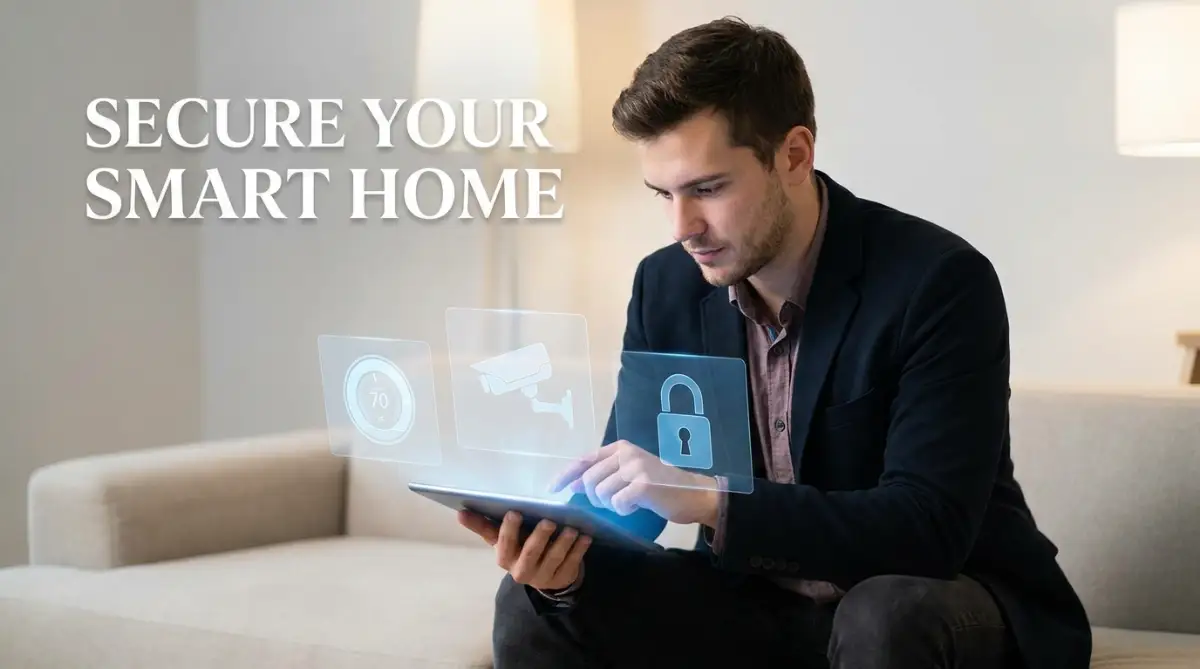
I also started looking at my home network differently. Most of us just plug in our router and forget about it. But our "smart" devices, like cameras or light bulbs, are often the weakest links in our security. I make sure to put my smart home gadgets on a separate "Guest" network.
This means if someone hacks my smart light bulb, they can't get into my main computer where I keep my taxes and bank info. It is like having a separate room for guests so they don't see your private files. If you want to do this, check out these simple steps to lock down your smart home network today.
I also want to mention something I call "Digital Minimalism." We often think that more security tools make us safer. But sometimes, having too many apps is the problem. Every app you own is another way for your data to be collected.
I make it a point to go through my phone and delete anything I haven't used in a month. I also check which apps have permission to use my microphone or camera. You would be shocked at how many simple games want to access your contact list for no reason at all.
Staying safe for the long term is all about being curious. I always ask myself, "Why does this website need this info?" If I can't find a good reason, I don't give it to them. It is your data, and you have every right to keep it to yourself.
For those of us who work from home or travel, security is even more important. I've spent a lot of time researching how to secure your personal data on cloud computing platforms. Using the cloud is great, but you have to make sure you are the only one with the key to your digital vault.
I've also started using "Privacy-Focused Browsers" instead of the popular ones that track your every move. These browsers block trackers by default and don't save your search history to build an advertising profile on you. It feels so much better to search for things without seeing ads for them five minutes later.
Lastly, I always keep an eye out for "Social Engineering." This is when someone tries to trick you by being friendly or acting like they are in a rush. To stay safe, you really need to go inside the mind of a social engineer to spot manipulative tactics. Once you know their tricks, they can't fool you anymore.

The Hidden Dangers of Being Too Relaxed
We all make mistakes, but in the digital world, some mistakes can cost you for years. I've seen people lose their entire life savings because they thought a message was from a friend. It breaks my heart because most of these things are easy to avoid if you just know what to look for.
One big mistake is "Oversharing" when we are excited. I once saw a friend post a photo of her new car, but she forgot that her house number was visible in the background. Another friend posted a photo of his plane ticket, not knowing that the barcode on that ticket has all his personal info.
When we share too much, we are handing a roadmap to hackers. They take those small pieces of information and put them together like a puzzle. Before you know it, they know your birthday, your pet's name, and where you went to high school. These are the exact things people use for security questions.
Another dangerous habit is using "Remember Me" on every website. It is very convenient, I know. But if someone steals your laptop or phone, they are instantly logged into your entire life. I had a scare once where I left my tablet at a coffee shop. I spent the whole way home panicking because I hadn't logged out of my accounts.
Now, I never let my browser "remember" my bank or my primary email. I always type the password or use my password manager. It is a small annoyance that provides a massive amount of safety.
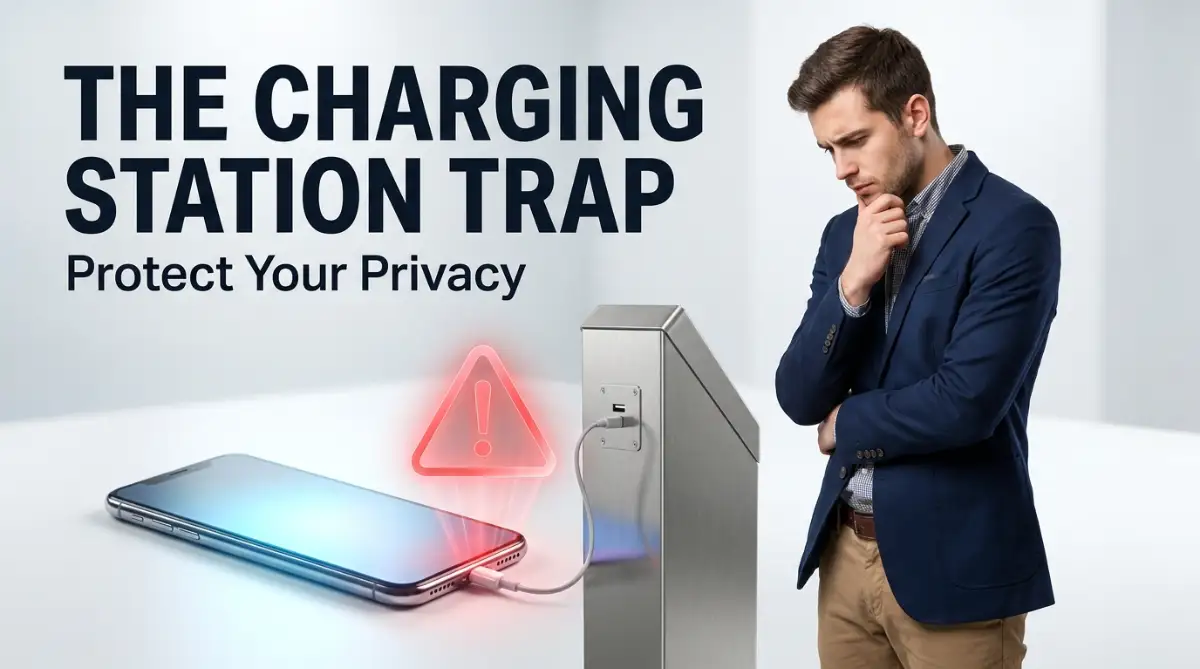
I also see people charging their phones in public USB ports at airports or malls. This is a huge risk known as "Juice Jacking." Those ports can be modified to steal your files while your phone is charging. It is much safer to use a wall outlet or carry your own power bank. You can learn more about this in my post on why you should stop charging your phone while you sleep and other charging dangers.
Many people also trust "Free" apps and services too much. We have to remember that if the product is free, then we are the product. These apps make money by selling our data to advertisers or other companies.
I once downloaded a simple weather app that wanted to track my location even when I wasn't using it. Why? So it could sell my travel habits to marketing firms. It made me feel like I was being followed. Now, I always read the "Privacy Label" in the app store before I hit download.
Another mistake is thinking that AI or machine learning will automatically protect you. While these tools are helpful, they are not perfect. You can read my ai reality check breaking down machine learning myths for beginners to see why you still need to be careful. You are the best defense for your own data.
Lastly, I see people ignoring their bank statements. I check mine every single morning. Sometimes, hackers will steal just one dollar to see if you notice. If you don't, they come back later and take everything. Being alert is your best weapon against these silent thieves.
Your Path to a Private and Peaceful Life
Taking care of your digital hygiene might seem like a lot of work at first. But I promise you, it becomes a natural part of your day. It is just like locking your door or wearing a seatbelt. You do it because you value yourself and your hard work.
When I first started this journey, I felt overwhelmed. I thought I had to be a genius to stay safe. But I realized that the most important thing is just to be consistent. Small steps every day lead to a very strong wall of protection.
I want you to feel the peace of mind that I have now. I don't wake up worried about my accounts anymore. I know that I have done my part to keep the bad guys out. This freedom allows me to enjoy the internet without looking over my shoulder.
If you find yourself spending too much time on these tasks, you can look into the ultimate guide to automating daily tasks without writing a single line of code. Some of your security checks can be set to run automatically, saving you even more time.
I also encourage you to talk to your family about this. If your partner or your kids have poor digital hygiene, it can put you at risk too. Share what you have learned and help them set up their own checklists.
Remember, the goal isn't to be afraid of the internet. The internet is a wonderful place for learning and connecting. The goal is to be a smart traveler in the digital world. You wouldn't walk into a dark alley in a strange city without being careful; the same rule applies online.
I truly believe that anyone can master these habits. It doesn't matter how old you are or how much you know about computers. If you can follow a simple list, you can keep your personal information safe.
My life changed the moment I stopped being a victim and started being a protector of my own data. I hope this guide helps you feel powerful and secure in your digital life. You have the tools, you have the knowledge, and now you have the plan.
I am so proud of you for taking these steps to protect your future. I know from my own experience that the effort you put in today will save you from so much stress later. You deserve to feel safe every time you pick up your phone or open your laptop, so please start your new routine today!
Common Questions About Digital Safety
Does using "Incognito Mode" keep me safe from hackers?
Not really. Incognito mode only stops your computer from saving your history and cookies. Your internet provider, your boss, and the websites you visit can still see what you are doing. It is a good tool for privacy on a shared computer, but it is not a security shield.
How often should I actually change my passwords?
You don't need to change them every month if they are very strong and unique. The best strategy is to change them immediately if you hear about a data leak at a company you use. Using a password manager is better than changing your password to something simple like "Password123" every few weeks.
Are public Wi-Fi networks always dangerous?
They are risky because you don't know who is controlling the network. A hacker can easily set up a fake Wi-Fi with a name like "Free Airport Wi-Fi." If you must use them, always use a VPN to encrypt your data so nobody can read it.
Is it safe to use my fingerprint to unlock my phone?
Yes, for most people, using a fingerprint or face ID is very safe. It is much better than having no password at all or using a simple 4-digit code like "1234." It makes it very hard for someone who steals your phone to get inside.
Can an app track me even after I delete it?
Once an app is deleted, it can't track your live movements anymore. However, the company might still have the data they already collected while the app was on your phone. This is why it is good to request a "data deletion" from their website if you really want to be clean.
Disclaimer: The information provided in this blog post is for educational and informational purposes only. While I am a professional in this field, cybersecurity threats change rapidly. I cannot guarantee that following these steps will prevent all possible cyberattacks. Always use your best judgment and consult with a security professional for specific concerns regarding your sensitive data. This post does not contain any legal or financial advice.