The Day a Dead Battery Almost Ruined My Digital Life
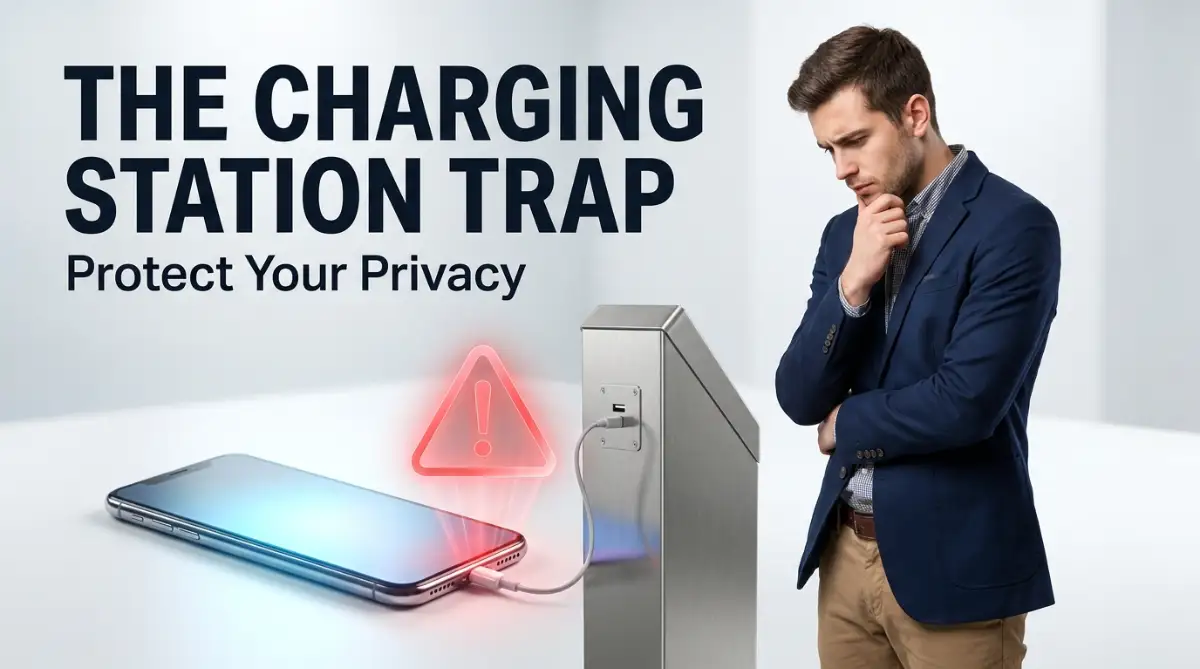
Picture this: your phone is at 2%, you are waiting for an important text, and you spot a free USB charging port right next to your seat. It feels like hitting the jackpot, right? Well, that exact scenario almost cost me my entire bank account. Let me tell you how a simple public plug-in can secretly drain your personal data, and what you can do to stop it from happening to you.
Out of nowhere, I spotted a free charging kiosk tucked away in the corner of the waiting area. I immediately rushed over, pulled out my charging cable, and plugged my phone directly into the public USB port.
At that exact moment, my screen flashed a strange message asking if I wanted to "Trust This Computer." I was so desperate for a charge that I blindly clicked "Yes" without giving it a second thought. By the time I boarded my flight, my phone was fully charged, but my digital nightmare was just beginning.
A few days later, I noticed weird activity on my primary email account and strange charges on my credit card. Someone had secretly downloaded my private files, banking details, and personal photos right through that innocent-looking charging cable.
I spent weeks dealing with my bank, changing dozens of passwords, and constantly looking over my shoulder. The anxiety of knowing a complete stranger had access to my private life completely destroyed my mental peace.
Cybercriminals know exactly how desperate we get for a quick charge, and they use that fear against us. They set up these digital traps in places where we feel safe, turning a simple convenience into a massive privacy disaster.
You should never have to trade your personal security just to keep your screen turned on. Let us break down exactly how this silent threat works and what you can do to protect yourself starting today.
Quick Security Checks Before You Plug In:
- Look closely: Always check the public port for weird scratches or loose parts before connecting.
- Use a blocker: Get a USB data blocker to physically shut off data wires.
- Bring your own juice: A personal power bank is always your safest bet.
- Turn it off: If you absolutely have to use a sketchy port, power your phone down completely first.
The Invisible Threat Hiding Inside Your Charging Cable
To truly understand this problem, we need to look at how a standard USB cable actually works. Most people look at a charging cord and simply see a wire that delivers electricity to their battery.
However, your charging cable is actually designed to do two entirely different jobs at the exact same time. Inside that thick plastic coating, there are specific wires meant for power and specific wires meant for transferring data.
Think of your USB cable like a multi-lane highway. One lane is dedicated to bringing electricity into your phone, while the other lane is built to move photos, videos, and documents back and forth.
When you plug your phone into a regular wall outlet using your own power brick, the data lanes are completely blocked off. But when you plug your cord directly into a public USB port, both the power lane and the data lane open up instantly.
This hidden connection is exactly what makes these free public stations so incredibly dangerous for everyday users.
Myth vs. Fact: The "Power Only" Illusion
Myth: If my phone does not pop up a "Trust this device" message, I am 100% safe to charge anywhere.
Fact: Some malicious ports are designed to bypass those warning screens entirely, especially on older phones. Even if your screen stays quiet, your data lanes might still be wide open to a hidden computer.
How Cybercriminals Rig Public Kiosks
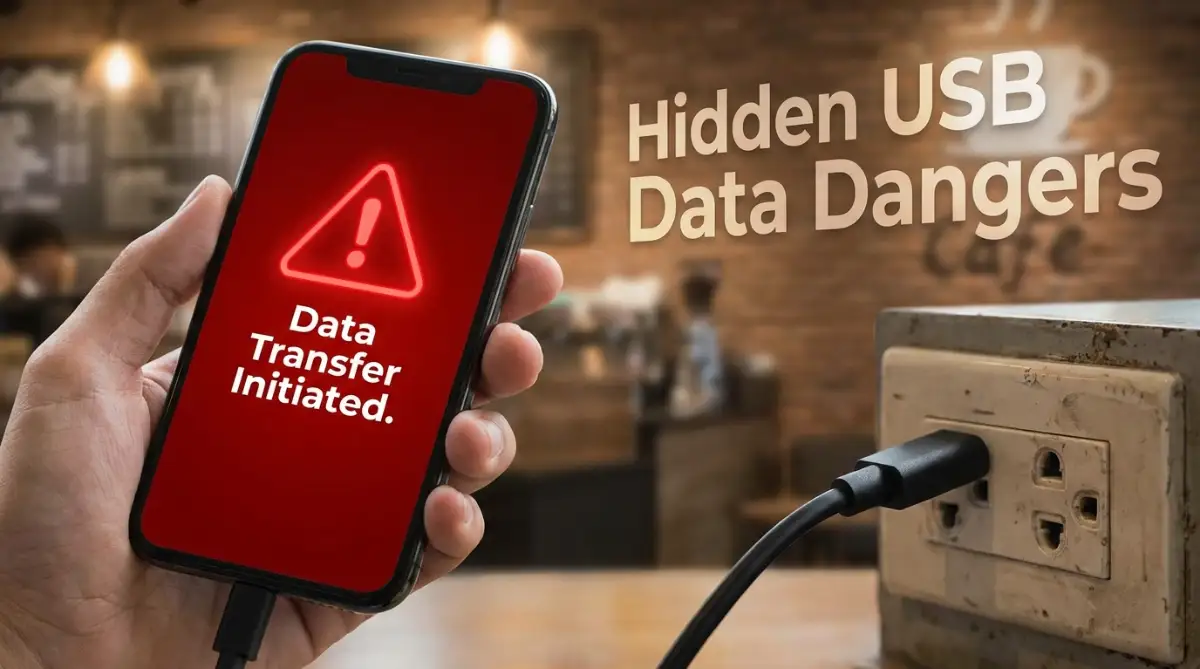
Hackers use a sneaky technique commonly known in the tech world as "juice jacking." They will walk up to a regular public charging station in an airport, mall, or coffee shop and secretly tamper with the hardware.
Sometimes they install a tiny hidden computer behind the USB port that automatically connects to your phone when you plug it in. Other times, they will just leave a modified charging cable sitting on a table, hoping a desperate person will use it.
Once you connect your device, that hidden computer uses the open data lanes in your cable to silently break into your phone. It happens so fast that you will not even notice anything strange happening on your screen.
Within a matter of seconds, the bad guys can suck out your contact list, your saved passwords, and your private text messages. Even worse, they can push malicious software directly into your operating system, giving them permanent remote access to your camera and microphone.
Watch this quick breakdown to see exactly how quickly data can be stolen through a public USB port.
The Psychology of the Low Battery Trap
Why do so many smart people fall for this trap on a daily basis? It all comes down to a very modern psychological issue known as low battery anxiety.
When our phones die, we suddenly lose our connection to our friends, our digital wallets, and our navigation apps. We feel completely stranded in the modern world, which triggers a genuine stress response in our brains.
Cybercriminals rely heavily on this feeling of panic to execute their attacks successfully. They know that when your screen goes dark, you will gladly plug your device into any random hole in the wall.
They disguise their traps as a helpful, free community service. We naturally trust things that look official, especially when they are installed in secure places like train stations or hotel lobbies.
Breaking the Habit: My Personal Wake-Up Call
After my terrifying experience at the airport, I completely changed how I look at public conveniences. My biggest realization was that protecting my privacy was entirely my own responsibility, not the responsibility of the place I was visiting. I immediately went online and bought a tiny device called a USB data blocker, which completely changed my travel habits. It gave me the confidence to charge my phone anywhere without worrying about who was secretly watching me on the other end of the cable.
Building Your Personal Power Defense System
The absolute best way to solve this problem is to carry your own independent power source wherever you go. Investing in a high-quality portable power bank is the smartest decision you can make for your digital privacy.
When you use your own battery pack, you completely eliminate the need to ever touch a public port again. You control the hardware, you control the cable, and you know exactly where the electricity is coming from.
Make it a daily habit to charge your power bank every night right alongside your smartphone. Keep it in your daily bag so you never have to experience that desperate feeling of a dying battery.
If you want to be extra safe, always carry your own AC power adapter block in your pocket or purse. Plugging your own block into a standard electrical wall outlet is completely safe because traditional wall outlets only provide electricity, never data.
The Magic of the USB Data Blocker
If you absolutely must use a public USB port, there is a brilliant piece of technology you can use to stay safe. It is called a USB data blocker, though many security experts playfully call it a "USB condom."
This tiny, cheap gadget plugs into the end of your charging cable before you plug it into the public kiosk. It works by physically blocking the data wires inside the connection while still allowing the electricity wires to flow freely.
It acts as a solid brick wall between your phone's hard drive and whatever hidden computer might be lurking inside the kiosk. Your battery gets the juice it needs, but the hackers are completely locked out of your personal files.
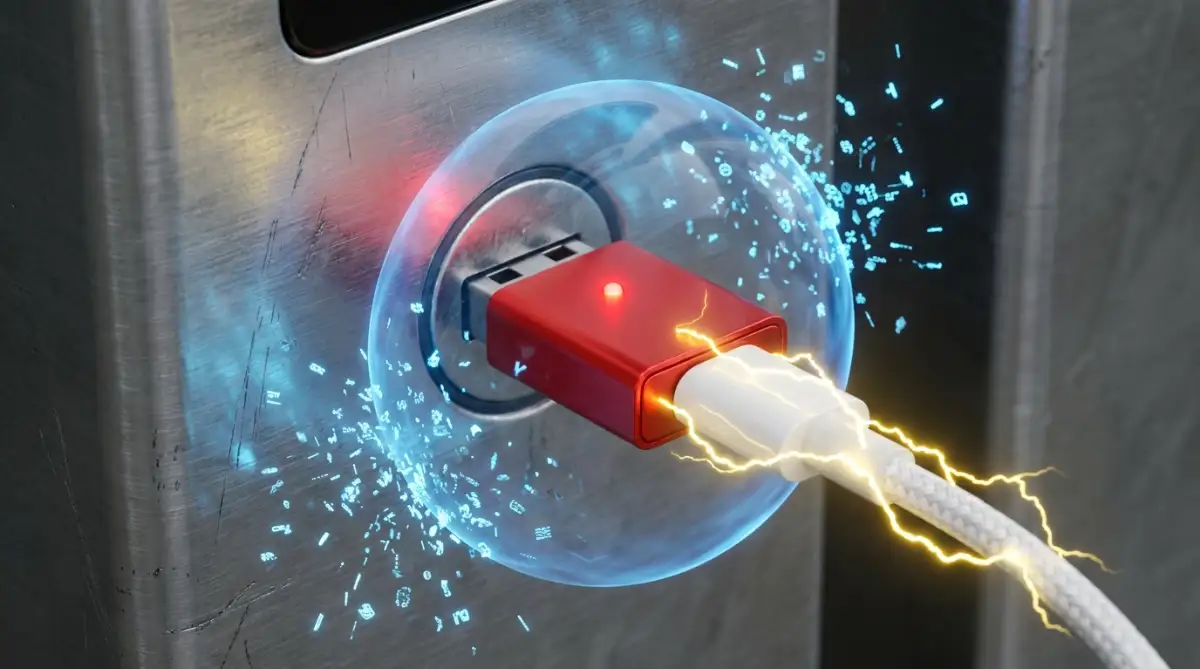
These blockers are incredibly small, making them easy to attach to your keychain or leave permanently connected to your travel cable. It is a one-time purchase that provides massive peace of mind for the rest of your life.
Software Settings That Save Your Private Files
Sometimes, we find ourselves in an emergency without a power bank or a data blocker on hand. If you are forced to use a risky charging station, you can use your phone's built-in software to defend yourself.
The first rule is to always keep your phone completely locked with a strong passcode or fingerprint while it charges. Most modern smartphones will automatically block data transfers if the screen is locked and secured.
If you plug your phone in and a message appears asking you to "Share Data" or "Trust This Device," always click no. Hitting the cancel button instantly shuts down the data lanes and tells your operating system to only accept electrical power.
For the highest level of security during an emergency charge, simply turn your smartphone completely off before plugging it in. When the operating system is shut down, the phone cannot process any data requests, making it practically impossible for hackers to steal your files.
Understanding Device Specific Vulnerabilities
It is also incredibly helpful to know how different brands of phones handle these random connections. Apple and Android devices have completely different ways of protecting you when you plug them into a new source.
On an iPhone, the software is generally very strict and will loudly ask for your permission before exchanging a single piece of data. However, older Android phones might automatically default to file transfer mode the second they detect a computer connection.
You must take the time to dig into your specific phone settings and change the default USB behavior. You can manually set your phone to "Charge Only" mode, ensuring it never accidentally opens your files to a stranger.
Keeping your phone updated to the newest software version is just as important as carrying a good cable. Technology companies are constantly pushing out new security patches to block the clever tricks that hackers invent.
Here is a quick cheat sheet on how different default settings react to public ports:
If you ignore those annoying system update notifications, you are leaving your digital front door wide open. Protecting your privacy is not about being paranoid; it is simply about understanding how your tools work and taking control of them.
Pro-Level Strategies for Bulletproof Mobile Security
Taking control of your digital privacy requires a little bit of proactive planning before you ever leave your house. You do not need to be a tech wizard to keep your personal data completely safe from prying eyes. You just need to build a few simple, unbreakable habits into your daily travel routine.
Let us look at the advanced techniques that security experts use to navigate airports, cafes, and train stations safely. These practices will ensure that your private photos and sensitive emails remain strictly on your own device.
Master the Physical Port Inspection
Before you ever plug anything into a wall, you should treat the public outlet just like an outdoor ATM machine. Security professionals always perform a quick physical inspection of the hardware before trusting it with their bank cards. You should apply this exact same mindset to public USB ports.
Take a very close look at the edges of the charging kiosk or the wall plate. If the plastic looks severely scratched, bent, or slightly detached from the wall, walk away immediately.
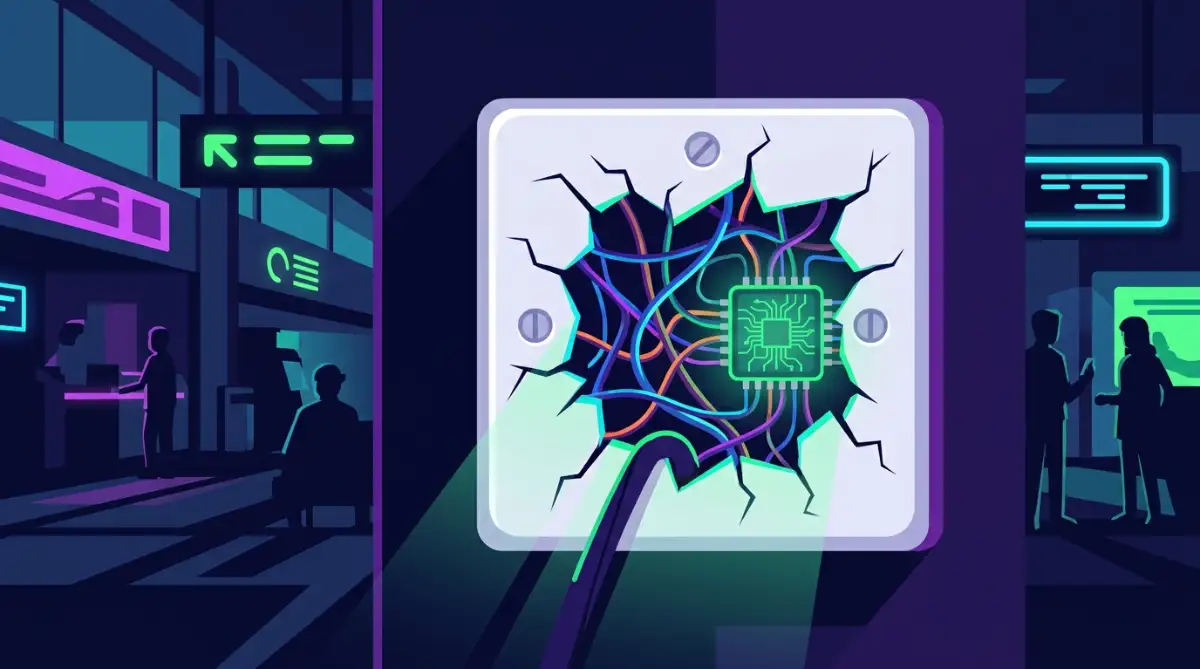
Cybercriminals often pry open these public stations to install their hidden data-skimming hardware behind the metal panel. The Federal Communications Commission officially warns consumers to look out for these physical signs of tampering in public transit areas. If the port feels unusually loose or wobbly when you insert your cable, immediately pull it out and report the station to security.
Invest in a Dedicated "Dumb" Cable
We already talked about how standard cables have lanes for both power and data transfers. But did you know you can actually buy a charging cord that physically lacks the data wires entirely? These are commonly referred to as "dumb cables" or power-only cables in the tech community.
When you use a power-only cable, it is physically impossible for any data to travel between your phone and the public kiosk. The metallic pins required to transfer your private files simply do not exist inside the plug.
Keeping one of these specific cables in your travel bag is a massive upgrade for your personal security. This is an especially smart move if you are constantly on the move and learning what HR really wants when you work abroad as a digital nomad. Your employer will definitely appreciate that you are taking extra steps to protect company information while traveling.
Build a "Zero Trust" Digital Environment
Your smartphone holds the keys to your entire life, including your banking apps, private messages, and family photos. Because of this, you should adopt a "Zero Trust" mentality whenever you are outside of your own home network. This simply means you never automatically trust any new device or connection, regardless of how official it looks.
Always keep your device locked with biometric security, like your fingerprint or face scan, before connecting to a power source. You should also regularly back up your most sensitive files to a secure location just in case your device is compromised.
If you are not sure how to do this safely, learning how to secure your personal data on cloud computing platforms will give you a massive advantage. Having a secure backup means you can remotely wipe a hacked phone without losing all your precious memories.
Utilize Virtual Private Networks (VPNs)
While a VPN will not stop a direct hardware hack through a USB cable, it is a mandatory tool for public spaces. Often, the free charging stations are located right next to the free public Wi-Fi networks in coffee shops and airports.
Hackers frequently set up fake Wi-Fi hotspots with the exact same name as the coffee shop to intercept your web traffic. The Cybersecurity and Infrastructure Security Agency heavily emphasizes using strong encryption protocols whenever you connect to an unknown wireless network.
A high-quality VPN scrambles your internet traffic into an unreadable mess, making it entirely useless to anyone trying to spy on you. If you are serious about protecting yourself, the ultimate guide to online privacy for remote employees breaks down exactly how to set up these encrypted tunnels.

The Hidden Traps That Catch Smart People Off Guard
Even the smartest professionals can make terrible decisions when they are stressed, tired, or running late for a flight. Cybercriminals specifically design their traps to take advantage of human emotions and our natural desire for convenience.
When you understand the psychological tricks they use, you will be much better prepared to avoid them entirely. Let us explore the most common, everyday mistakes that lead to stolen identities and compromised devices.
The Danger of the "Helpful Stranger"
Imagine you are sitting in a busy train station, and your battery is completely dead. A friendly person sitting next to you notices your panic and offers to let you borrow their portable power bank or charging cable. It feels like a completely innocent gesture from a kind stranger.
However, this is actually one of the most common physical tricks used by modern data thieves. That innocent-looking cable they handed you might actually have a microscopic hacking chip hidden inside the connector head.
These modified cords can wirelessly transmit your keystrokes and passwords directly to a hacker sitting a few feet away. To defend yourself against these sneaky tactics, you need to get inside the mind of a social engineer to spot manipulative tactics. You must politely decline these offers and rely strictly on the hardware you brought from home.
Leaving Your Device Unattended
It is incredibly common to see people plug their phones into a wall outlet and then walk over to order a coffee. They assume that because they are in a nice cafe, nobody is going to mess with their belongings.
Leaving your unlocked device completely unattended for even thirty seconds is an absolute disaster waiting to happen. A bad actor does not even need a complex USB hacking tool if they can just physically pick up your unlocked phone.
They can quickly install tracking software, forward your text messages to their own number, or snap pictures of your private emails. Always keep your phone physically in your hand or safely in your pocket while you are in a public space.
The Midnight Charging Trap
Many travelers have a terrible habit of plugging their phones into the strange USB ports built into hotel room alarm clocks or bedside lamps. They plug the device in, turn off the lights, and go to sleep for eight solid hours.
This gives a potential hacker an entire night of uninterrupted access to quietly download your entire hard drive. This is exactly why you need to stop charging your phone while you sleep to avoid the hidden danger of extended, unmonitored connections.
If something weird flashes on your screen during a data breach, you will never see it because your eyes are closed. Always charge your devices during the day when you are actively awake and can monitor the screen for any suspicious activity.
Ignoring the Software Warning Signs
Your smartphone operating system is actually quite smart and will usually try to warn you when something dangerous is happening. Sadly, most people are so conditioned to ignore pop-up notifications that they just blindly click "Accept" to make the message go away.
If you plug your phone into a wall and a box asks for your device password or requests access to your photos, something is deeply wrong. A standard electrical wall outlet will never, ever ask for permission to view your camera roll.
If you ignore these warnings and click yes, you are quite literally handing the keys over to a cybercriminal. You have to slow down, read every single prompt that appears on your screen, and hit cancel if anything feels suspicious.
Underestimating the Value of Your Data
The biggest mistake everyday people make is believing that they are not important enough to be hacked. They think, "I am not a millionaire or a politician, so why would a hacker care about my boring text messages?"
This mindset is incredibly dangerous because cybercriminals do not care who you are; they only care about what your data can be sold for. Your personal email address, your mother's maiden name, and your high school graduation photos are highly valuable on the dark web.
Once this information is stolen, bad actors use it to open fake credit cards in your name or trick your family members into sending them money. If you look at what hackers do with your info when big websites fail, you will quickly realize that everyone is a profitable target.
Your Daily Action Plan for Unbreakable Device Privacy
You now have a deep understanding of the invisible threats hiding behind those convenient public charging stations. The good news is that you are no longer an easy target for these sneaky data thieves.
By taking just a few minutes to prepare your travel bag, you completely eliminate the risk of falling into their traps. You have the knowledge to spot tampered hardware, and you know exactly how to use data-blocking tools to your advantage.
Your smartphone is a powerful tool that holds your most precious memories and important professional documents. Treating that device with a high level of respect and caution will save you from an incredible amount of stress down the road.
Tomorrow morning, I want you to take a quick inventory of your travel bag and make sure you have your own dedicated power adapter and a trusted cable.
My personal turning point was the day I finally stopped relying on public conveniences and took complete ownership of my own digital safety. I promise you, once you start carrying your own power source, that terrible feeling of low battery anxiety will completely disappear.
Real Questions People Ask About Public Charging Scams
Does putting my phone in Airplane Mode make it safe to charge in public?
No, switching on Airplane Mode only turns off your wireless connections like Wi-Fi and Bluetooth. It does absolutely nothing to protect the physical data wires inside your charging port from a direct hardware attack.
Can Apple iPhones be hacked through a public charging cable?
Yes, iPhones are just as vulnerable to physical USB attacks as any other brand of smartphone on the market. While Apple includes strict software warnings, a clever hacker can still bypass them if you accidentally click "Trust This Computer."
Are those portable power banks you can rent at the mall actually safe?
Renting a battery pack from an unknown company carries a significant amount of risk for your personal data. A tampered rental battery can easily contain hidden hardware designed to steal your files while it restores your battery power.
How can I tell if my phone was hacked after using a public charger?
You might notice your battery draining incredibly fast, random apps appearing on your home screen, or your phone feeling unusually hot. If you see strange charges on your credit card or weird login attempts on your social media, you need to seek professional tech support immediately.
Is it completely safe to plug into the USB ports on an airplane?
While airplane ports are generally considered much safer than a bus station, they are still not entirely risk-free. Hundreds of unknown passengers use those exact same ports every single day, making them a potential target for tampering.
Disclaimer: The information provided in this article is for educational and informational purposes only and does not constitute professional cybersecurity or technical advice. Always consult with a qualified IT professional before making significant changes to your personal security habits or handling sensitive data. We are not responsible for any technical issues, data loss, or identity theft that may occur from utilizing public hardware. Some links may lead to external resources; we do not control or endorse the privacy practices of these outside websites.