When My Private Files Almost Became Public Property
Let's be honest for a second. We all click "upload" without thinking twice. But last week, a close friend of mine panicked because a random device logged into her cloud storage—where she keeps all her tax returns and family photos. That split second of sheer panic made me realize most of us are leaving our digital front doors wide open. Let me show you how to lock down your private files right now, so you never have to feel that kind of anxiety.
For most ordinary people, the convenience of online file storage is simply too good to ignore. We blindly upload our sensitive medical records, personal diaries, and private financial statements just because the upload button is so easy to click. But this blind trust creates a massive hidden danger in our daily lives. When you realize your digital safety net is actually full of giant holes, the mental stress is honestly overwhelming.
People often ask me, "Is anything actually safe on the internet anymore?" The honest truth is that safety does not happen by accident. You have to actively build walls around your digital life. Right now, millions of people are walking around with their sensitive documents exposed to automated scanning software and remote attackers.
Your Action Plan (In 60 Seconds):
- Stop using text messages for logins; switch to an authenticator app today.
- Keep highly sensitive documents (like tax returns) in a completely separate, encrypted folder.
- Check your settings and remove old apps that still have access to your cloud drive.
- Never sync your entire computer automatically—it is a massive ransomware trap.
Building an Invisible Fortress Around Your Online Files
If you want to stop feeling anxious about your digital privacy, you need to change how you interact with online services entirely. Securing your information requires a clear, practical approach that you can maintain easily over time. Let's walk through some highly effective strategies that will instantly make your online storage practically impossible to break into.
Grasping the Shared Responsibility Concept
The biggest misunderstanding people have about online storage is how the security rules actually work. Most tech companies follow a system called the shared responsibility model. To understand this easily, think about renting a nice apartment in a secure building.
The building manager is responsible for making sure the main front doors are strong and the security cameras work properly. However, you are entirely responsible for locking your own specific apartment door at night. If you leave your front door wide open and someone walks in, the building manager is not responsible for your stolen television.
The "Who is Responsible?" Breakdown:
- The Cloud Provider: Secures the servers, stops hackers from breaking into the physical data center, and keeps the website running.
- You (The User): Creates a strong password, turns on two-factor authentication, and checks who actually has access to your shareable links.
The exact same logic applies to your online file storage. The service provider protects their massive physical computer servers from direct attacks. But you are the one responsible for setting strong passwords, managing who can view your links, and keeping your account details hidden. If you ignore your side of the responsibility, no amount of corporate security will save your private files.
Locking the Front Door with Extra Deadbolts
We all hate dealing with complicated login screens when we are in a hurry. Because of this impatience, many people use incredibly weak passwords for their most sensitive online drives. You must stop using the same easy phrase for your email account and your digital document vault.
If you think a strong password is enough to keep hackers out, watch this eye-opening demonstration of how quickly an account falls without a second layer of defense.
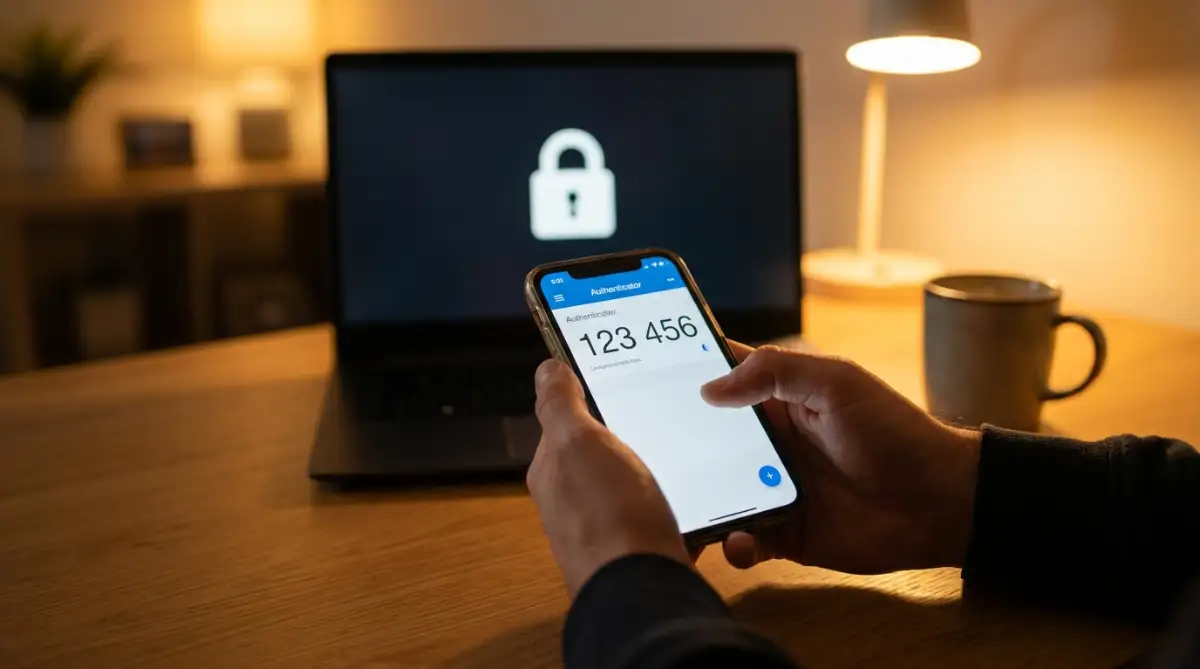
To truly lock your digital door, you need to set up a secondary verification method immediately. This secondary method acts like a heavy steel deadbolt on the inside of your apartment. Even if an attacker steals your primary password, they will hit a massive brick wall when they try to actually log in.
Quick Security Fact: Why are SMS text messages bad for security? Hackers can easily perform a "SIM swap" trick to steal your phone number and intercept your texts. This is why using an authenticator app (like Authy or Google Authenticator) is your safest bet. It generates codes locally on your device, entirely offline.
Instead of relying on standard text messages for verification, you should switch to an authenticator application on your smartphone. Text messages can sometimes be intercepted by clever criminals who trick your phone carrier. An authenticator app generates a temporary, offline number code directly on your physical device, making it incredibly difficult for remote attackers to bypass.
The True Power of Complete Data Scrambling
When you upload a file to a standard server, the company hosting that server can usually scan the file. They often do this to check for viruses or to optimize their hard drive space. While this sounds harmless, it means the company holds the ultimate master key to unlock your personal information.
If you are storing highly sensitive items like scanned passports or financial spreadsheets, you need a stronger solution. You should look for services that offer completely private, end-to-end data scrambling. This technology is often referred to as zero-knowledge privacy by security experts.
When you use a zero-knowledge system, your files are completely scrambled into unreadable gibberish before they even leave your computer. The only way to unscramble the data is by using your specific master password. Because the company never sees your password, they absolutely cannot read your files, even if a government agency demands access.
Creating Specific Zones for Different Risks
You do not need military-grade protection for a simple grocery list or a draft of your upcoming blog post. Treating every single file with maximum security will quickly become exhausting and frustrating. Instead, you should divide your digital life into separate safety zones.
Keep your casual, low-risk items in standard, easy-to-access storage folders. This allows you to easily share vacation photos with your family or collaborate on a casual project with coworkers. Save your intense security measures only for the things that truly matter.
I used to dump every single file into one messy main folder, which was a huge mistake on my part. Now, I keep my daily work drafts in a normal folder, but I carefully move my personal tax returns and medical records into a completely separate, heavily protected digital vault. This simple habit keeps my daily workflow fast while ensuring my most private data remains completely untouchable.
Cleaning Up Third-Party Application Access
Have you ever connected a new budget-tracking application to your main digital storage drive? We frequently grant third-party applications permission to read our files so they can import data automatically. The problem is that we almost always forget to remove those permissions later on.
If that small budget-tracking company goes out of business or gets hacked, the attackers now have a direct open window into your main storage drive. You are essentially handing out permanent spare keys to your house and trusting strangers not to lose them.
You need to perform a deep cleaning of your application permissions at least twice a year. Open your main account settings and find the section labeled "Connected Apps" or "Third-Party Access." You will likely be shocked at how many old, forgotten programs still have full permission to read your private documents
Next-Level Defenses for Your Digital Vault
Once you have set up a strong passphrase and enabled two-step verification, your digital front door is heavily secured. But what happens if a clever attacker somehow finds a backdoor into your favorite storage application? This is where professional-grade security tactics become extremely useful for everyday users.
Most people completely rely on their storage provider to encrypt their personal information. However, security experts use a brilliant method called client-side encryption to guarantee absolute safety. This simply means you scramble your own files right on your laptop before you ever press the upload button.
Imagine putting your personal diary into a solid steel lockbox, locking it yourself, and then handing that locked box to a delivery driver. Even if the delivery truck gets robbed, the thief only gets a heavy box they cannot open. By using free, open-source tools like Cryptomator, you can create a locked folder on your computer that automatically scrambles everything inside it.
When you upload this scrambled folder to your main online drive, it remains entirely unreadable to everyone else. The company hosting your files cannot see your data, and hackers scanning their servers will only find useless, jumbled letters. The Cybersecurity and Infrastructure Security Agency (CISA) strongly recommends client-side encryption as one of the most effective ways to stop data breaches dead in their tracks.
Managing Hardware Security Keys
If you want the absolute strongest protection available today, you should consider upgrading from a smartphone authenticator to a physical security key. A physical security key is a tiny device that looks just like a normal USB thumb drive. It goes onto your keychain, completely separated from your phone or computer.
When you try to log into your online digital vault from an unrecognized device, the system will ask you to plug in this tiny key. If you do not have the physical key in your hand, you simply cannot get inside the account. This entirely eliminates the risk of someone tricking your phone carrier into intercepting your secret login codes.
Many professionals who manage sensitive client data use these physical keys daily. They are incredibly affordable and offer a massive boost in peace of mind. Even if a remote attacker steals your perfect master password, they are totally powerless without that physical piece of hardware.
The Brilliant Strategy of a "Burner" Account
We frequently need to share files with strangers, print documents at a local copy shop, or submit forms to unknown websites. Connecting your primary, highly sensitive storage drive to these random services is a terrible idea. Instead, you should create a completely separate "burner" storage account.
This is an entirely free, secondary cloud account that contains absolutely zero personal information. Whenever you need to test out a new software application or share a large video file with a new client, you use this secondary account. This ensures your main digital vault stays completely isolated from the chaotic public internet.
For example, if you are a business owner trying to upgrade your support workflow with seamless AI chatbots, these platforms often ask for permission to read your documents. By linking them only to your burner account, you prevent an experimental application from accidentally scanning your private tax returns.
Auditing Automated Artificial Intelligence Access
The technology industry is currently pushing artificial intelligence into every single product we use. Your favorite document storage provider might have recently introduced a new smart assistant that promises to summarize your files automatically. While this sounds incredibly convenient, it introduces a massive privacy risk.
In order for an AI assistant to summarize your personal diary, it must first read the entire thing. You need to look deeply into your account settings and actively turn off data sharing for artificial intelligence training. Understanding the essential ethical standards developers need for AI software helps you realize that your private data is often used to train public language models.
Always opt out of automated file scanning whenever the option is presented to you. Your personal medical records and financial statements should never be used as practice material for a learning machine. Keeping your files hidden from these automated scanners is the only way to maintain true digital ownership.

Dangerous Habits That Leave Your Files Exposed
Even with the best security tools installed, human error remains the biggest threat to digital privacy. We often make simple, innocent mistakes in our daily routines that accidentally unlock our protective digital vaults. Let's explore some of the most catastrophic mistakes people make without even realizing it.
The Hidden Nightmare of Automatic Syncing
Almost every online storage app asks you to enable automatic folder syncing when you first install it on your computer. This feature quietly copies everything on your desktop directly to the internet in real time. People love this because they never have to remember to click the save button.
However, automatic syncing is a massive nightmare if your laptop accidentally catches a malicious ransomware virus. Ransomware is a nasty program that quickly locks all your files and demands money to unlock them. If your computer is infected, the syncing application will instantly upload those infected, locked files directly to your online vault.
Within seconds, the virus overwrites your clean online backups with completely ruined versions. A simple mistake can destroy years of family memories and professional work instantly. You should turn off automatic, real-time syncing and choose to manually upload your important documents only when you know your computer is clean and safe.
Leaving Public Sharing Links Wide Open
When you want to show a large photo album to your relatives, you usually create a "shareable link" inside your storage application. This generates a long web address that you can paste into an email or a text message. The massive problem happens when you forget to set an expiration date or a password for that specific link.
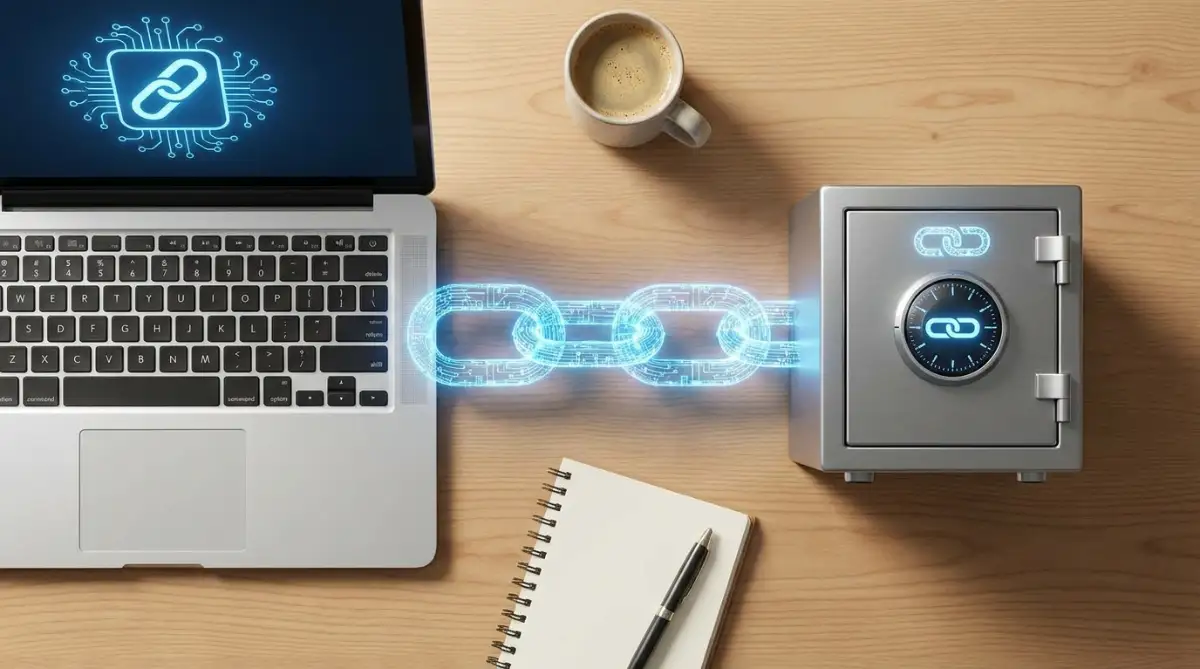
Anyone who gets their hands on that link can view your files. More terrifyingly, automated search engine bots constantly crawl the internet looking for these open addresses. Your private family vacation folder could accidentally show up in a public search result if the link is not restricted properly.
According to security researchers at the SANS Institute on data exposure, misconfigured public cloud links cause the vast majority of accidental data leaks today. When parents share pictures of their kids online, they must take extra steps to protect your child's online privacy with these simple steps by adding a strict passcode to every single shared folder. Always delete your sharing links the moment your friends are finished viewing the files.
Connecting to Storage on Public Coffee Shop Wi-Fi
Working from a sunny local café sounds incredibly relaxing, but it is actually a digital minefield. Public wireless networks in airports, hotels, and coffee shops are notoriously easy for bad actors to manipulate. If you log into your private storage drive on an unsecured network, someone sitting three tables away can easily intercept your login session.
Frequent travelers are especially vulnerable to these silent attacks as they bounce from one hotel network to another. In fact, many digital nomads struggle to protect their data because they do not realize how constant relocation secretly destroys your deep focus and how to fix it, leading to sloppy security habits. When you are rushing to catch a train, you rarely stop to check if the Wi-Fi is encrypted.
If you absolutely must access your sensitive documents in a public place, you need to use a high-quality Virtual Private Network (VPN). A VPN creates a hidden, scrambled tunnel between your laptop and the internet. The Electronic Frontier Foundation highly advises using encrypted tunnels whenever handling personal files outside of your own trusted home network.
Selling Old Devices Without Proper Cleaning
We upgrade our smartphones and laptops every few years, often trading them in for a slight discount on the newest model. Sadly, most people simply delete their visible files and hand the device over to a stranger. They completely forget that their online storage application is still actively logged in quietly running in the background.
Hitting the delete button does not actually remove the information from the physical hard drive. A clever buyer can easily recover those deleted files or simply open your still-active storage application. Before you ever sell or give away a computer, you must perform a military-grade secure wipe on the entire hard drive.
If you are unsure how to permanently destroy your digital leftovers, take the time to read a beginner's guide to safely wiping data from your premium gadgets before handing over your electronics. Failing to log out and wipe your device is exactly like handing a burglar the master keys to your new house.
Mixing Financial Records with Daily Work Drafts
Many professionals use the exact same digital storage folder for their company meeting notes and their private banking information. If you accidentally share a folder with a coworker to collaborate on a presentation, they might stumble upon your yearly tax returns. Creating clear, hard boundaries between your professional and personal data is an absolute necessity.
This digital separation is just as important as keeping your physical work life organized. Just like you need to understand the international banking secrets every first time traveler needs to know to protect your money abroad, you need separate digital spaces to protect your identity at home. Never store your passport scans in the exact same location as your casual weekly grocery lists.
Your Blueprint for a Worry-Free Digital Life
Securing your online information might feel like an overwhelming mountain to climb at first glance. However, true digital safety is not about installing twenty complicated software programs or becoming a coding genius. It is simply about building a few smart, intentional habits that slowly replace your old, risky behaviors.
By upgrading to a strong passphrase, setting up a secondary login method, and scrambling your files locally, you immediately become a difficult target. Cybercriminals are generally lazy; they want an easy score. When they hit your newly fortified digital walls, they will simply turn around and look for an easier victim.
You hold the complete power to turn your messy, vulnerable storage folders into an impenetrable digital vault. Do not wait for a terrifying security alert to suddenly pop up on your phone before you take action. Take control of your privacy settings this evening, close those forgotten open sharing links, and reclaim your peace of mind.
I know exactly how confusing and scary it feels to realize your private files are resting on someone else's computer server. When I almost lost my own personal data to a remote hacker, I promised myself I would never feel that helpless and exposed again. Taking just one hour this weekend to lock down your digital life will give you a profound sense of relief, and I strongly encourage you to start making these changes right now.
Common Questions About Cloud Storage Safety
Are free online storage plans actually safe to use?
Yes, reputable free plans from major companies generally offer the same exact server-level encryption as their paid plans. However, free accounts are more likely to scan your documents to serve you targeted advertisements, so you must carefully check the privacy settings.
Can someone hack my files if my phone is stolen?
If a thief steals your unlocked phone, they can easily open your installed storage apps and read your files. This is why you must always set a strong PIN code on your phone screen and require biometric verification (like Face ID) to open sensitive applications.
Does deleting a file from the internet remove it forever?
No, deleting a file usually just moves it to a hidden digital trash can where it stays for thirty to ninety days. To completely remove a sensitive document, you must manually go into the trash folder and permanently empty it yourself.
Should I use multiple different storage providers at once?
Using multiple providers is a great strategy to keep your casual daily files separated from your highly sensitive personal documents. However, managing too many accounts can lead to forgotten passwords, so stick to just two trusted providers to maintain perfect control.
What happens if I forget my encryption master password?
If you are using a true zero-knowledge privacy service and you lose your main password, your files are completely unrecoverable. The company cannot reset it for you because they never had your password, meaning you must write it down safely on a physical piece of paper.
====================================================================
Disclaimer: This article is strictly for informational and educational purposes only. The software, tools, and security strategies mentioned are based on general industry best practices and do not guarantee absolute protection against targeted cyber threats. Always consult with certified IT security professionals and thoroughly review the official privacy policies of any service provider before storing your sensitive personal data online.