
The Nightmare I Faced After Installing a "Smart" Add-on
Have you ever added a shiny new AI plugin to your site, thinking it would do all your heavy lifting, only to watch your site break? You aren't alone. Lots of site owners are installing these "smart" tools right now, completely missing the hidden costs, security holes, and massive speed drops that come with them. Let's look at what actually happens behind the scenes when you hit that install button—and how to keep your site safe from bad software..
Without thinking twice, I clicked the install button and went to grab a cup of coffee. By the time I came back to my desk, my screen was entirely blank. My heart instantly dropped into my stomach as I realized I had locked myself completely out of my own system.
I spent the next twelve hours frantically searching for a fix, sweating through my shirt, and worrying about all the traffic I was losing. My support inbox was blowing up with angry messages from users who could not access their accounts. That single impulsive decision cost me a massive amount of money and completely destroyed my peace of mind for the entire week.
This is the hidden reality that software companies do not want to talk about in their shiny marketing materials. We are constantly pushed to upgrade our systems with the latest smart technology, but nobody tells us about the massive risks involved.
The stress of fixing database errors, dealing with slow loading speeds, and worrying about stolen user data is enough to make anyone want to quit. We just want tools that work smoothly without requiring a degree in computer science to understand them.
You deserve to have a website that runs perfectly while still taking advantage of new technology. That is exactly why I want to share the silent alarms I completely ignored back then.
Before You Read: Quick Takeaways
- Check the privacy rules: If an extension sends your users' emails to unknown servers, delete it.
- Watch your speed: Always test your site loading time before and after activating any new smart tool.
- Look for ghost developers: Software that hasn't been updated in 6 months is an open door for hackers.
- Use a sandbox: Never test a new tool on your live site. Use a private staging area first so your visitors stay safe.
Silent Alarms You Cannot Afford to Ignore Before Hitting Install
When you are looking at a brand-new tool, the marketing page will always look perfect. But if you look closely enough, bad software always leaves behind a trail of subtle hints.
You just need to know exactly where to look. Let us break down the exact warning signs that should make you run away from a software extension immediately.

The Shady Privacy Policy and Data Traps
The absolute biggest threat to your business right now is how these new tools handle your personal information. When you connect a smart extension to your platform, you are essentially giving a stranger the keys to your house.
Many poorly made tools will secretly collect your visitors' email addresses, browsing habits, and private messages. They take this sensitive data and send it off to remote servers without ever asking for your clear permission.
If your users find out that their private information was leaked because of a tool you installed, they will never trust you again. Always read the privacy rules before installing anything, and check if they clearly explain how they store and delete user information. If the privacy policy is only two sentences long or looks like it was written by a machine, that is a massive red flag.
Before you risk your user data, watch this brief breakdown on how third-party apps handle your private information.
The Sudden Drop in Loading Speed
Have you ever tried to run a race while carrying a heavy backpack full of rocks? That is exactly what happens to your website when you install a poorly optimized extension.
Many of these smart tools require a massive amount of computing power to generate their automated responses. They force your server to work twice as hard, which makes your entire website load incredibly slowly for normal visitors.
When your pages take too long to load, your visitors will simply close the tab and go to your competitors instead. You can easily test this by checking your site speed before and after you activate the new software. If your performance score drops significantly, you need to delete that extension right away.
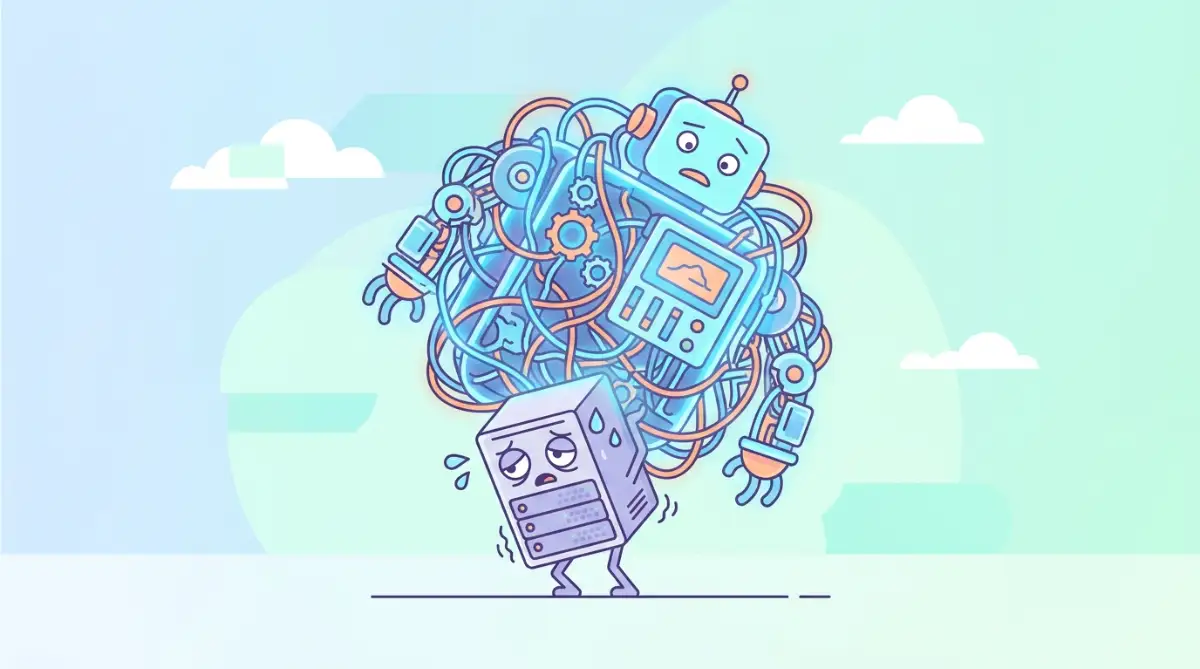
I learned this the hard way when I hit a massive unexpected bill from my hosting provider because a tool was eating up all my server resources. My biggest realization was that you should always test a new tool on a staging site first, completely separated from your live visitors.
Here is a real-world look at what usually happens when you add a heavy, unoptimized smart widget to a standard blog:
Abandoned Updates and Ghost Developers
Technology moves incredibly fast, and good developers are always updating their software to patch security holes. A healthy software extension should have a recent update history showing that someone is actively taking care of it.
If you notice that a tool has not been updated in over six months, you are looking at a ticking time bomb. Hackers love to target outdated software because the security flaws are widely known and very easy to break into.
You also want to look at the support forums attached to the tool. Are there hundreds of unanswered questions from angry users begging for help? If the creator has completely vanished and stopped answering questions, you should never trust them with your website.
Unpredictable Costs and Hidden Token Limits
Pricing models for smart tools can be incredibly confusing and borderline deceptive. You might see a big bold sign that says "Free to Install," which makes you think you are getting a great deal.
However, they secretly charge you for every single automated action, word generated, or image processed behind the scenes. This is often called a "token system," and it is designed to drain your wallet when you least expect it.
You might start with a tiny bill, but once your website gets a spike in traffic, your costs will multiply overnight. Suddenly, that "free" tool is costing you hundreds of dollars a month just to keep your basic functions running. Always look for tools that offer flat-rate pricing or very clear, hard limits on how much they can charge your credit card.
Myth vs Reality: The "Plug and Play" Lie
There is a very common myth floating around the internet that these modern tools are entirely "plug and play." The marketers want you to believe that you just click one button, and magic happens instantly.
The reality is quite different. Adding a complex automated system to your existing setup often creates severe compatibility issues.
Your current theme, your favorite security system, and your new smart tool might suddenly start fighting with each other. This digital fight usually results in broken buttons, weird text overlapping, or a completely blank screen like the one I experienced.
You must always create a full backup of your entire platform before you introduce a new element into the mix. Having a backup is like having a time machine; if things go completely wrong, you can just rewind to when everything was working perfectly.
Hallucinations and Fake Information
One of the strangest things about modern automated tools is their tendency to confidently lie to your face. When these systems do not know the real answer to a question, they will simply make something up and present it as an absolute fact.
Imagine having an automated chat assistant on your business page telling your customers that all your products are entirely free today. Or imagine it giving dangerous, incorrect medical advice to someone reading your health blog.
These fake outputs, commonly known as hallucinations, can ruin your professional reputation in a matter of minutes. You cannot just leave these tools running on autopilot without human supervision. You need an extension that allows you to review its answers, give it strict boundaries, and easily correct it when it makes a mistake.
The Hidden Vendor Lock-in Trap
Some tools are designed like a spider web; they are very easy to get into but almost impossible to escape. This happens when an extension forces you to store all your hard work exclusively inside their private system.
If you ever decide you want to switch to a different, better service, you will suddenly realize you cannot export your own data. They hold your information hostage, forcing you to keep paying their monthly fees forever just so you do not lose your past work.
A trustworthy software creator will always give you a simple, one-click option to export your data into a standard file format. Before you commit to a new ecosystem, always find the export button. If it does not exist, or if they demand an extra fee just to download your own files, walk away immediately.
Myth vs. Fact: The "Your Data is Yours" Lie
Myth: Any good software will naturally let you easily export your contacts and chat logs if you decide to cancel your subscription.
Fact: Many automated tools intentionally lock your data in weird formats (like complicated .json files) that only their system can read. If you try to switch to a competitor, you basically start from zero. Always look for a standard "Export to CSV" button before giving them your credit card.
Overcomplicated Settings and Terrible User Interfaces
The best technology in the world should feel invisible and completely natural to use. When you open the settings panel for a new extension, you should immediately understand how to make it work.
If you open the dashboard and it looks like the control panel of a spaceship with hundreds of confusing switches, that is a bad sign. An overly complicated menu usually means the developers did not care about the actual human beings using their product.
You will end up wasting hours just reading manuals and watching tutorials to change a simple text color. If a tool feels frustrating to use during the first ten minutes, I promise you it will only get worse as time goes on.
The Lack of an Emergency Stop Button
Sometimes things simply go wrong, no matter how carefully you planned or how many reviews you read. When a smart tool starts acting crazy, sending spam to your users, or deleting files, you need to stop it instantly.
A safe and well-designed extension will always feature a clear, accessible way to pause or disable its automated features. You should be able to turn off the brain of the tool without having to uninstall the entire program from your server.
If the only way to stop the tool is to dig through code or contact customer support, it is far too dangerous to keep around. You must always maintain complete control over what happens on your own digital property.
Fake Reviews and Artificial Hype
Finally, we have to talk about the review sections on software marketplaces. It is incredibly easy for shady companies to buy thousands of fake five-star reviews to make their product look perfect.
If you see a tool that has hundreds of reviews saying simply "Great job!" or "Nice tool!" with no real details, be very suspicious. Real human beings write detailed reviews, explaining exactly how the tool helped them or what specific problems they faced during setup.
To find the actual truth, always skip the five-star reviews and go straight to the three-star and two-star comments. These middle-of-the-road reviews are usually written by honest people who experienced real issues but still wanted to be fair.
By paying attention to these honest complaints, you can figure out exactly what kind of headache you might be signing up for. Your digital business is incredibly valuable, and protecting it requires a healthy amount of doubt and a lot of careful checking.
Following these exact guidelines has saved me countless times from making another terrible mistake. You hold the power to keep your digital space secure, fast, and completely under your control. All it takes is a little bit of patience and knowing exactly which warning signs to trust.
Smart Strategies for Long-Term Software Health
Protecting your website does not mean you have to avoid new technology completely. You just need to approach these smart extensions with a clear plan and a bit of caution.
I want to share the exact methods professionals use to test new software before it ever touches their live business. By following these advanced strategies, you can enjoy all the benefits of modern automation without risking your hard work.
Create a Safe Testing Sandbox
The absolute safest way to try out a new tool is to use a completely separate testing area. We often call this a sandbox environment, and it is basically a private copy of your website that nobody else can see.
When you install a new extension in your sandbox, you can freely push buttons, change settings, and see what happens. If the tool breaks everything and causes a massive error, your real visitors will never even know.
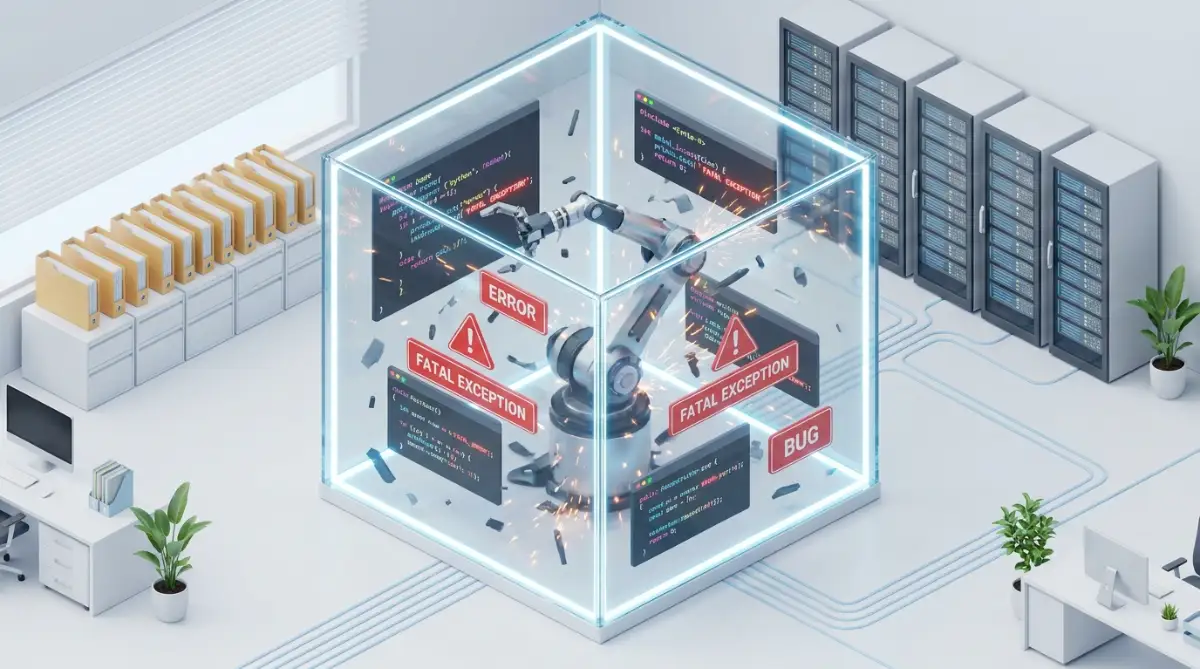
Setting this up might sound technical, but most modern web hosting companies offer a one-click testing environment feature. Taking five minutes to test a tool in private can save you weeks of stressful repair work later.
Master the Art of Controlled Access
One of my favorite security tricks is to actively limit what an extension is allowed to do. When you install a new feature, it will usually ask for permission to read and change your digital files.
You should never blindly approve every permission request that pops up on your screen. If you are just adding a simple chatbot, it absolutely does not need admin-level access to your core database.
You should always follow the principle of least privilege, meaning you only give the tool the exact permissions it needs to function. The Cybersecurity & Infrastructure Security Agency recommends secure-by-design practices that heavily emphasize restricting unnecessary access to protect your main system.
Monitor Your Hidden Network Traffic
Sometimes a tool acts perfectly normal on the surface while secretly doing shady things in the background. This is why you need to keep a close eye on where your digital data is actually going.
You can use basic network monitoring tools to see if the extension is sending information to strange, unknown servers overseas. If a tool designed to help you write better emails is suddenly sending large files to a random server, you have a major security problem.
Understanding this invisible data flow is a huge part of how to secure your personal data on cloud computing platforms effectively. Keeping your data local and heavily restricted is the best way to prevent accidental leaks.
Read the API Documentation Like a Detective
Whenever a smart tool connects to a bigger brain on the internet, it uses something called an API. This is just a bridge that allows two pieces of software to talk and share information with each other.
Before you connect that bridge, you need to read the official instructions provided by the developers. The Open Worldwide Application Security Project (OWASP) highlights API vulnerabilities as a leading cause of massive data leaks.
You want to look for clear explanations on how they encrypt your data while it travels across that bridge. If their technical guide is full of broken English or missing basic security details, you should definitely look for a different provider.
Establish a Strict Monthly Audit Routine
Good software hygiene is a lot like cleaning your house; you cannot just do it once and expect it to stay clean forever. You need to schedule a specific day every month to review all the extra tools connected to your platform.
During this monthly checkup, you should delete any tools you have not used in the past thirty days. Every inactive extension is basically an unlocked window that bad actors can use to sneak into your digital property.
This regular cleaning process is also a great time to verify that your automated systems are still working correctly. If you want to dive deeper into working efficiently, my guide on the ultimate guide to automating daily tasks without writing a single line of code will show you how to do it safely.
Document Every Single Change
Whenever you add a new smart feature to your daily workflow, write down exactly what you changed. Keep a simple digital notebook detailing the date you installed the tool and the exact settings you modified.
If your website suddenly crashes three weeks later, you can easily look back at your notes to find the most likely suspect. This tiny habit saves an incredible amount of troubleshooting time when things inevitably go wrong.
When you manage a digital business, having a clear map of your own system makes you practically unstoppable. It removes the panic from the situation because you always know exactly how to retrace your steps.

Dangerous Traps That Destroy Digital Businesses
Even with the best intentions, it is incredibly easy to fall into hidden traps when upgrading your software. I have seen incredibly smart business owners lose their entire digital presence simply because they ignored basic safety rules.
These mistakes usually happen when we are in a rush and just want to get things working quickly. Let us look at the most common pitfalls you need to avoid to keep your platform running beautifully.
Trusting Default Settings Blindly
The most dangerous thing you can do after installing a new tool is leaving all the settings on their default options. Developers usually configure these default settings to collect as much data as possible to improve their own products.
They might automatically opt you in to share your private usage statistics and customer conversations with their engineering team. You must manually go through every single options menu and turn off anything that shares your personal information.
If you want to understand the terrifying reality of exposed data, look into what hackers do with your info when big websites fail. It will quickly make you realize why locking down your default settings is completely non-negotiable.
Ignoring the Mobile User Experience
It is very easy to get excited about a fancy new popup or smart chat widget when you are sitting at a large desktop monitor. You might spend hours perfectly customizing the colors and the text to match your beautiful brand.
But you completely forget to check what that same widget looks like on a small mobile phone screen. I have seen hundreds of websites where a poorly coded smart tool completely blocks the entire screen for mobile users.
Your visitors cannot read your articles or buy your products because a giant unclosable chat box is in their way. Always pull out your own smartphone and test every single new feature to ensure it actually feels good to use.
Falling for the "Magic Solution" Marketing
Software companies spend millions of dollars trying to convince you that their newest tool will magically solve all your business problems. They use aggressive marketing tactics to make you feel like you are falling behind if you do not buy their product today.
You start installing five different automated tools at the same time, hoping they will do your work for you. This creates a massive, bloated mess of code that completely ruins your website performance.
You need to step back and evaluate technology with a clear, logical mind instead of emotional excitement. Taking an honest AI reality check and breaking down machine learning myths for beginners will help you spot these unrealistic promises instantly.
Neglecting to Train Your Team
If you run a business with remote workers, you cannot just install a new smart system and expect them to understand it. When employees do not know how to properly use a new automated tool, they will make dangerous mistakes.
They might accidentally feed highly sensitive company documents into a public data processing system. The National Institute of Standards and Technology emphasizes strict risk management and regular staff training when deploying these new technologies.
You have to create simple, clear guidelines on what type of information is allowed to be shared with these smart extensions. Protecting your remote workforce is essential, which is why the ultimate guide to online privacy for remote employees is a must-read for any growing digital team.
Skipping the Rollback Plan
Imagine launching a massive holiday sale on your website, only for a recently updated tool to crash your checkout page. Customers are trying to give you money, but the screen keeps showing a massive error message.
If you do not have a rollback plan, you will lose out on thousands of dollars while you wait for customer support to answer your email. A rollback plan simply means having a guaranteed, tested way to instantly return your website to an older, working version.
You should never click an update button unless you know exactly how to undo that action within five minutes. Relying on hope instead of a proper backup strategy is a guaranteed recipe for digital disaster.
Getting Tricked by Social Engineering
Sometimes the danger does not come from a bad piece of code, but from the person who built it. Cybercriminals will often create completely fake smart tools just to trick you into downloading their hidden viruses.
They will join community forums, act incredibly friendly, and offer a "free solution" to a problem you recently posted about. Once you install their helpful little extension, they silently take over your entire platform.
Learning how these bad actors operate can save your business from complete ruin. I highly recommend learning how to get inside the mind of a social engineer to spot manipulative tactics before you trust a stranger on the internet.
Forgetting to Clean Up the Mess
When you finally decide to delete a tool you no longer want, just clicking the uninstall button is rarely enough. Many of these complex programs leave behind hundreds of hidden files and heavy database tables that slow down your system.
Over time, this digital garbage piles up and creates bizarre errors that are incredibly difficult to fix. You need to use proper database cleaning tools to sweep up the leftover files after you remove an extension.
Think of it like moving out of an apartment; you cannot just take your furniture, you also have to sweep the floors. Keeping your digital foundation clean ensures that your website will stay fast and healthy for years to come.
Your Master Plan for a Secure Digital Future
Upgrading your online platform with smart, automated technology should be an exciting and highly rewarding experience. You do not need to be afraid of progress, but you absolutely must be smart about who you invite into your digital home.
By actively looking out for those hidden warning signs, you immediately put yourself ahead of the massive crowd. Most people will blindly click accept on every user agreement, but you now know exactly why that is a terrible idea.
Taking the time to build a safe testing area, reading the privacy rules, and monitoring your site speed will protect your hard work. You are building a secure foundation that will easily handle any new technology the future decides to throw at us.
Every single time you catch a bad extension before it ruins your system, you are actively saving your business time, money, and stress.
Real Questions People Ask About Adding Smart Tools
Will adding smart extensions automatically improve my website traffic?
No, adding automated tools does not instantly bring more people to your website. In fact, if the tool slows down your page loading speed, it can actually hurt your search engine rankings and push visitors away.
How do I know if a new tool is secretly stealing my data?
You should always read the privacy policy to see exactly what data they collect and where they store it. Additionally, you can use basic network monitoring tools to check if the extension is silently sending large files to unknown servers.
Is it safe to use free automated tools for my business?
Free tools can be incredibly useful, but you must always ask yourself how the creator is making their money. If the product is entirely free with no paid options, there is a very high chance they are selling your private usage data to third-party advertisers.
What is the very first thing I should do if a new extension breaks my site?
Do not panic and do not start randomly clicking buttons hoping to fix it. Immediately use your web hosting control panel to disable the broken tool, and then restore your website from your most recent automatic backup.
Do I really need to test a tool if it has thousands of positive reviews?
Yes, you absolutely must test every tool in a private environment regardless of its popularity. A tool that works perfectly on one website might severely conflict with the specific theme and security systems you are using on your own platform.
Disclaimer: The information provided in this article is for educational and informational purposes only and does not constitute professional cybersecurity or technical advice. Always consult with a qualified IT professional before making significant changes to your business software or handling sensitive user data. We are not responsible for any technical issues, data loss, or damages that may occur from implementing third-party plugins. Some links may lead to external resources; we do not control or endorse the privacy practices of these outside websites.