The Morning Regret: How My Favorite Device Became a Liability
You grab your phone first thing in the morning, expecting a full charge to get you through the day. But instead of feeling ready to go, the back of your phone feels suspiciously warm, and by lunchtime, you are already hunting for a wall outlet. It is incredibly frustrating when the exact nightly routine you thought was helping is actually killing your battery. Let's fix that right now and save your phone from an early grave.
The reality is much closer to home and happens right beside our pillows. When you leave your device connected to the wall for eight straight hours, a silent chemical battle takes place inside that slim metal body. We treat our gadgets like endless storage bins for electricity, forgetting that they rely on fragile chemical reactions. The peace of mind you get from seeing that green battery icon in the morning comes at a massive hidden cost. It is a slow, silent destruction that happens while you are deep in your dreams.
Quick Action Plan to Save Your Battery:
- Stop charging your phone under your pillow; heat is the number one battery killer.
- Unplug your device when it reaches 80% to avoid chemical stress.
- Use a standard, slow charger if you sit at a desk all day instead of a fast charger.
- Never play heavy mobile games while your phone is connected to the wall.
What Really Happens When You Sleep: The Hidden Science
Let us look past the marketing hype and understand what actually powers your daily digital life. Almost every modern smart device relies on a Lithium-ion (Li-ion) power source. These tiny chemical powerhouses are amazing because they pack a massive amount of energy into a very small space. However, they come with a very specific set of rules and limitations that we often ignore.
Think of a Lithium-ion cell like a human stomach at an all-you-can-eat buffet. When you are hungry, eating feels great and replenishes your energy fast. But once you are completely full, forcing yourself to keep eating causes intense discomfort and long-term health issues. Your phone feels the exact same way when it reaches maximum capacity but remains forced into a power outlet. The internal pressure builds up, causing the chemical components to stress and degrade at a rapid pace.
The "Trickle Charge" Nightmare Explained
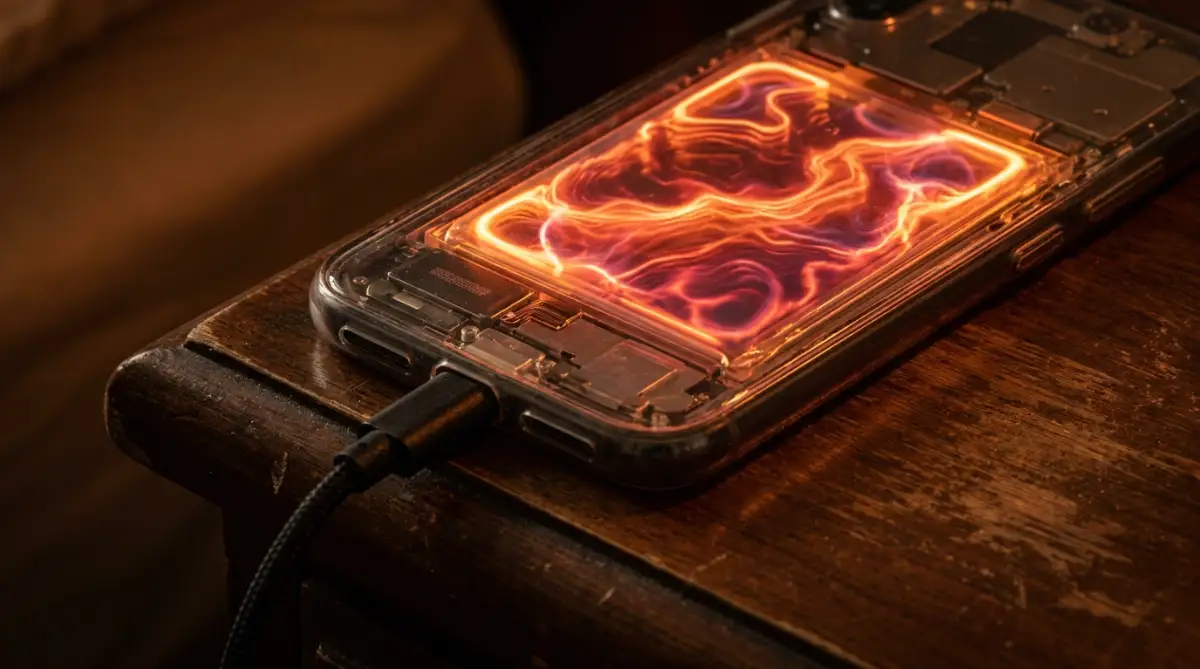
One of the biggest reasons overnight charging is so harmful is a process known as trickle charging. When your device hits maximum capacity, the internal software stops the power flow to protect the hardware. However, your device is still turned on, background apps are refreshing, and Wi-Fi is constantly searching for signals. This causes the power to drop to 99% within a few minutes.
The charger immediately kicks back in to push it up to 100%, and this endless loop repeats all night long. Your device is essentially bouncing between 99% and 100% for hours on end. This creates a state of high tension and continuous micro-stress on the internal chemicals. Over time, this constant bouncing reduces the overall capacity your device can hold. A battery that once lasted 15 hours will struggle to survive even eight hours under this kind of daily abuse.
Here is a quick cheat sheet to tell if your phone is currently suffering from charging stress:
| What You Notice | What It Actually Means | Quick Fix |
| :--- | :--- | :--- |
| Phone is hot in the morning | The battery is stuck in a trickle-charge loop | Unplug it before you go to sleep |
| Battery drops fast from 100% to 90% | The internal chemicals are wearing out | Stop charging past 80% |
| Screen slightly popping out | The battery is swelling from heat damage | Stop using it immediately and take it to a repair shop |
If you are a visual learner, watch this short breakdown of how your phone battery reacts to constant overnight power.
Heat: The Silent Assasin Under Your Pillow
Beyond the stress of constant charging, there is a much bigger enemy hiding in your bedroom. That enemy is excess heat. Moving electricity creates friction, and friction generates warmth, which is entirely normal during a quick top-up. But when your device is trapped in a charging loop for eight hours, that heat has nowhere to go.
This problem becomes infinitely worse depending on where you place your device at night. Many of us casually toss our phones onto the mattress or, even worse, tuck them under our pillows. Blankets and pillows are designed to trap body heat, meaning they also trap the heat radiating from your charging device.
When a Lithium-ion cell gets too hot, the internal liquid electrolytes can actually start to break down and crystallize. This irreversible physical damage permanently shrinks the amount of energy the cell can store.
I completely ruined my previous phone because I always left it plugged in under my pillow while listening to sleeping music. I suddenly checked my battery health setting and realized it had dropped to 79% in just a few months, simply because I was cooking it alive every night.
Why Your Phone Case is Making Things Worse
Let us talk about an accessory almost all of us use: the protective phone case. We buy thick, rugged cases to save our screens from accidental drops on hard floors. But these thick layers of silicone, rubber, and leather act exactly like a winter jacket for your device.
When you charge your phone rapidly, the back panel naturally warms up and needs cool air to dissipate that heat. A heavy case blocks this natural cooling process entirely. Now, imagine wearing a thick winter coat while running on a treadmill in a heated room. That is exactly what your gadget experiences when plugged in overnight with a thick cover on. The trapped heat accelerates the chemical aging process, silently destroying your battery health night after night.
Myth vs Reality: The Smart Charging Illusion
You might be thinking right now about the built-in software features on modern devices. Many popular brands heavily advertise features like "Optimized Charging" or "Smart Battery Management." The common myth is that these software tools make it 100% safe to leave your device connected indefinitely.
While it is true that modern software is incredibly smart, it is not a magical shield against physics. These features usually learn your sleeping patterns and pause the charge at 80%, finishing the rest right before you wake up. But your sleeping habits are rarely perfect, and the software often guesses wrong.
If you wake up earlier than usual, or if your sleep schedule changes on a weekend, the software gets confused. The device ends up sitting at maximum capacity, generating heat and trickling power just like older models. Software can slow down the damage, but it cannot bend the laws of chemistry and thermodynamics. Relying purely on an automated feature is a risky gamble for an expensive piece of technology.
Practical Steps to Save Your Battery Life Today
You do not have to live with poor battery performance or constant anxiety about finding a charger. Changing a few simple habits can easily add months, or even years, to the lifespan of your gadget. The goal is to keep the internal chemistry as relaxed and stable as possible.
Adopt the 20-80 Sweet Spot Strategy
If you want to maintain pristine battery health, you need to understand the 20-80 rule. Lithium-ion cells are incredibly happy and stable when their power level sits somewhere in the middle. Pushing the power all the way to 100% causes high-voltage stress. Similarly, letting the power drop to absolutely zero causes deep discharge stress.
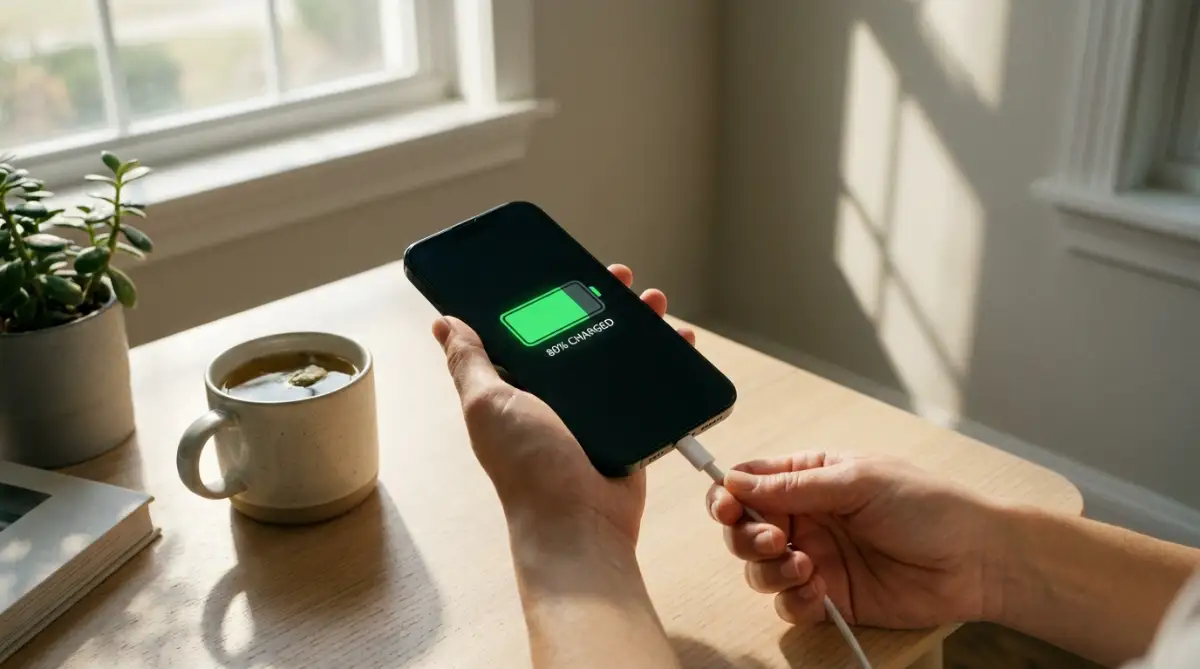
Try to plug your device in when it reaches around 20% and unplug it the moment it hits 80%. This specific zone is considered the "sweet spot" by hardware engineers around the world. By staying within this range, you drastically reduce the wear and tear on the chemical components inside.
I know it sounds annoying to monitor your device constantly, but it easily becomes second nature after a week. You will notice that a device kept within this range barely gets warm to the touch. This simple habit alone can double the functional lifespan of your power source.
Change Your Charging Schedule
We are so conditioned to plug our devices in right before closing our eyes. It feels like the most logical time to do it because we are not actively using the screen. But simply shifting your charging window to your waking hours makes a world of difference.
Try connecting your device to the wall while you are getting ready in the morning, taking a shower, or eating breakfast. With modern fast-charging technology, just 30 to 40 minutes is usually enough to give you a solid day of power. Alternatively, plug it in for a short burst while you are watching TV on the couch in the evening.
This way, you can physically see when it reaches an acceptable level and manually unplug it. You remove the entire risk of overnight trickle charging and heat buildup with this one small adjustment. It feels slightly strange at first, but waking up to a cool, unstressed phone is highly rewarding.
Manage Background Apps Before Bed
If you are absolutely forced to leave your device uncharged overnight, you might worry about waking up to a dead screen. The best way to prevent overnight power drain without a charger is to manage your background activity.
Before you go to sleep, take ten seconds to swipe away heavy applications running in the background. Turn off your Wi-Fi, mobile data, and Bluetooth if you are not actively using them for alarms or smartwatches. Better yet, simply switch your device to Airplane Mode while you sleep.
When a device is not constantly hunting for a cellular signal in the dark, it uses almost zero power. You can easily go to sleep with 60% power and wake up with 58% or 59%. This method completely eliminates the need for an overnight wall connection, keeping your hardware safe, cool, and healthy for a much longer time.
My Personal "Try This Tonight" Challenge:
Instead of fighting your phone settings, try buying a cheap $10 analog outlet timer from the hardware store. Set it to cut the power exactly two hours after you go to bed. I started doing this last year, and it completely removed my battery anxiety without requiring any extra thinking on my part.
Next-Level Strategies for Maximum Battery Lifespan
Taking control of your daily charging habits is just the first layer of protecting your expensive tech. If you want to keep your device running like it just came out of the box, you need to understand how temperature and power delivery interact. Hardware engineers use very specific methods to maintain battery health over long periods.
By applying these advanced techniques, you can easily double the time before you need a costly replacement. The best part is that these habits do not require any technical skills at all. You just need to change a few small details about how and where you plug in your device.
The Slow Charger Advantage
We all love the convenience of modern fast-charging technology when we are in a hurry. Getting a fifty percent boost in just fifteen minutes feels like absolute magic before rushing out the door. However, pushing massive amounts of electrical current into a small space generates an extreme amount of friction.
This friction instantly translates into heat, which is the absolute worst enemy of internal chemical cells. When you are understanding lithium-ion stress limits through scientific testing, you quickly see how high temperatures degrade chemical health. If you are sitting at your desk all day, there is absolutely no reason to use a massive 65-watt charging brick.
Instead, dig into your drawers and find an old, standard 5-watt or 10-watt power adapter. Pumping a slow, steady stream of energy keeps the internal temperature completely cool and stable. Your hardware will thank you for the gentle power delivery, and the internal components will last significantly longer.
Automating Your Power with Smart Plugs
One of the cleverest workarounds for nighttime charging involves a very simple piece of household technology. If you absolutely cannot break the habit of plugging in before bed, you can outsource the unplugging process. You can buy a basic, inexpensive smart plug from any local electronics store.
Plug your wall adapter into the smart plug, and then connect your device. You can then set an exact timer on your smartphone for the smart plug to cut the power completely. For example, if you know your device takes forty minutes to reach eighty percent, set the timer to shut off right at that mark.
This brilliant little trick physically disconnects the electricity while you are fast asleep. It completely eliminates the risk of reducing phantom energy consumption and stops the harmful trickle-charging loop altogether. You get the convenience of a nighttime routine without the silent chemical damage.
The Hidden Danger of Wireless Pads
Wireless charging feels incredibly futuristic and looks great on a minimalist nightstand. Simply dropping your phone onto a sleek pad without fumbling with cables is extremely convenient. However, wireless power transfer is highly inefficient and creates an enormous amount of excess heat.
Because the energy has to travel through the glass or plastic back of your phone, much of it is lost as thermal energy. When you leave your device on a wireless pad for hours, it essentially bakes the internal components. This heat gets trapped between the pad, your device, and your protective case.
If you want to maintain peak performance, reserve wireless pads for quick, ten-minute top-ups during the day. For longer sessions, always rely on a traditional physical cable to keep temperatures low. If you notice why your wireless earbuds won't connect to your pc or hold a charge, leaving their case on a hot wireless pad is often the hidden cause.
Rules for Long-Term Gadget Storage
Sometimes we upgrade our devices and decide to keep the old one in a drawer as an emergency backup. Most people make the mistake of charging the old device to a full hundred percent before turning it off and putting it away. Leaving a lithium-based power source sitting at maximum capacity for months is incredibly stressful on the internal chemistry.
The cell begins to swell up due to the constant high-voltage pressure trapped inside. Conversely, putting it away at zero percent can cause it to fall into a deep discharge state. A deep discharge often permanently ruins the cell, making it impossible to ever turn the device back on.
If you are storing a gadget, always charge it to exactly fifty percent before powering it down completely. You should also take it out every six months and top it back up to fifty percent to keep the chemicals active. Taking care of old hardware increases its resale value, which is highly beneficial when you are safely wiping data from your premium gadgets to sell them later.

Everyday Charging Blunders Destroying Your Tech
Even if you stop leaving your device plugged in all night, there are other sneaky habits ruining your battery. Many of these actions seem completely harmless because they fit so smoothly into our daily routines. We rarely notice the damage happening until our screen goes black in the middle of an important phone call.
Breaking these toxic habits requires a little bit of conscious effort, but the payoff is massive. When you understand the underlying science, you will never look at your charging cable the same way again. Let us walk through the most destructive things people do to their smart devices every single day.
The Parasitic Load Trap
One of the most damaging things you can possibly do is play graphic-heavy mobile games while connected to a wall outlet. Watching high-definition movies or doing video calls while tethered to a cord is equally destructive. Tech experts refer to this intense multi-tasking behavior as creating a parasitic load.
Your device gets extremely confused because power is flowing into the battery and being sucked directly out to the screen simultaneously. It is exactly like trying to fill a bucket with water while someone else is aggressively punching holes in the bottom. This creates a massive spike in internal temperature that you can literally feel burning against your hands.
This extreme thermal stress rapidly breaks down the internal liquid electrolytes holding the charge. The danger of thermal runaway risks in modern electronics becomes very real when a device is forced to endure this kind of simultaneous processing and charging. If you need to use power-hungry apps, unplug the device, use it, and then plug it back in when you are done.
The Deep Discharge Myth
There is an old, stubborn piece of advice floating around that you need to completely drain your battery to zero before recharging. People believe this "calibrates" the internal memory of the power cell. This was actually true for ancient nickel-cadmium batteries used in the late nineties, but it is terrible advice for modern tech.
Modern lithium-based cells absolutely hate dropping all the way to absolute zero. When the power gets completely depleted, the internal chemical structure becomes highly unstable and stressed. Doing this regularly will drastically shrink the overall capacity of your device in record time.
You should treat your power levels like a gas tank in your car on a long road trip. You never want to wait until the engine is sputtering on empty to find a gas station. Start looking for an outlet as soon as your screen hits the twenty percent warning mark.
The Hidden Danger of Gas Station Cables
We have all been in a situation where we lose our primary charging cable and desperately buy a cheap one from a gas station or convenience store. These colorful, unbranded cords usually cost less than five dollars and seem like a fantastic bargain. But these cheap accessories are secretly destroying your hardware from the inside out.
Authentic cords manufactured by reputable brands contain tiny microchips hidden inside the connector heads. These chips communicate with your device to regulate the exact flow of electricity, preventing sudden power surges. Cheap, uncertified cords entirely lack these safety chips, meaning they dump raw, unregulated electricity straight into your sensitive hardware.
This unregulated power often fries the delicate charging port or overheats the internal cell beyond repair. Consumer safety boards constantly warn about preventing overheating fires from electronics caused directly by these counterfeit accessories. Always invest in certified, high-quality cables, especially if you are packing a healthy remote setup in a small suitcase for travel.
Ignoring Extreme Weather Conditions
Your smart device is incredibly sensitive to the environment around it, much like a human being. We often carelessly toss our phones onto the dashboard of a hot car while driving in the afternoon sun. The combination of direct sunlight and GPS navigation turns the device into a blazing hot oven.
Heat causes the chemical fluids inside to expand dangerously, which is exactly why screens sometimes pop out of their frames. On the flip side, leaving your phone in a freezing car during winter is just as bad. Freezing temperatures cause the internal resistance to spike, which tricks the software into thinking the battery is dead.
Always try to keep your electronics in a comfortable room temperature environment. If you notice your device getting alarmingly hot while outside, immediately turn off the screen and move it into the shade. When you are deeply focused on separating sleep and work in a tiny apartment, you should also ensure your work desk is far away from direct window sunlight.
Embracing a Smarter Power Routine Today
Changing how you interact with your technology does not have to be a stressful or complicated process. It is all about shifting your mindset away from the old habit of leaving things plugged into the wall mindlessly. By simply paying a little bit of attention to your daily power levels, you remove the constant anxiety of a dying screen.
Start by keeping your device out of your bed and charging it during your morning routine instead. Use certified accessories, avoid playing heavy games while plugged in, and keep your hardware cool whenever possible. These tiny adjustments require almost zero effort, but they completely change how your gadget performs over the years.
I used to be someone who destroyed my phones within a year because of terrible nighttime charging habits. Once I started treating my battery like a muscle that needs rest, my device stayed fast, cool, and reliable for years. I promise you that making this simple switch today will save you a ton of frustration and keep your tech running beautifully.
Common Questions About Smart Gadget Charging
Is it really that bad to charge my phone to 100 percent?
Hitting the maximum capacity occasionally is not going to ruin your device instantly. The real damage happens when the device reaches that absolute limit and stays forced on the charger for hours. Try to unplug it shortly after it hits full power to relieve the internal chemical pressure.
Does using dark mode actually save my battery life?
Yes, using a dark theme makes a massive difference if your gadget has an OLED screen. On these specific screens, black pixels are completely turned off, meaning they consume absolutely zero electricity. This significantly reduces the daily drain, allowing you to go much longer between charging sessions.
How can I easily check if my battery is already degraded?
Most modern operating systems have a dedicated section in the settings menu specifically for hardware health. You can usually find a percentage score that shows your maximum capacity compared to when it was brand new. If your score has dropped below eighty percent, you will definitely start experiencing sudden shutdowns and rapid power loss.
Do background apps ruin my power levels while I am sleeping?
Leaving heavy applications open can absolutely drain your power, even when the screen is completely black. Your device is constantly hunting for fresh data, which forces the processor to stay awake all night. Much like protecting personal online privacy by restricting app permissions, you should restrict apps from constantly refreshing in the background.
Disclaimer: The information provided in this article is for educational and informational purposes only. Battery chemistry and device software vary significantly by manufacturer. Always refer to your specific device manufacturer's official guidelines for safety and optimal charging practices. We are not responsible for any hardware damage or data loss that may occur.