When My Safe Haven Turned Into a Privacy Nightmare
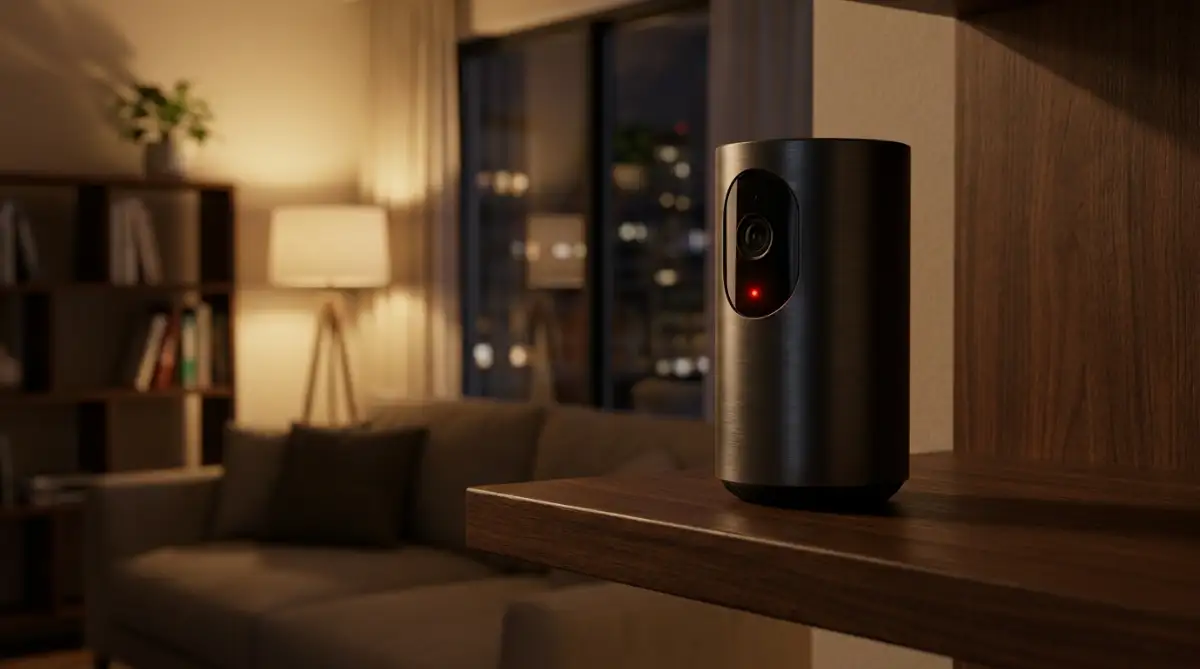
You are sitting on your couch, enjoying a quiet evening, when you notice your smart camera slowly turning to look right at you. You did not touch the app. Your phone is sitting across the room. It sounds like a bad horror movie, but this exact privacy nightmare is happening to normal families every single day. The good news? You can easily lock hackers out of your smart home without being a tech genius, and I am going to show you exactly how to do it right now.
A strange, robotic static sound faintly crackled through the tiny speaker of the camera, making my heart race instantly. That was the horrifying night I realized my private sanctuary was no longer mine. Someone else, a complete stranger miles away, was inside my home virtually, watching my every single move.
For most ordinary people, the desire to build a fully automated, voice-controlled home comes from a place of pure convenience. We install smart thermostats to save energy, baby monitors to watch our sleeping infants, and smart locks to keep intruders out. But when these exact same devices get hacked, the mental toll is heavy, and the damage to your daily peace of mind is permanent.
Imagine setting up a beautiful nursery for your newborn, only to discover weeks later that a hacker has been listening to your private family conversations. People all over the world are waking up to this terrifying reality right now. They are completely unaware that their premium gadgets are accidentally acting as digital spyglasses for cybercriminals.
Quick Safety Checklist Before You Keep Reading:
- Change your home router's default "admin" password today.
- Put all your smart plugs, lights, and cameras on a separate "Guest Wi-Fi" network.
- Turn on Two-Factor Authentication (2FA) for every smart home app on your phone.
- Cover your indoor cameras with physical privacy slides when you are walking around at home.
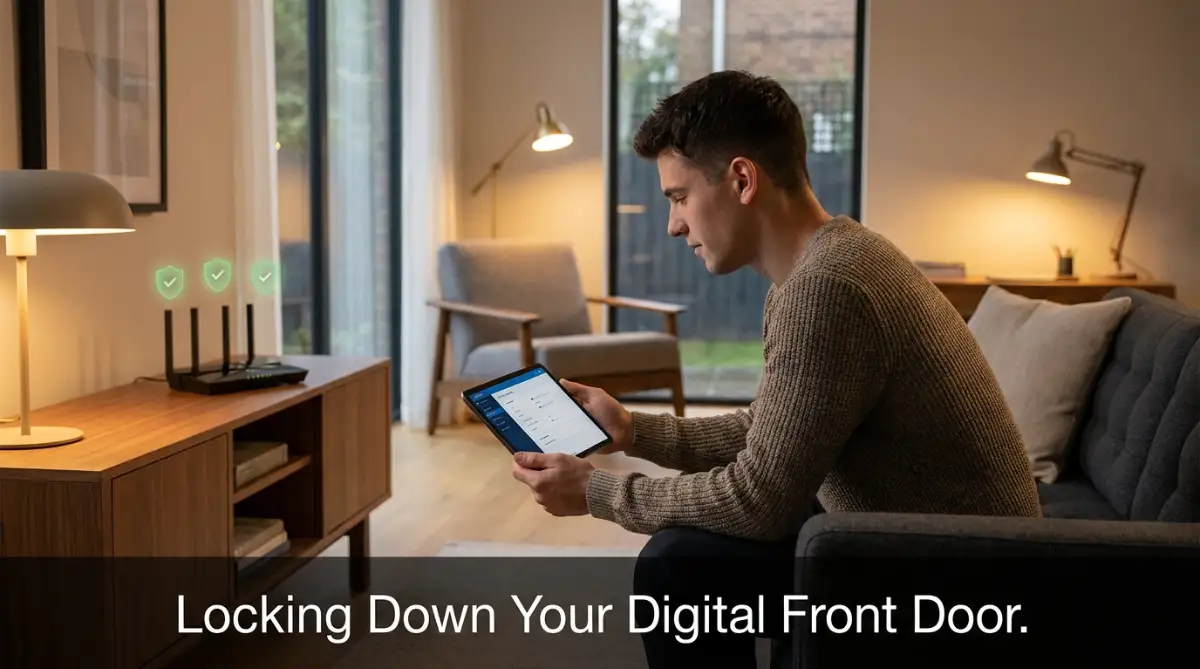
Locking Down the Digital Front Door
When we think about home safety, we immediately think about heavy metal locks, bright porch lights, and strong wooden doors. We rarely stop to think about the invisible signals floating through the air inside our homes. Your wireless internet router is the absolute main gate to your personal life. If you leave the digital front door completely unlocked, locking the physical doors will not protect your privacy.
Most premium smart gadgets do not connect directly to the internet on their own. They must pass through your home Wi-Fi router first. Therefore, securing your router is the absolute best way to stop bad people from accessing your cameras and speakers.
Why Your Internet Router Needs Immediate Attention
When you buy a brand new router or get one from your internet service provider, it comes with default settings. The username is often something simple like "admin" and the password might just be "password" or a string of numbers printed on the bottom sticker. Hackers already know these default passwords. They maintain massive lists of factory settings for every router brand on the planet.
If you plug your router in and never change these details, a hacker can easily log into your network from down the street. Once they are inside the main network, they can see every single smart device connected to it. Changing the main login details of your router is the most powerful thing you can do today.
Here is a quick checklist I use to see if my home network is actually secure:
| Security Check | What It Means | Action Required |
| :--- | :--- | :--- |
| Router Password | Are you still using "admin" to log in? | Change it immediately. |
| Guest Network | Are your smart bulbs on your main Wi-Fi? | Move them to the guest network today. |
| Device Updates | Did you ignore the last firmware pop-up? | Open your app and click "Update" now. |
If you have ever wondered just how easy it is for an outsider to slip past your Wi-Fi defenses, this short breakdown is exactly what you need to see.
The Concept of a Guest Network Sandbox
Have you ever noticed that most modern routers offer a feature called a "Guest Network"? Most people assume this is only for when friends come over for dinner. However, security experts use this feature in a completely different and highly effective way.
You should actually connect all of your smart home gadgets directly to the guest network instead of your main network. Think of the guest network as a completely separate waiting room. If a hacker somehow breaks into your smart coffee maker, they will be trapped in the guest network waiting room.
They will not be able to cross over to your main network where your personal laptop, banking apps, and private smartphones are connected. This simple separation keeps your most sensitive personal data completely hidden.
Decoding the Truth About Smart Gadget Safety
There is a lot of confusing information floating around the internet regarding how smart electronics actually work. To keep your home safe, you need to know what is real and what is just a rumor. Let's break down some common misunderstandings.
Building an Unbreakable Password Strategy
We all hate trying to remember fifty different passwords. It feels exhausting to come up with new combinations of numbers and letters every time you buy a new device. Because of this exhaustion, many users use the exact same password for their email, their bank, and their smart front door lock.
This is a terrible mistake. If a hacker steals your password from a poorly secured online forum, they will immediately try that same password on your smart home accounts. You must use completely different passwords for your highly sensitive smart home applications.
I actually made this exact mistake with my very first smart thermostat by leaving the factory password as '123456'. I thought no one would care to hack a simple temperature gauge, but I quickly learned that hackers use these small devices as an easy bridge to reach your computer and phone. Trust me, taking five minutes to change that default password will save you months of anxiety and fear.
Transitioning to Passphrases Instead of Passwords
Instead of trying to remember a messy string of symbols like "Xy7!bQ", you should start using passphrases. A passphrase is just a collection of random words smashed together. It is much easier for your human brain to remember, but mathematically impossible for a computer program to guess.
For example, a password like "Purple Coffee Running Fast!" is incredibly strong. It is long, it contains different types of characters, and you can easily picture a purple coffee cup running down the street in your mind. Length is always better than complexity when it comes to stopping automated guessing software.
Adding the Ultimate Extra Layer: Two-Factor Authentication
If you only do one single thing after reading this guide, you must turn on Two-Factor Authentication (2FA) for your smart device accounts. Almost all premium gadget brands offer this in their mobile application settings.
Think of a password as the key to your front door. If someone steals your key, they can walk right in. But Two-Factor Authentication acts like a massive steel deadbolt on the inside of the door. Even if the hacker has your perfect key, they still cannot get inside without your personal permission.
When 2FA is active, logging in requires a temporary code sent directly to your mobile phone. The hacker might have guessed your password, but unless they are physically holding your smartphone in their hands, they will be completely blocked out. This simple feature stops almost all remote internet attacks instantly.

Smart Home Security: Myth vs. Fact
- Myth: Setting up Two-Factor Authentication (2FA) takes too much time and makes logging in super annoying.
- Fact: You only have to set it up once per device! That extra 60 seconds of effort is the only thing standing between your living room camera and a bored hacker on the other side of the world. It is a tiny hassle for a massive peace of mind.
The Hidden Danger of Ignored Software Updates
We all know the annoying feeling of seeing an "Update Available" notification pop up on our phone screen. Most of us just hit the "Remind Me Later" button because we are busy. However, treating your smart home devices this way is incredibly dangerous.
When a company releases a firmware update for your smart camera or smart speaker, they are not just adding fun new features. They are usually patching massive security holes that hackers have recently discovered.
Think of a firmware update like a protective medical vaccine for your electronics. It teaches the device how to fight off the newest digital viruses circulating on the internet. If you ignore these updates for months, your expensive gadgets become extremely weak and easy to break into.
You should open your smart home control apps at least once a month. Go into the device settings and actively look for a button that says "Check for Updates" or "Update Firmware." Some devices offer an auto-update feature. If you see that toggle switch, absolutely turn it on so the device can heal itself while you sleep.
Auditing Your Device Microphones and Cameras
Have you ever stopped to think about how many microphones are currently active in your living room? Your television, your smart speaker, your smart watch, and your children's toys might all be listening right now. You need to perform a regular physical audit of the items inside your house.
Walk around your home and look at every single thing connected to a power outlet. Ask yourself if that specific device genuinely needs to be connected to the internet to do its job. For example, does your coffee maker really need an internet connection just to brew hot water?
If the answer is no, simply disconnect it from the Wi-Fi. A device that is not connected to the internet physically cannot be hacked from the outside. Sometimes, the smartest security decision is making a device a little less smart.
For items that absolutely must have cameras, like indoor security monitors, you should take physical precautions. When you are walking around your home in private, you do not need the indoor cameras recording you. Buy cheap, physical privacy covers that slide over the camera lens.
If a hacker manages to bypass your router, guess your password, and defeat your 2FA, they will still only see a black piece of plastic. Physical blocks are the one thing a remote hacker can never defeat using a keyboard.
Turning Off Unused Features Like UPnP
Deep inside your router settings, there is a feature called Universal Plug and Play, commonly known as UPnP. This feature was created to make setting up new gadgets extremely easy. It allows a new device to automatically open ports in your router without asking for your permission.
While this makes setting up a gaming console or a smart fridge faster, it is a massive security nightmare. If a malicious device connects to your network, UPnP will automatically hold the door wide open for it, inviting outside traffic directly into your home.
You should log into your router settings using your newly created secure password, find the advanced settings tab, and turn off UPnP entirely. Yes, setting up your next smart gadget might take an extra two minutes, but closing that automatic door will drastically increase your family's safety against automated internet scanners.
By taking these straightforward, practical actions, you are transforming your home from an easy target into a highly secure fortress. You do not need to be a computer scientist to protect your family. You just need to take control, change those default settings, and refuse to leave your digital front door unlocked.
Beyond the Basics: Expert Tactics for Total Home Defense
Once you have locked down your main internet router, it is time to take your digital safety to a much higher level. Most casual tech users stop at password protection, but true peace of mind requires a few extra steps. We are going to explore some highly effective strategies that security professionals use in their own homes.
One of the smartest upgrades you can make is moving away from Wi-Fi-dependent gadgets entirely. Instead of buying light bulbs and switches that connect directly to your router, look for devices that use Zigbee or Z-Wave technology. These are special wireless languages designed specifically for home automation.
Because Zigbee and Z-Wave devices do not speak directly to the internet, they are naturally much safer. They only talk to a central smart hub located inside your house. If an outside attacker tries to scan your internet network, these devices simply will not show up on their radar.
Setting Up a VIP Bouncer for Your Network
Every single device you own has a unique physical fingerprint called a MAC address. Think of this address as a permanent ID card for your smartphone, tablet, or smart fridge. You can actually configure your router to act like a strict bouncer at an exclusive VIP club.
By turning on MAC Address Filtering in your router settings, you tell the system to completely ignore any device that is not on your personal list. Even if a bad actor manages to steal your perfect passphrase, their computer will still be denied entry.
Your router will simply look at the stranger's digital ID card, see that it does not match your approved list, and slam the door shut. This advanced setting takes a little bit of time to configure initially, but it creates a nearly unbreakable invisible wall around your family.
The Magic of Local Storage vs Cloud Reliance
We have grown incredibly accustomed to saving everything in the cloud. However, sending your private living room camera footage to an unknown computer server far away introduces massive risks. If that third-party company gets breached, your private family moments could be exposed.
To prevent this, you should actively seek out security cameras that offer local storage options. These cameras save your video recordings directly onto a tiny MicroSD card physically located inside the device. If the internet completely drops out, your camera will keep recording normally.
More importantly, a hacker halfway across the globe cannot access a physical memory card sitting in your hallway. You maintain complete, absolute ownership of your video data. Organizations like the Mozilla Foundation's Privacy Not Included project frequently highlight exactly which brands respect your privacy and which ones aggressively harvest your cloud data.
Active Monitoring for Silent Intruders
You do not need to sit and watch your network traffic all day to know what is happening. There are excellent, user-friendly network monitoring applications that will do the heavy lifting for you. These apps scan your home network quietly in the background while you go about your day.
If a random new device suddenly joins your Wi-Fi at three in the morning, the app will instantly send a push notification to your phone. You can then open the app and kick the unknown device off your network with a single tap.
This level of active monitoring puts you entirely in control of your digital environment. It is the same peace of mind you feel when a physical alarm system chimes to let you know a door has opened. Staying informed is the best way to prevent small security gaps from turning into massive headaches.

Dangerous Habits That Leave Your Digital Windows Wide Open
Even with the strongest locks on your front door, leaving a bottom floor window wide open makes your house an easy target. The same exact logic applies to your smart home environment. People often make completely innocent mistakes that accidentally invite severe danger into their personal lives.
Let's walk through some of the most common traps that ordinary families fall into when buying new gadgets. Avoiding these specific pitfalls will instantly put you ahead of ninety percent of casual smart home users.
The Hidden Cost of Extremely Cheap Electronics
We all love finding a great bargain online. When you see a smart plug or a security camera selling for five dollars from an unknown overseas brand, it feels like a massive win. However, that incredibly cheap price tag usually comes with a hidden, dangerous cost.
These generic knock-off devices often have absolutely zero security standards built into their software. The developers cut corners to save money, meaning they rarely issue security patches or firmware updates. Even worse, many of these ultra-cheap gadgets route your home data through unencrypted, mysterious servers.
Security experts at CISA (Cybersecurity and Infrastructure Security Agency) regularly warn against installing unverified internet-of-things devices in your home. You are much better off spending a little extra money on a trusted, reputable brand that actively invests in protecting your privacy.
The Danger of Forgotten Digital Guests
Think about how many people you have temporarily given your Wi-Fi password or smart home app access to over the years. You might have shared access with a house sitter, a dog walker, or a visiting relative. Have you ever remembered to revoke that access once they left?
Leaving old accounts active is a huge vulnerability. If your former dog walker's phone gets compromised by a malicious virus, that virus now has a direct bridge into your front door lock. You should make it a strict habit to review who has permission to control your house every few months.
Delete any user accounts that no longer need daily access to your home. If you gave out your main Wi-Fi password to temporary contractors, you should absolutely change the password once their work is finished.
Failing to Wipe Data Before Saying Goodbye
Technology moves incredibly fast, and we constantly upgrade our older devices for newer models. Many people simply unplug their old smart security cameras and toss them into the donation bin or sell them online. They completely forget that their personal Wi-Fi passwords and account details are still saved inside the machine's memory.
If a tech-savvy criminal buys your old device at a thrift store, they can easily extract your home network credentials from it. This is why you must perform a hard factory reset on every single item before getting rid of it. If you are unsure how to do this properly, you can read more about safely wiping data from your premium gadgets to protect yourself.
Placing Cameras in Deeply Personal Spaces
There is a strange temptation to put smart speakers and cameras in every single room of the house just because we can. But you must stop and ask yourself if the convenience is genuinely worth the massive privacy risk. Putting a smart camera in your private bedroom or your bathroom is a recipe for absolute disaster.
If you want to keep an eye on your pets or watch the front porch for package deliveries, those are totally reasonable spaces for a camera. But your deeply personal resting spaces should remain completely offline.
If you absolutely must use an internet-connected monitor for a sleeping infant, make sure you take extra precautions to protect your child's online privacy. Always angle the lens so it only shows the crib, and never point it toward the rest of the room where you might change clothes.
Ignoring the Overlap of Work and Home Devices
Since remote work became the global standard, our living rooms have slowly transformed into busy corporate offices. People often connect their highly sensitive company laptops to the exact same Wi-Fi network that controls their cheap smart toaster.
This creates a dangerous bridge between your casual home gadgets and your professional livelihood. If a hacker breaches your weak smart lightbulb, they can easily hop over to your work computer and steal sensitive client data.
To prevent this nightmare scenario, you should actively try separating sleep and work in a tiny apartment by using different network bands. Connect all your smart home toys to the 2.4GHz band, and keep your professional work laptop isolated on the faster 5GHz band.
The Frustration of Unpatched Bluetooth Connections
Sometimes we get so focused on Wi-Fi that we completely forget about Bluetooth vulnerabilities. Many smart home hubs use Bluetooth to communicate with smaller sensors around the house. If you never update these devices, attackers can exploit old Bluetooth flaws to sneak into your system.
It is the exact same annoying technical glitch you experience when your wireless earbuds won't connect to your PC. Just like you need to update your computer drivers to fix audio issues, you must update your smart home hubs to patch invisible Bluetooth security holes.
Following the strict guidelines set by the National Institute of Standards and Technology (NIST) regarding home electronics can save you from these unexpected wireless attacks. Always turn off Bluetooth pairing mode on your devices the moment you finish setting them up.
Your Personal Blueprint for a Secure Digital Sanctuary
Taking control of your digital environment does not require an advanced degree in computer science. It simply requires a little bit of patience, some intentional planning, and the courage to change factory default settings. Every single step we discussed today adds another thick layer of brick to your invisible fortress.
When you separate your devices onto a guest network, you immediately trap potential threats before they can spread. When you replace weak passwords with long, memorable passphrases, you make automated hacking software completely useless. And when you demand two-factor authentication for your apps, you hold the absolute final key to your family's safety.
You should treat your home network just like you treat your physical property. You would never leave a spare house key resting directly on your front welcome mat. In the same way, you should never leave your router passwords as 'admin' for the whole world to guess.
I know how overwhelming it feels to manage all these different apps, settings, and updates at first. I used to feel incredibly anxious every time I bought a new smart gadget, worrying if I was accidentally inviting a spy into my living room. But once I took a Saturday morning to apply these exact steps, that heavy anxiety completely vanished. You have the total power to build a safe, peaceful digital home right now, and I highly encourage you to start making these simple changes today.
Common Questions About Smart Home Safety
Can a hacker unlock my smart front door?
Yes, if your smart lock is connected to a poorly secured Wi-Fi network with weak passwords, a determined hacker can unlock it remotely. However, enabling two-factor authentication and keeping the lock's software updated makes this practically impossible for the average cybercriminal.
Do I really need a VPN for my home router?
While a Virtual Private Network (VPN) on your router hides your web browsing history from your internet provider, it is not strictly necessary for basic smart home safety. Strong passphrases, a separate guest network, and turning off UPnP are much more effective at stopping direct smart device hacks.
Can someone hack my smart TV to watch me?
Many modern premium televisions have built-in cameras and microphones for video calls and voice commands. If a hacker gains access to your home network, they could potentially turn these on without you knowing. Always place a physical sticker over the TV camera lens when you are not actively using it.
How do I know if my security camera has been compromised?
Look for strange warning signs like the camera lens physically moving on its own, unfamiliar voices coming from the speaker, or unexplained flashing LED lights. If you notice a sudden spike in your internet data usage on your monthly bill, it might indicate someone is secretly streaming your video feed.
Are smart home gadgets actually worth the security risk?
Yes, they absolutely are, as long as you take the necessary precautions during setup. The incredible convenience, energy savings, and physical security these devices offer far outweigh the risks if you simply follow basic digital hygiene rules.
====================================================================
Disclaimer: This article is for informational and educational purposes only. The security strategies mentioned are based on general best practices and do not guarantee complete protection against all cyber threats. Always consult with certified cybersecurity professionals and review the official manufacturer guidelines before making changes to your personal home network settings.