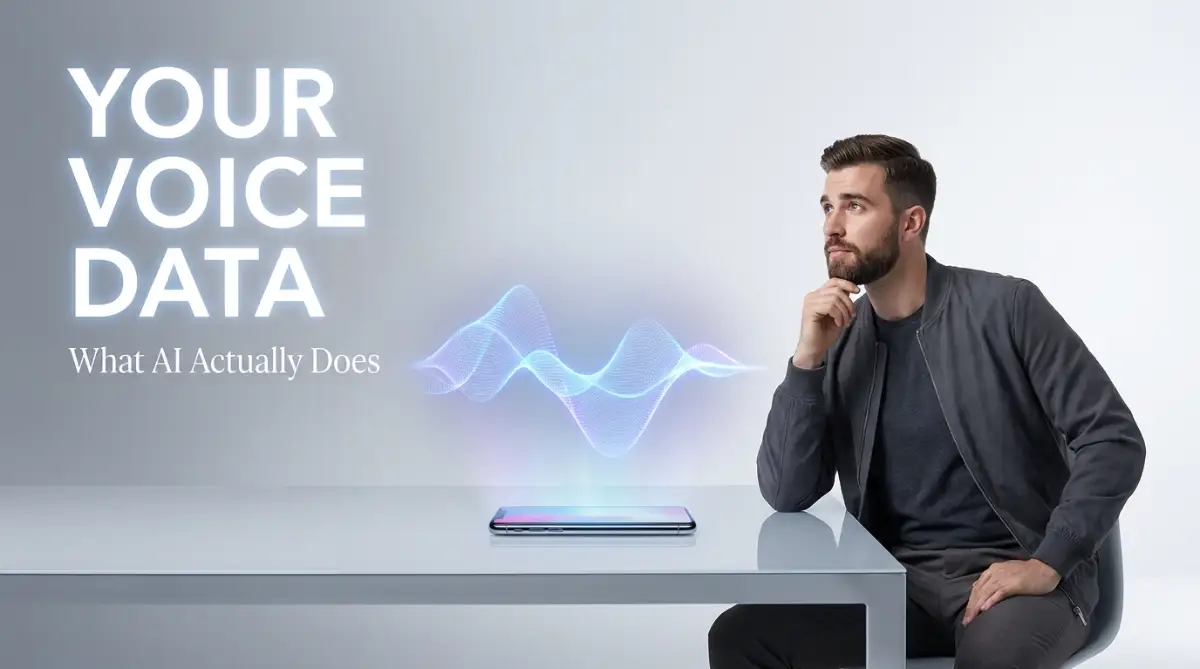
The Moment of Panic: Who Is Listening to My Voice?
I used a free transcription app last week to record a client meeting, and a terrifying thought hit me: I just uploaded our private financial chat to a random server. If you use speech-to-text tools for class lectures, work meetings, or voice diaries, you might be giving away your most personal data without even realizing it. I want to show you exactly where your voice goes once you hit record, and how you can lock down your privacy right now.
It worked perfectly, turning our hour-long brainstorming session into neat, readable text in just seconds. But as I was reviewing the document, a chilling thought suddenly hit my brain. We had just discussed sensitive financial numbers, upcoming product launches, and private trade secrets.
Where exactly did that audio recording just go? Was it sitting safely on my phone, or did I just upload my client's deepest business secrets to a random server across the world?
I started frantically digging through the app’s terms of service. What I found completely destroyed my peace of mind. The legal jargon was incredibly confusing, heavily masking the fact that they owned the right to store my audio indefinitely.
This is a massive problem that millions of normal people face every single day. You download a convenient app to transcribe your class lectures, your therapy notes, or your business meetings. You tap the record button without a second thought because the technology feels like magic.
But behind that simple interface, your personal voice data is going on a wild, invisible journey. The mental stress of not knowing who has access to your private conversations can be overwhelming. You start worrying about identity theft, corporate espionage, or just the creepy feeling of a stranger listening to your personal thoughts.
Let's have a quick reality check:
- Do you know if your transcription app deletes your audio after converting it?
- Are human engineers listening to your recordings to improve their software?
- Can third-party marketing companies buy your transcribed conversations?
If you cannot confidently answer these questions, you are flying blind. We trust these applications blindly because they make our lives easier. But convenience should never cost you your personal privacy. Today, we are going to expose exactly what goes on behind the scenes of your favorite speech-to-text tools.

Fast Facts: What You Need to Know
- Your voice data rarely stays on your phone; it travels to remote cloud servers for processing.
- Many free apps secretly use your private voice recordings to train their future software.
- Hitting "delete" on your screen does not always wipe your file instantly—companies keep hidden backups for months.
- You can completely avoid these risks by using local, on-device transcription tools.
The Invisible Journey of Your Spoken Words
To truly protect yourself, you need to understand the exact path your voice takes the moment it leaves your mouth. It is not just about words magically appearing on a screen. There is a deeply complex, multi-step process happening in the background.
Let us break down this hidden journey so you can see exactly where your data lives, breathes, and sometimes gets stuck forever.

Phase One: The Local Capture and Immediate Transfer
When you hit the record button, your phone or computer microphone turns your physical voice into a digital audio file. This file temporarily lives on your device's local storage. If you are using a purely offline tool, the journey ends here.
However, almost all modern AI transcription tools are cloud-based. This means your device immediately starts slicing that audio file into tiny data packets. These packets are then shot through your internet connection straight to the software company's private servers.
This transfer stage is where your first major risk happens. If the application does not use strong end-to-end encryption, hackers can easily intercept these data packets over a public Wi-Fi network. Imagine sitting in a coffee shop, dictating a private email, and someone at the next table quietly capturing your entire audio stream.
Look at how different apps handle your transfer:
Always check if your app promises "encryption in transit." This simply means your voice is scrambled into an unreadable code while traveling through the internet.
Myth vs. Fact: Audio Encryption
- Myth: If an app has a padlock icon on its website, my audio is 100% safe.
- Fact: The padlock only means your data is encrypted while traveling (in transit). Once your audio reaches the company's server, they usually decrypt it so their software can read it. You need to check if they offer "encryption at rest" to stay fully protected.
Phase Two: The Server-Side Processing Engine
Once your audio packets safely reach the company’s cloud server, the real heavy lifting begins. The server pieces your audio back together and feeds it directly into a complex artificial intelligence model.
This model listens to the specific frequencies of your voice. It compares your sounds to millions of hours of pre-learned human speech to guess what words you are saying. This processing takes immense computing power, which is why your tiny smartphone cannot do it alone.
Here is the scary part. During this processing phase, your audio file exists completely unencrypted on their server. The AI needs to "hear" the raw audio to transcribe it. If a bad actor gains access to the company's servers at this exact moment, they can listen to your raw recording.
Trustworthy companies process this data in isolated, highly secure server environments. They automatically wipe the raw audio file the absolute second the text document is generated. Less trustworthy companies will quietly move that raw audio file into a massive, permanent storage database.
Phase Three: The "Training Data" Trap
This brings us to the most controversial part of the AI software industry. How do you think these transcription models get so incredibly smart? They learn by consuming massive amounts of real human conversations.
Many free applications hide a sneaky clause in their terms of service. By using their free tool, you give them permission to use your personal voice recordings as "training data" for their future algorithms.
This means your private business meeting or your personal voice diary could be fed directly back into their machine learning loop. The software uses your specific accent, your pauses, and your vocabulary to make its system better for the next user.
My Personal Realization: I once lost a massive client because I uploaded a raw, unedited strategy call into a random free transcription tool I found on Google. A week later, I read their privacy policy and realized I had legally granted them a license to use our sensitive discussion for their own software training. I had to confess my mistake to the client, and the breach of trust completely ruined our working relationship.
You must always look for a clear "opt-out" button regarding data training. The best paid software tools will explicitly state that they never use customer data to train their models.
Phase Four: The Human Review Element
People often assume that AI software is 100% run by robots. You would be shocked to learn how many human beings are actually sitting in cubicles, listening to your audio files.
When an AI model struggles to understand a thick accent or a noisy background, it flags the audio snippet for review. In many companies, a real human quality assurance worker will put on headphones and listen to your recording. Their job is to manually type out the confusing words to help the AI learn.
If you want to know how companies legally justify listening to your private audio, this breakdown explains exactly what to look for in your app settings.
These human reviewers are often third-party contractors working in different countries. They might not be bound by strict confidentiality agreements. Imagine dictating your personal financial passwords or medical symptoms, only for a random contractor across the globe to hear every single word.
If you use software for sensitive information, you must find tools that guarantee "zero human in the loop" processing. This promises that no human eyes or ears will ever interact with your data.
Phase Five: Third-Party Data Sharing
Even if the transcription company does not listen to your audio, they might still make money off your text transcriptions. Data is the most valuable currency on the internet today.
Some sneaky applications will scan your finished text documents for specific keywords. If you frequently transcribe notes about buying a new house, the app might package that behavioral data and sell it to real estate advertisers. Suddenly, you start seeing mortgage ads all over your social media feeds.
They will always claim this data is "anonymized," meaning your name is removed. But in reality, true anonymity is nearly impossible. Your transcriptions contain highly specific details about your life, your location, and your habits.
If an app is entirely free to use, you have to ask yourself how they pay for their expensive cloud servers. The answer is almost always by monetizing your data. If you are not paying for the product, your privacy is the product.
Phase Six: The Dark Reality of Data Deletion
Let us say you finally decide to delete an old transcription from your dashboard. You click the little red trash can icon and watch the file disappear from your screen. You feel a sense of relief, thinking your data is gone forever.
Unfortunately, clicking delete on your screen rarely means the data is instantly wiped from the company's master servers. Many platforms use "soft deletion" methods.
This means the file is simply hidden from your personal view, but it remains fully intact on their backup servers for months or even years. They keep these backups for their own legal protection or data retention policies.
If you want your voice data truly gone, you need to understand the difference between deleting a file and demanding a full data purge.
The Deletion Timeline Explained:
- Immediate Action: You click delete on your app dashboard.
- The Waiting Period: The company moves your file to a hidden archive server (usually for 30 to 90 days).
- The Final Purge: The server automatically overwrites the physical hard drive, permanently destroying the audio.
Wait, Before You Click 'Agree' – My 10-Second Privacy Checklist:
- Does the app say "Zero Data Retention"?
- Can I easily opt out of AI training?
- Is there an option for local, on-device processing?
- If your answer is "No" to any of these, I highly suggest finding a different tool for your private notes.
Always read the privacy policy to find out their exact data retention timeline. If they do not specify how many days it takes to permanently wipe a deleted file, you should not trust them with your voice.
The Medical and Legal Compliance Standard
If you work in a regulated industry like healthcare or law, using a generic transcription app can literally end your career. Doctors cannot legally record patient notes on standard consumer apps because those apps do not meet strict government privacy laws.
These professionals use highly specialized, compliance-rated software. These premium tools guarantee that audio is encrypted at rest, processed in isolated data silos, and instantly destroyed after transcription.
Even if you are just a normal person recording personal thoughts, you should aim to use software that meets these same professional standards. Your personal thoughts deserve the exact same level of iron-clad protection as a doctor's medical notes.
By understanding this complex, invisible journey, you take back your power. You stop being a passive user and become an educated digital citizen. You realize that your voice is a highly unique biometric identifier, just like your fingerprint.
You would never leave copies of your fingerprints scattered randomly across the internet. It is time we start treating our spoken words with the exact same level of fierce protection.
Taking Control of Your Audio Privacy Like a Pro
Now that you know the hidden journey your audio takes, you might feel a little overwhelmed. It is completely normal to feel frustrated when you realize how much personal data you have already handed over. But panic is not the solution here.
You do not need to throw your smartphone in a river and move to the woods to protect your conversations. You just need to change how you interact with these software platforms. Let us look at the absolute best strategies professionals use to keep their spoken words locked down safely.
The most powerful secret in the audio privacy world is moving away from cloud-based processing. Most commercial apps force you to upload your files to their remote servers. Instead, you can run transcription models entirely on your own local machine.
Tools like OpenAI’s Whisper offer open-source models that you can download directly to your laptop. When you run these local models, your audio file never touches the internet. It gets processed right there on your hard drive, giving you complete, undeniable ownership of your data.
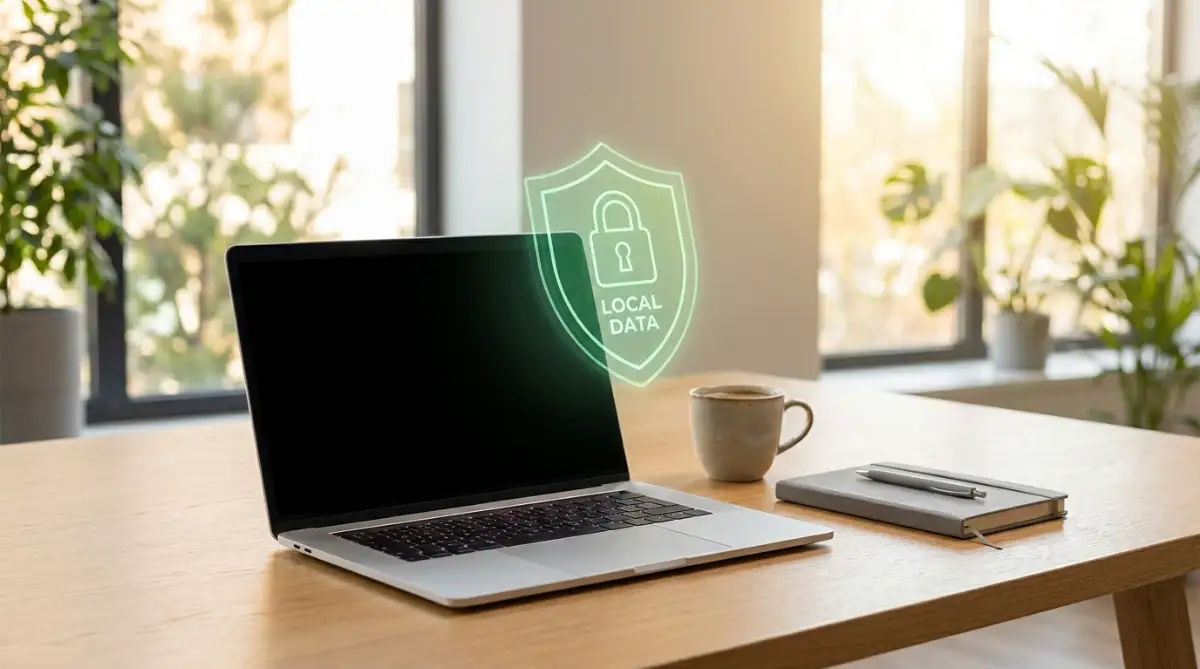
If the idea of downloading code sounds intimidating, you can start by understanding how open-source software architecture works. It is much easier than it sounds, and it completely removes the risk of a third-party company hoarding your private voice notes.
For those who rely on fast, cloud-based tools for heavy workloads, you should always look for a "Zero Data Retention" API option. An API is simply a secure tunnel between your computer and the software’s brain.
When you purchase enterprise-level access, these companies offer a strict agreement. They promise that your audio travels through the tunnel, gets converted to text, and both the audio and text are instantly wiped from their memory. The Electronic Frontier Foundation's guidelines on consumer data protection highly recommend looking for services that explicitly state this zero-retention policy in plain English.
Pro Tip for Immediate Protection:
I used to blindly sign up for every new voice tool using my primary email address, which permanently linked my personal identity to my audio files. My biggest realization was that using a secure, anonymous alias email for software trials completely breaks this chain. Now, even if a sketchy app saves my voice, they have absolutely no way to connect it back to my real name, my business, or my financial accounts.
You also need to audit the hardware you use to record your audio. If you are sitting in a busy terminal trying to upload a massive audio file, you might plug your phone into a public kiosk to keep the battery alive. This is a massive security blind spot.
Hackers often tamper with public USB ports to silently extract files from connected devices. You can read a full breakdown of the hidden risks of public airport charging stations to understand how easily someone can steal your unencrypted audio right off your phone.
Always process sensitive recordings from the safety of your own private network. If you must work remotely, use a reputable virtual private network (VPN) to scramble your internet traffic. This simple habit puts a thick digital wall between your private conversations and anyone trying to snoop on your connection.

The Hidden Traps That Expose Your Conversations
Knowing what to do is important, but knowing what to avoid is what actually keeps you safe. I have watched incredibly smart professionals make terrible decisions simply because they were in a rush to finish a project. When you let convenience override your common sense, the results can be devastating.
One of the most dangerous mistakes is treating your smartphone microphone like a harmless tool. We easily forget that a microphone is literally an open door to our physical environment.
Many people blindly click "Allow All The Time" when an app asks for microphone permissions. They think it is harmless, but this gives the application legal permission to listen even when you are not actively transcribing anything. You might be shocked to learn how your smartphone handles hidden background apps while sitting silently in your pocket.
If an untrusted transcription tool is running quietly in the background during your private family dinner, those snippets of audio can easily be captured and analyzed. Always set your microphone permissions to "Only While Using The App." This physically forces the software to ask for your permission every single time it wants to listen.
Another massive trap is the false comfort of "Anonymized Data." You will see this phrase plastered all over free software platforms. They promise that your audio is stripped of your name and email before they sell it to advertisers or researchers.
This is a very dangerous illusion. Your voice is a highly unique biometric marker, almost as specific as a fingerprint. Independent researchers have proven that it is surprisingly easy to re-identify a person just by analyzing the unique pitch, tone, and pacing of their spoken words.
According to Stanford University's research on speech recognition privacy, seemingly anonymous audio clips can quickly be matched back to a real person using advanced machine learning. When you discuss your favorite coffee shop, your dog's name, or your specific job title in a voice note, you are giving away all the puzzle pieces needed to identify you.
I once heard a horror story about a young freelance writer who used a free, unsecure website to transcribe her interviews. She did not realize the site publicly indexed completed transcripts on Google to drive search traffic. A week later, her highly confidential interview with an anonymous source was fully searchable online, completely ruining her credibility and her career.
You must also stop ignoring the dangers of third-party software keyboards on your phone. Sometimes the transcription app itself is safe, but the custom keyboard you use to edit the text is quietly logging every single keystroke.
If you are dictating sensitive passwords or financial details, a malicious keyboard app can capture the final text output. The National Security Agency's advice on mobile device best practices strongly warns against using unverified third-party keyboards for this exact reason. Always use your device’s native, built-in keyboard when editing sensitive transcriptions.
Mixing personal and business data on the same platform is another terrifying pitfall. You might use an amazing, highly secure tool provided by your corporate office for work meetings. But then, on the weekend, you use a random free app to transcribe your personal therapy sessions because you do not want your boss seeing them on the company dashboard.
This creates a massive security gap in your personal life. Your private mental health thoughts are now sitting on an unencrypted server owned by a company you know nothing about. You should always maintain a strict, professional-level standard for your personal data, too.
Finally, do not fall for the trap of infinite digital hoarding. We transcribe a meeting, save the text, and just leave the heavy audio file sitting in the cloud forever. The longer a file exists on a remote server, the higher the chance it will eventually be exposed in a massive data breach.
Make it a strict habit to delete your raw audio files the exact moment you have verified the written text. You simply do not need the original recording once the text is accurately captured. By keeping your digital footprint as small as possible, you give hackers absolutely nothing to steal.
Your Next Steps for Iron-Clad Data Security
We have covered a massive amount of ground today, and you should be proud of yourself for taking this topic seriously. Most people go their entire lives blindly handing over their most intimate thoughts without ever asking a single question.
You now have a deep, behind-the-scenes understanding of how artificial intelligence processes human speech. You know the difference between a secure API tunnel and a risky public cloud server. More importantly, you know exactly what warning signs to look for in a company's terms of service.
As technology gets faster and more advanced, the line between convenience and surveillance will continue to blur. If you are regularly managing global client communications, protecting their spoken data is your ethical responsibility. You simply cannot afford to be lazy with the tools you invite into your workflow.
Make a promise to yourself to audit the applications currently sitting on your phone. Delete the free ones that hoard your data, and invest a few dollars a month into a platform that respects your boundaries. If you want to dive even deeper into this fascinating technology, you can explore the deep mechanics of how natural language processing analyzes human speech to understand exactly how the machine interprets your words.
Take a deep breath and start implementing these small changes today. You are now fully equipped to build a simple routine to keep your information secure every single day.
Straight Answers to Your Audio Privacy Worries
Can artificial intelligence actually recognize my specific identity from my voice alone?
Yes, it absolutely can. Your voice has a unique frequency, pitch, and rhythm that acts exactly like a digital fingerprint. Advanced audio systems can use these tiny vocal traits to identify you with a very high degree of accuracy, even if you never say your own name during the recording.
Do deleted voice memos stay on the company's servers after I hit the trash button?
In many cases, yes. When you delete a file on your personal screen, the company often moves it to a hidden backup server where it sits for 30 to 90 days before being permanently destroyed. You must carefully read their privacy policy to find out their exact data retention timeline.
Is the built-in transcription feature on my smartphone safer than downloading a random app?
Generally speaking, native tools built directly into iOS or Android are much safer. Large companies like Apple and Google increasingly use on-device processing, meaning the transcription happens directly on your phone's processor rather than sending your audio across the open internet.
What should I look for in a privacy policy before hitting the record button?
Always use the search function in the document to look for the terms "training data" or "product improvement." If the company claims the right to use your personal audio clips to train their future algorithms, you should immediately uninstall the application and find a safer alternative.
Will a VPN protect my voice recordings when I am working in a coffee shop?
A VPN is fantastic for scrambling your data while it travels over public Wi-Fi, stopping local hackers from intercepting your audio files. However, a VPN does not protect you once the file actually arrives at the software company's servers, so you still need to use a highly trustworthy platform.
A Personal Note Before You Go:
I want to personally thank you for taking the time to educate yourself on this topic. Protecting my digital privacy completely changed my business, and I am so excited for you to experience that exact same peace of mind. Check your phone settings right now, take back your power, and never let anyone listen in on your life without your strict permission!
Disclaimer: The information provided in this article is for educational and informational purposes only and is not intended as legal, financial, or professional cybersecurity advice. Software policies and privacy laws change frequently. Always conduct your own independent research and consult with a certified IT security professional before making critical decisions regarding sensitive data management. The author and publisher are not responsible for any security breaches or data loss resulting from the use of third-party applications mentioned in this post.